
Klutter
Bernard Azar
No ratings yetPhoto & VideoAges 4+
Screenshots
About this app
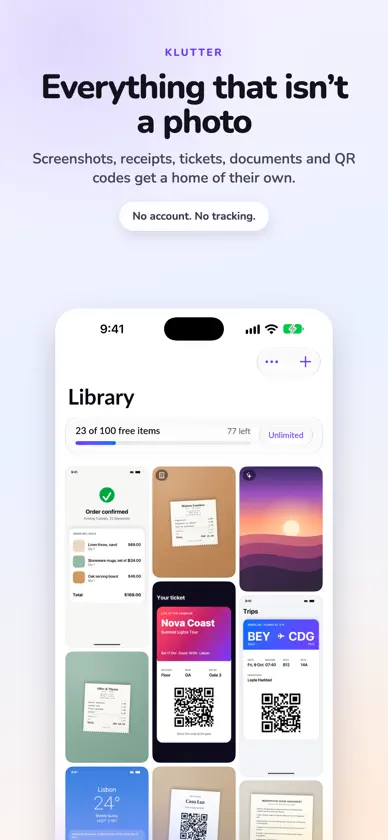
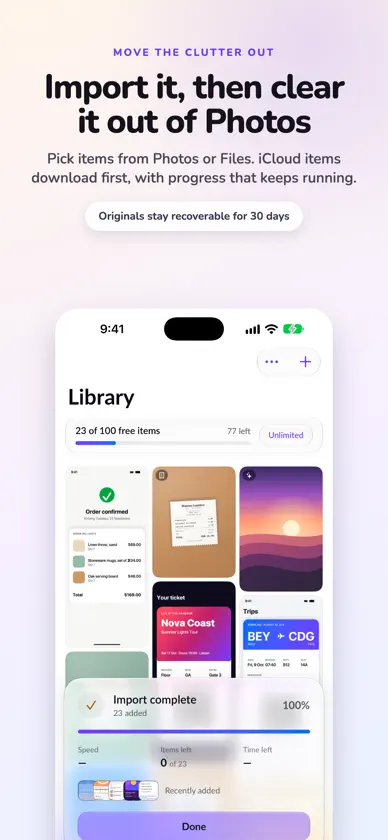
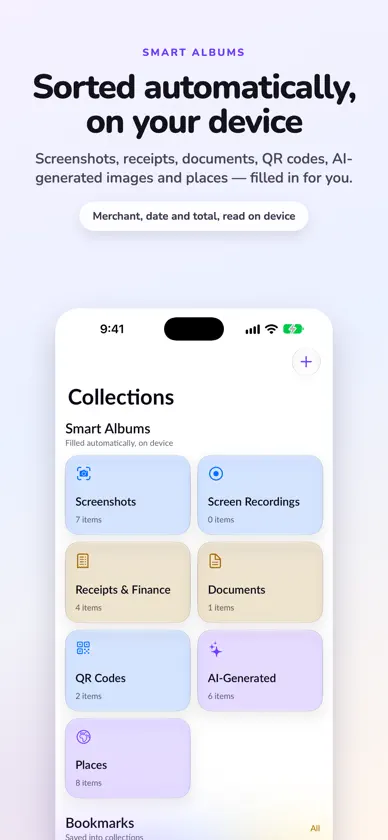
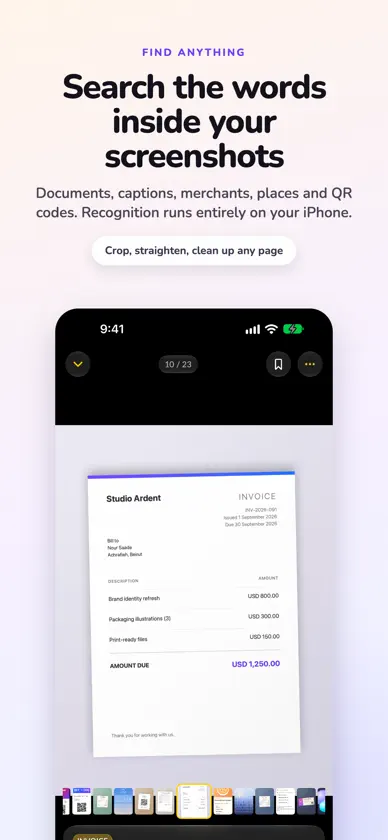
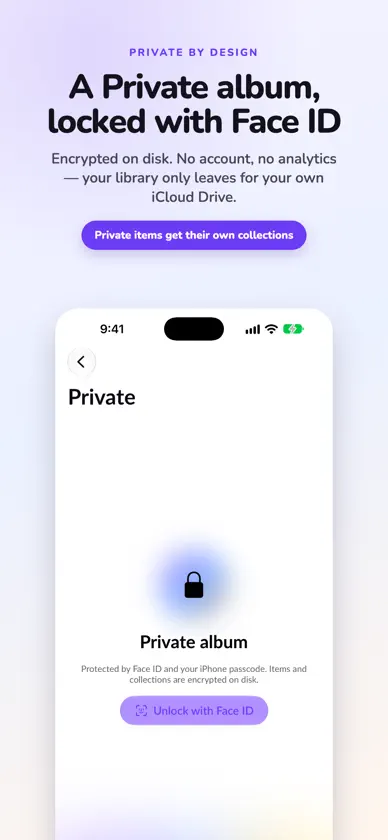
Your photo library is full of things that aren't photos: screenshots, receipts, tickets, documents, QR codes, screen recordings. Klutter gives them their own home, so Photos can go back to being photos. MOVE THE CLUTTER OUT Pick items from Photos or Files and Klutter imports them. It can then remove them from Photos for you (they go to Recently Deleted for 30 days) or from Files after asking. Items stored in iCloud are downloaded first, with a clear progress card that keeps going when you leave the app. SORTED AUTOMATICALLY, ON YOUR DEVICE Smart albums fill themselves: • Screenshots and Screen Recordings • Receipts & Finance, with merchant, date and total • Documents • QR Codes • AI-Generated, from image metadata, with softer "Possibly AI" hints clearly labelled • Places, grouped by country, what's nearby and town FIND ANYTHING Search the text inside your screenshots and documents, captions you add, merchants, places and QR codes. Recognition runs entirely on your iPhone or iPad. KEEP IT PRIVATE The Private album is encrypted and opens with Face ID, Touch ID or your device passcode, or a separate Klutter passcode. Private items can have their own collections. ORGANIZE YOUR WAY • Bookmarks and bookmark collections • Albums you make yourself • Captions on anything • Crop, straighten, fix perspective, or give a photo of a page a clean scanned look MADE FOR IPAD TOO A sidebar with every album, a larger grid, an Info panel beside the photo, a receipts ledger with totals, and drag and drop. BACKED UP, EVEN IF YOU REINSTALL Your library, albums, captions and settings are kept in your own iCloud Drive. Reinstall Klutter or get a new iPhone and everything comes back by itself. The iCloud Activity screen shows every item as it moves, with speed and time left. YOUR STORAGE, YOUR CHOICE Keep full originals on your device, or turn on Optimize Storage to keep originals in iCloud and lighter previews on your device. Anything you open shows when it's available offline. PRIVATE BY DESIGN No account. No analytics. No tracking. Your library never leaves your device except to your own iCloud Drive. FREE FOR 100 ITEMS Klutter is free for your first 100 items. Klutter Unlimited removes the limit: $9.99 a year, or $24.99 once for life. If a yearly plan ends, everything you added stays; only new imports pause above 100 items. Terms of Use: https://www.apple.com/legal/internet-services/itunes/dev/stdeula/
What's new
Version 1.0.2 · Nov 6, 2026
• Installing Klutter on a new iPhone or iPad now brings your library back reliably. • Restores carry on where they stopped if Klutter is closed. • Sharper pictures throughout, especially on iPad. • Fixes and polish.
In-app purchases
The most popular purchases on the App Store.
- Klutter Unlimited YearlySubscription$199.00 / year
- Klutter UnlimitedConsumable$499.00


