
Meetumo
Olanrewaju Oyinbooke
No ratings yetBusinessAges 12+
Screenshots


About this app
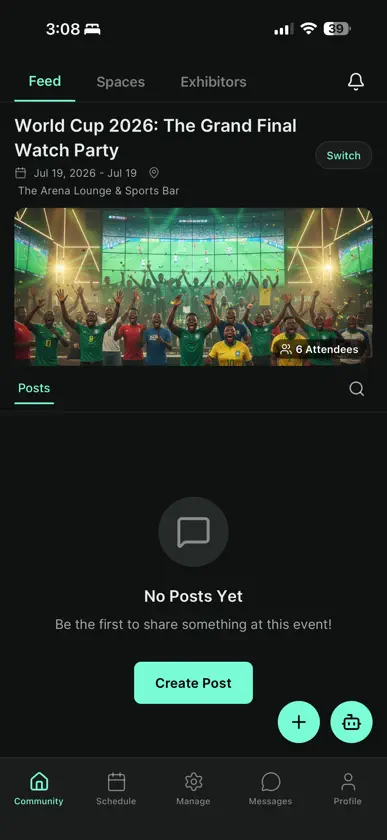
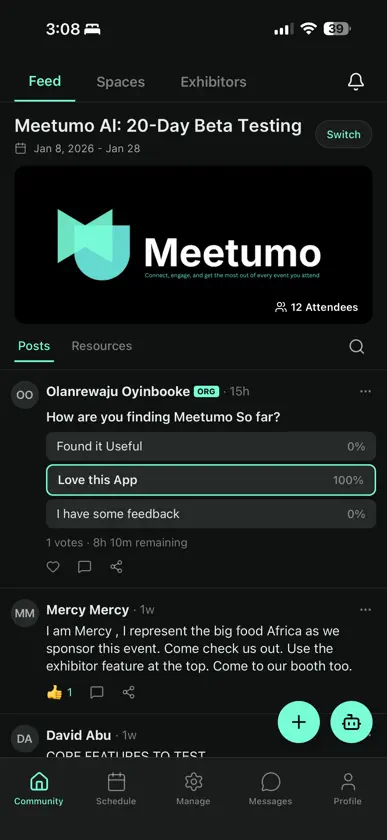
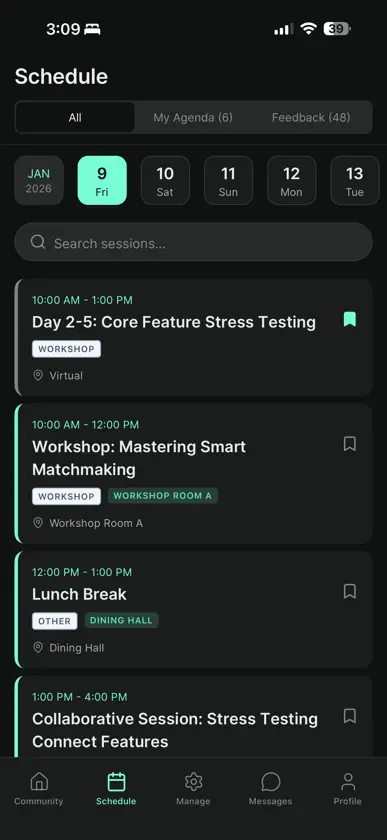
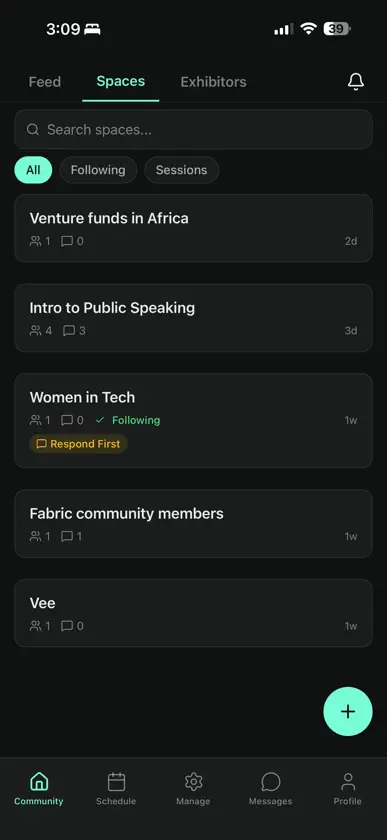
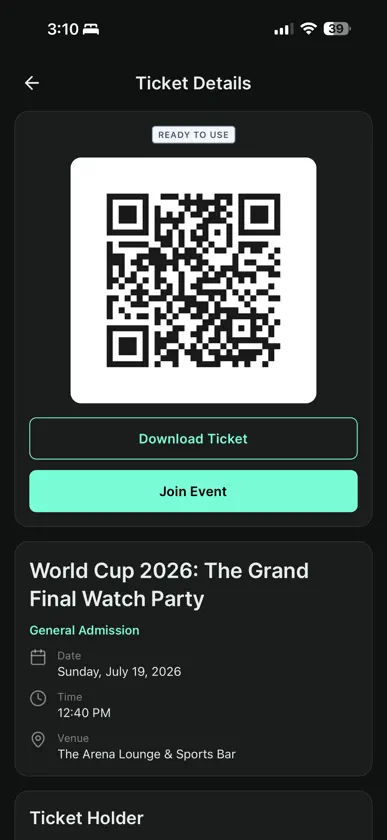
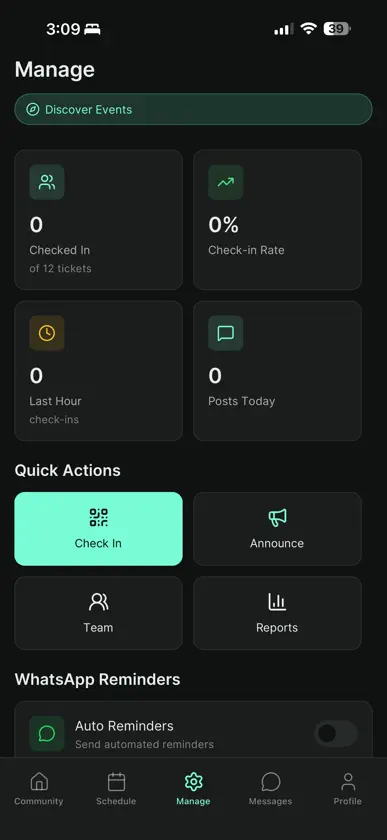
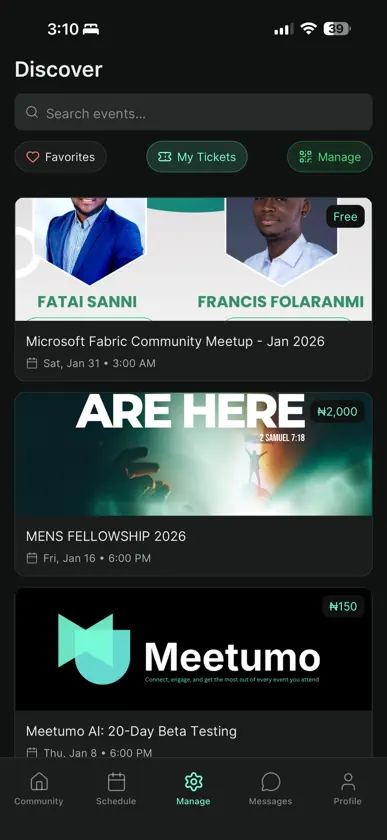
Meetumo transforms how you experience events. Whether you're an attendee networking, a speaker engaging your audience, or an organizer managing everything—Meetumo brings everyone together. FOR ATTENDEES Connect with attendees who share your interests Get AI-powered networking recommendations Access schedules, sessions, and speaker info Join live polls and Q&A sessions Receive real-time updates and announcements Send connection requests and chat privately once connected FOR SPEAKERS Share presentation materials with attendees Engage your audience with live polls Answer questions in real-time View session analytics and engagement metrics FOR SPONSORS Capture leads by scanning attendee badges Share your company profile and promotional content Create surveys to gather attendee feedback Track engagement and lead metrics FOR ORGANIZERS Check in attendees with QR code scanning Send announcements via push notifications and SMS Monitor real-time analytics and attendance Manage co-organizers and volunteers Moderate the event feed and discussions KEY FEATURES → Smart Networking: AI recommendations to meet the right people → Event Feed: Share updates and engage with the community → Live Sessions: Polls, Q&A, and real-time engagement → Private Messaging: Chat with your accepted connections → Offline Access: View event details without internet → Dark & Light Mode: Comfortable viewing anywhere → Event Spaces: Join focused conversations within your event Download Meetumo and make your next event unforgettable.
What's new
Version 1.2.4 · Oct 23, 2026
Meetumo 1.2.4 makes event check-in clearer and easier to use. • See the correct ticket type on your ticket and after check-in. • Repeat scans now show “Already checked in,” with the attendee’s original check-in time and session. • Get clearer feedback when check-in or lead scanning is waiting for a connection, and move on to the next scan while the earlier request completes. • Check-in opens on the current session, remembers staff session selections for the day, and makes switching to another open session easier. • Reach the buttons in session details more easily, and keep inputs visible above the keyboard when writing posts, connection notes, reports, and other forms.
More from Olanrewaju Oyinbooke


You might also like
 PayBox by MoonPayMoonPay
 InvestNaijaInvestIN Limited
 ALAT FOR BUSINESSWema Bank Plc
 SoSoValue: Crypto TrackerImagine Labs Pte. Ltd.
 Northquest FinanceNorthquest Finance
 OneDoshOneDosh Inc
 GT e-Token PlusGuaranty Trust Bank PLC
 Bamboo: Invest. Trade. Earn.Bamboo Global Inc
 Sterling OneBankSterling Bank Plc
 Grey: Inclusive Global BankingGrey Incorporated