
multiborder
Adam Pearce
No ratings yetPhoto & VideoAges 4+
Screenshots






About this app
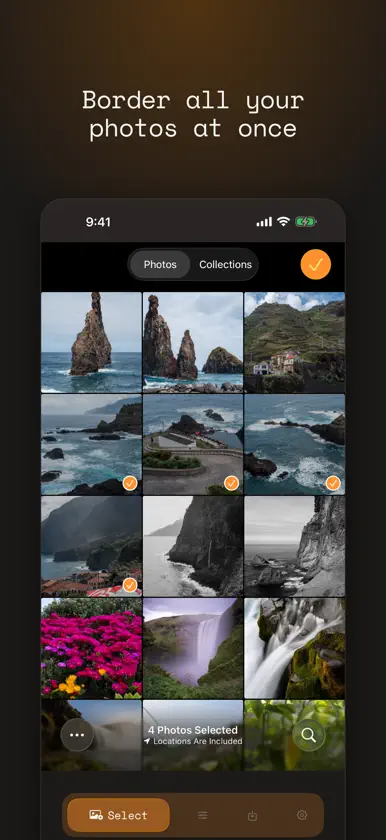
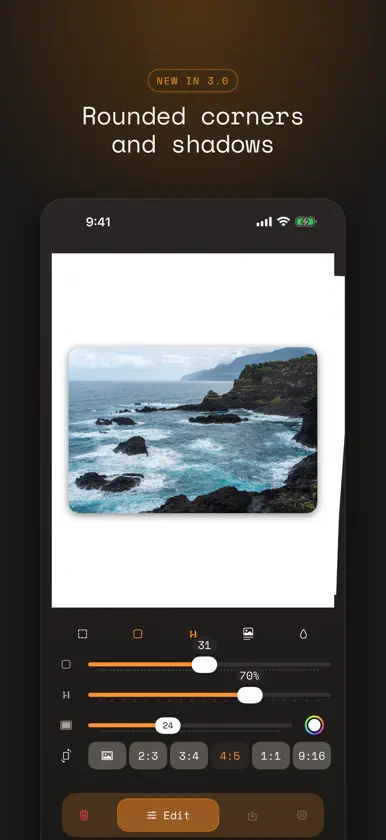
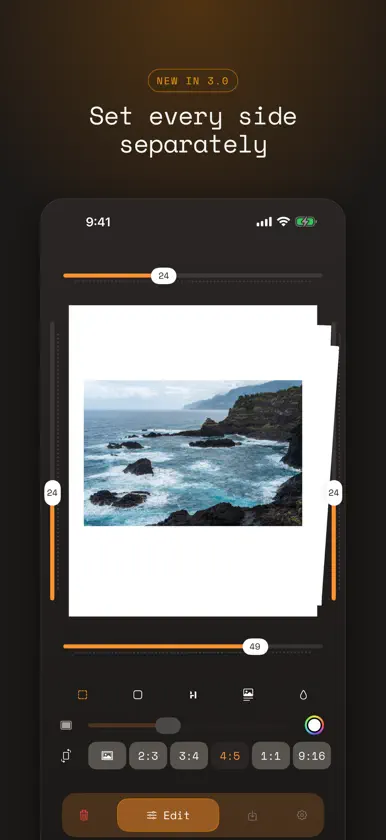
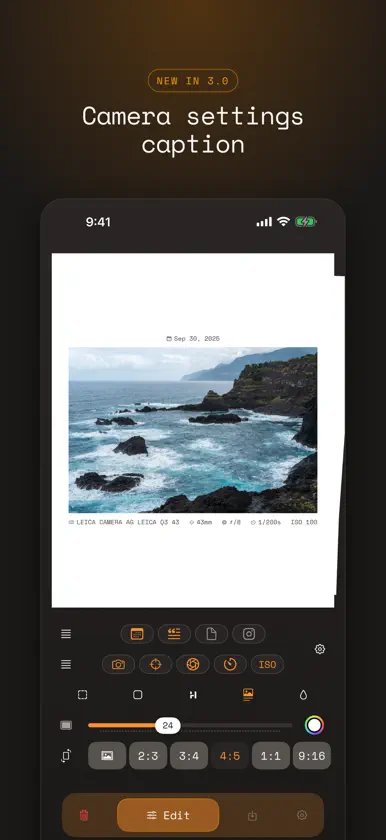
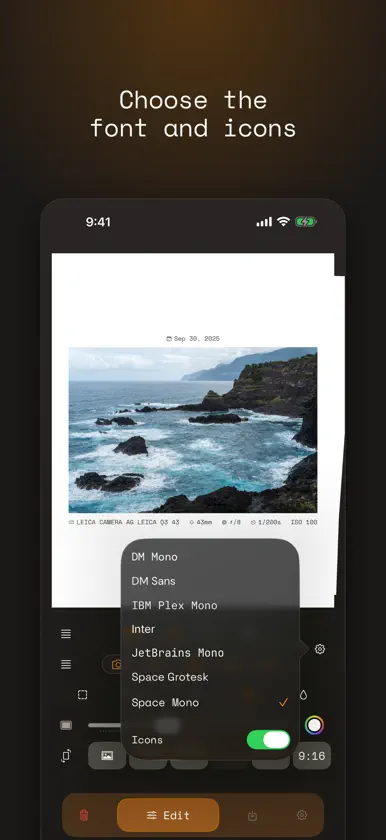
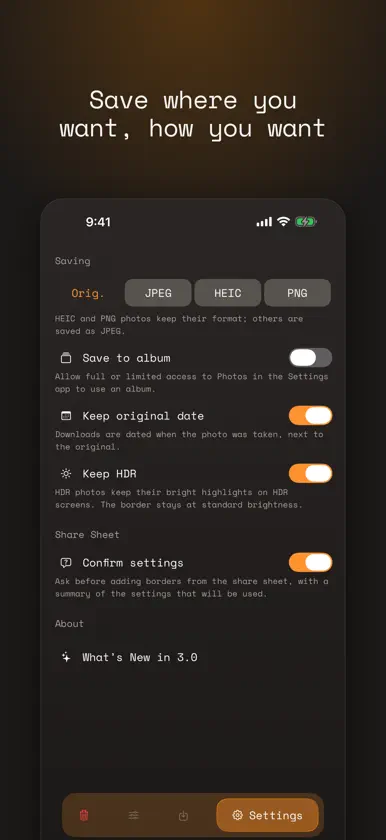
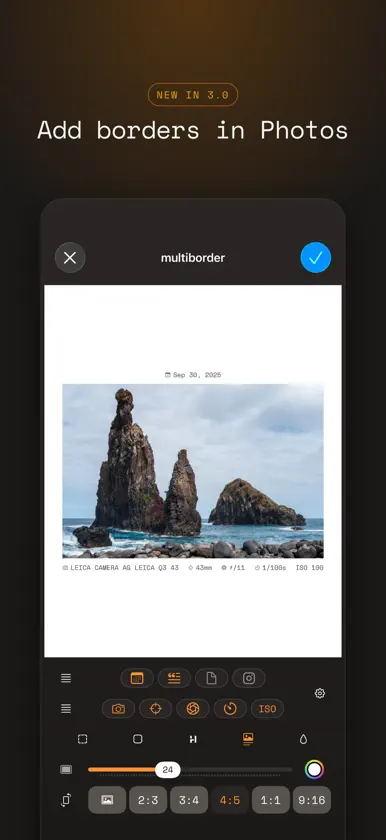
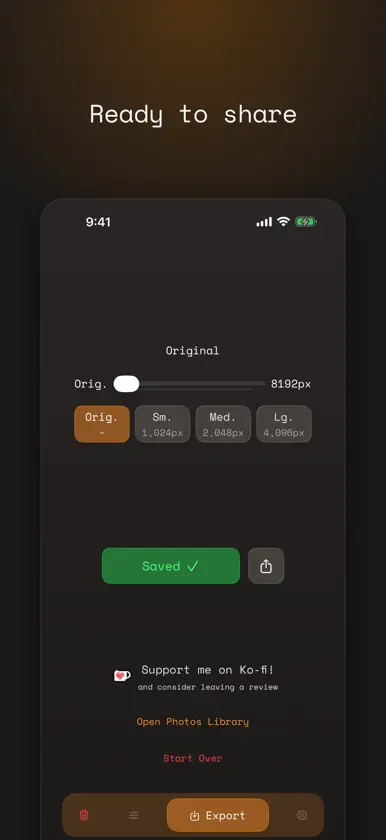
Add clean borders to all your photos at once. Pick your photos, set the border size, color and aspect ratio, and save every one in seconds. Multiborder is made for people who post their photos and want them framed consistently: square for a grid, 4:5 or 9:16 for stories, with the whole photo always in view. BORDERS YOUR WAY • Border as many photos as your phone can handle in one go • Aspect ratios: original, 2:3, 3:4, 4:5, 1:1 and 9:16 • Any border color, or a soft blur of the photo itself • Set each side separately, round the corners, or add a shadow CAMERA SETTINGS CAPTION • Show the date, camera, focal length, aperture, shutter speed and ISO above or below the photo, read straight from the photo • Add your handle, drag details into place, and choose the font WORKS WHERE YOU DO • Add a border while editing in the Photos app, and change it later • Border photos from any app with the share sheet, using your last settings • Automate it with the "Add Border to Photos" Shortcuts action EXPORT • Original size or up to 8192 px wide, as JPEG, HEIC or PNG • HDR photos keep their bright highlights • Save to an album you choose and keep each photo's original date • Downloads keep going in the background SIMPLE AND PRIVATE No ads, no subscriptions and no account. Your photos are processed on your iPhone and never leave it. If you enjoy Multiborder, a review on the App Store helps a lot.
What's new
Version 3.0.0 · Nov 4, 2026
Multiborder 3.0 is the biggest update yet. • Camera settings caption: show the date, camera, focal length, aperture, shutter speed and ISO above or below your photos. Add your handle, drag details into place, and choose from seven fonts. • Borders your way: set each side separately, fill the border with a soft blur of the photo, round the corners, or add a shadow. • Edit in Photos: add a border right from the Photos app's editor, and change it later. • Share sheet and Shortcuts: border photos from any app, or automate it with the new "Add Border to Photos" action. • HDR stays HDR: exports keep the bright highlights in HDR photos. • New Settings tab: save to an album, choose the format, and keep each photo's original date. • Downloads now keep going in the background. • A refreshed design with a new Liquid Glass icon. Thanks for using Multiborder. If you enjoy it, a review helps a lot.
You might also like
 Bordes Fotos Lote - BatchpadYellowsquared LLC
 White Space - Photo BordersZHAOFENG CHEN
 white_borderSkyler Roth
 No Crop - Simple BorderAndrey Zhukov
 White BorderTao Zhang
 White Background FrameT-Logic
 Camset – Fuji & Ricoh Recipes哲 蒋
 Fuji Recipes - Film simulationBechir Kaddech
 Cameramark: Photo EXIF Frame金珂 杜
 FujiStyle - Film Recipes Frame罡 丁