
Network Tools: Net Toolkit
Pavel Khorenian
No ratings yetUtilitiesAges 4+
Screenshots




About this app
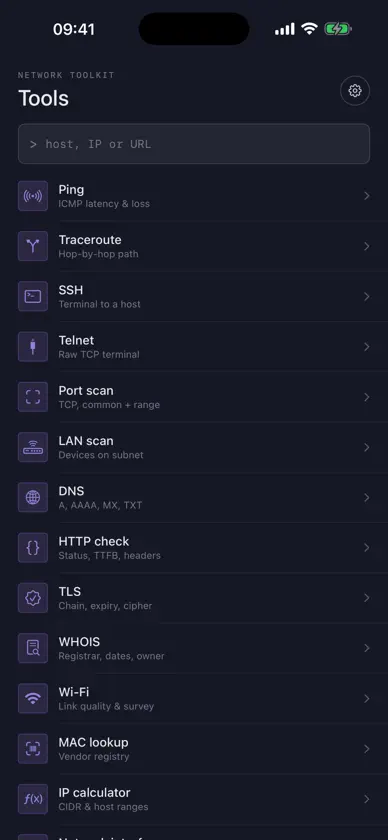
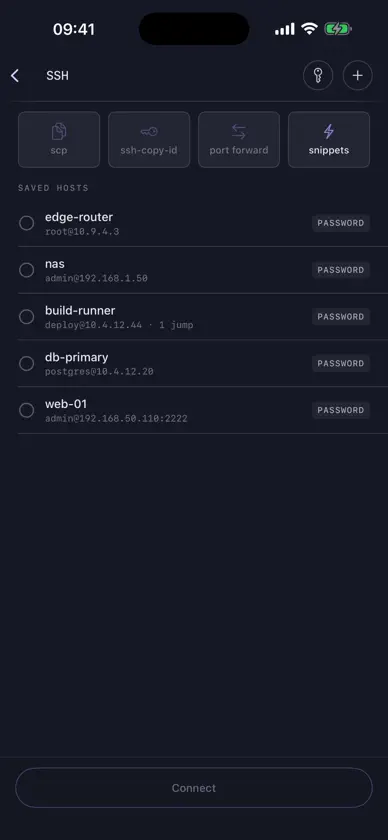
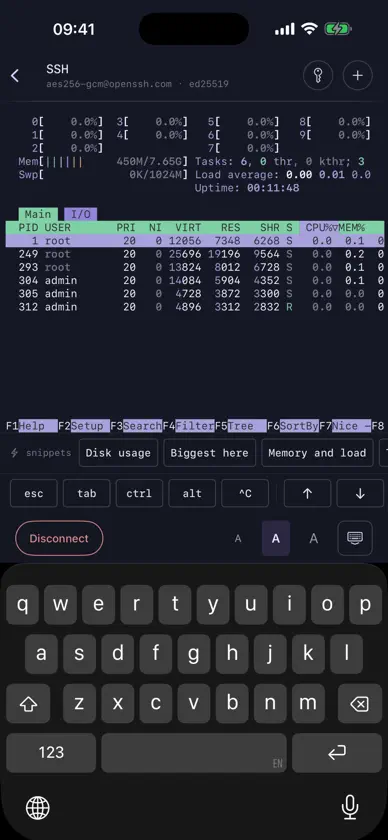
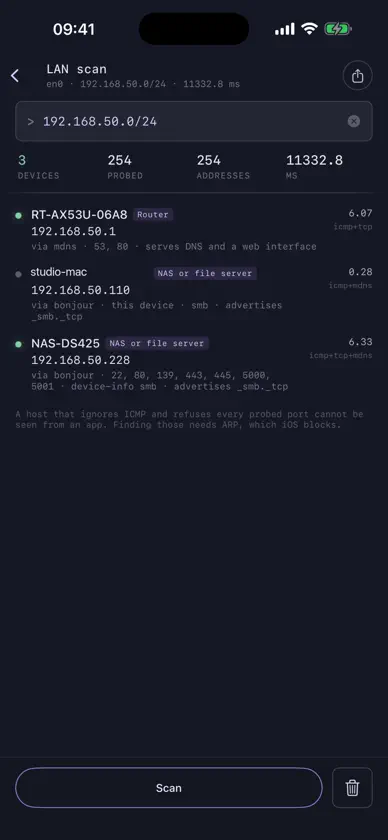
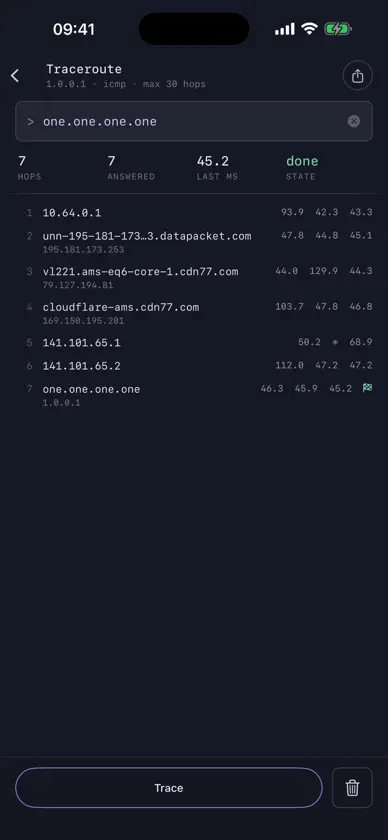
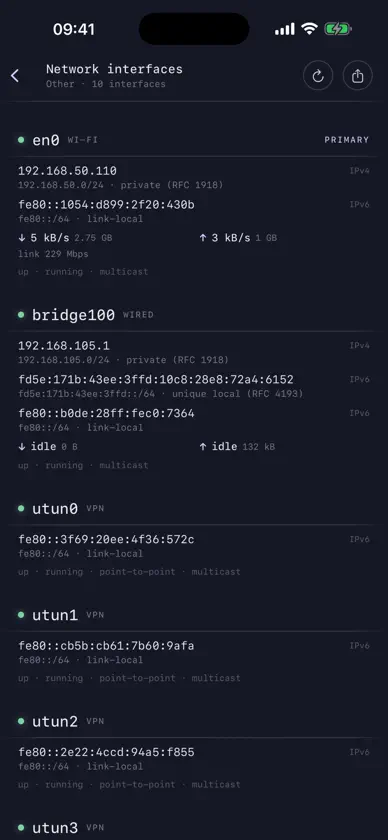
A network engineer's toolkit that runs entirely on your iPhone. Seventeen tools, no account, no server of ours, and nothing about you collected. THE TOOLS • Ping — ICMP latency and packet loss, with a live chart • Traceroute — the hop-by-hop path, each router named • LAN scan — every device on your subnet, named and identified: routers, NAS boxes, printers, Macs, phones • Port scan — TCP connect scan with banners and service names, from a handful of ports to all 65535 • DNS — your own wire-format resolver: every record type at once, any public resolver you choose, DNS-over-HTTPS, reverse lookups, and a comparison mode that queries five resolvers and flags the one that disagrees • HTTP check — status, redirect chain, the DNS/connect/TLS/TTFB split, security headers • TLS — the full certificate chain, expiry, SANs, cipher suite, and whether the system trusts it • WHOIS — the referral chain followed to the registrar that actually holds the record • Wi-Fi — link quality graded against local thresholds, and a walking survey that compares rooms • Speed test — download, upload, latency and jitter, against Cloudflare or a URL you name • iperf3 — throughput against your own iperf3 server, up or down, multi-stream • IP calculator — CIDR maths, masks, host ranges, binary, and subnet division including VLSM • MAC lookup — 39,000 vendor prefixes, bundled and fully offline • Wake on LAN — the magic packet, sent to every address that might reach a sleeping machine • Network interfaces — addresses, subnets, flags and live throughput • Telnet — a raw TCP terminal for switches, PDUs and console servers • SSH — see below A REAL SSH CLIENT Not a wrapper. The protocol is implemented in Swift, and it does the things you actually need from a phone: • Jump hosts — reach a machine behind one bastion or several, each hop with its own account, its own credential and its own host key to confirm • Port forwarding — bind a local port to a service on the far side, then open it in a browser inside the app: a router's web interface, a database, a dashboard listening only on the server's loopback • scp — send a file up or pull one down, straight to the Files app • ssh-copy-id — put your public key in a server's authorized_keys without a second terminal • Keys — generate ed25519 on the device, or import ed25519, ECDSA and RSA in OpenSSH or PEM form, protected or not. Private keys live in the Keychain and can be exported under a passphrase when you need them elsewhere • Snippets — the commands you always type, one tap above the keyboard • A proper terminal — a real VT/xterm emulator, so vim and htop work, with esc, ctrl, alt, arrows and F-keys on a row of their own
What's new
Version 1.2 · Nov 2, 2026
This update is about stability. • SSH: the terminal no longer crashes if you rotate the phone or change the font size while vim, htop, less or tmux is open, or when a server sends an unusually long number. • Port forwarding: closing a page in the built-in browser no longer ends the tunnel. • Ping: replies from another app pinging at the same time are now ignored, so a negative round-trip time can no longer appear and break the chart. • LAN scan: an incomplete subnet such as a lone "/" now shows an input error instead of crashing.
More from Pavel Khorenian


You might also like
 NasScale贺 黄
 Domain Checker: DNS & SSL超 张
 FortiGate NOC Monitor超 张
 xDeskNas-Games
 Network Doctor: WiFi Tools华芳 张
 Stud Finder App: Wall ScannerEbenezer Oteng
 Inventario QR Scanner - ItemiaAdrian Pompa Pena
 HE.NET Network ToolsHurricane Electric, LLC
 Temp Mail: Correo TemporalAdrian Pompa Pena
 Tech VPN Pro - Protect PrivacyXylo Solution LLC