
Oaklet Notes
Oceanoax LLC
No ratings yetProductivityAges 4+
Screenshots



About this app
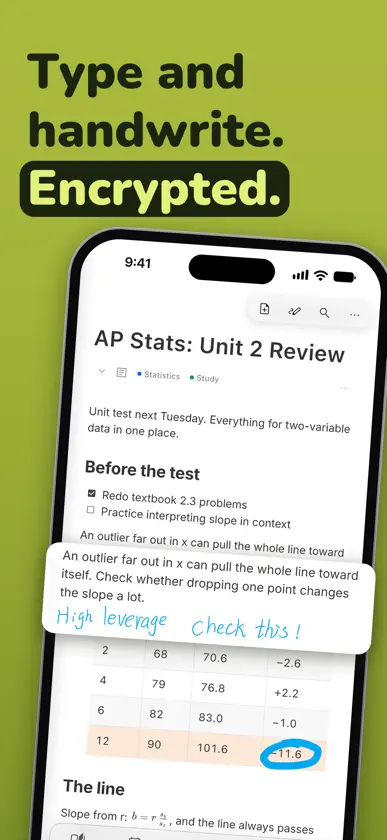
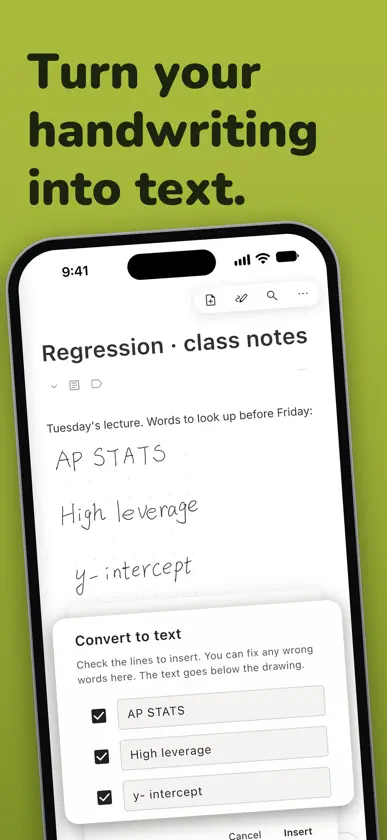
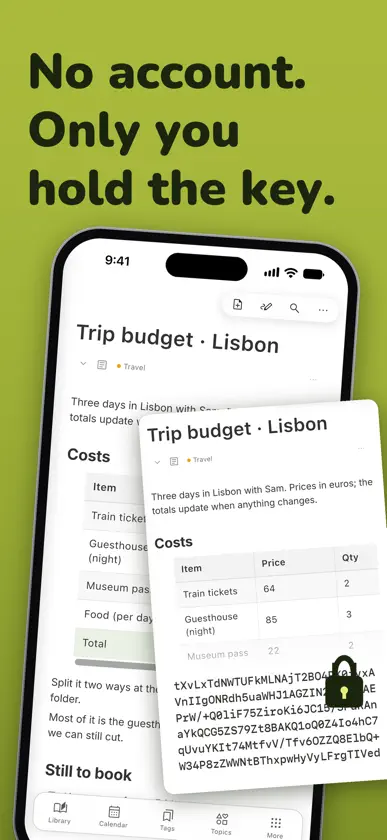
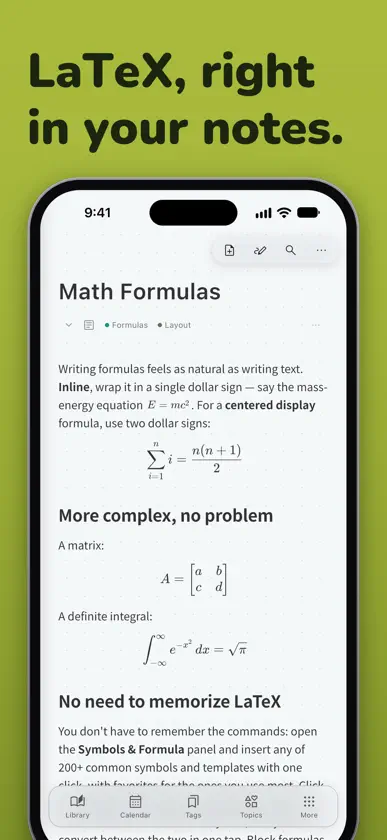
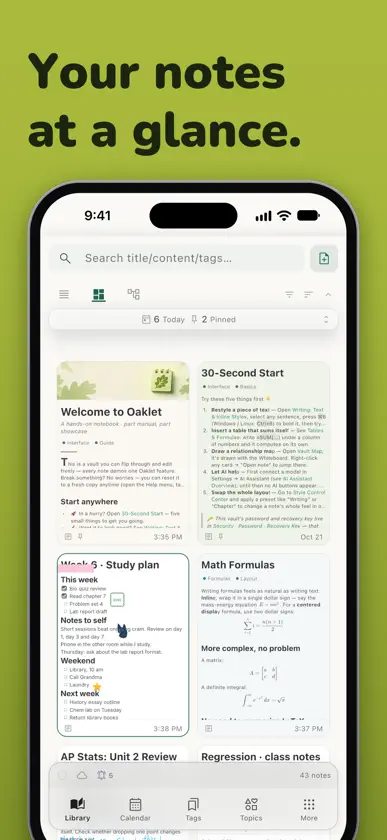
Type and handwrite in the same note. Oaklet Notes puts your writing, Apple Pencil handwriting, whiteboards, tables, and math on one page, and recognizes your handwriting on your device, so search finds what you wrote by hand. Everything stays in an encrypted vault on your device. No account needed, and it works fully offline. ONE NOTE, EVERY WAY YOU THINK • Type with a block editor, then write over it with Apple Pencil — your ink moves with the line it's next to • Handwriting is recognized on your device: search your handwriting, or turn it into typed text • Whiteboards for mind maps and flowcharts, drawing with layers, tables with formulas, LaTeX math, task lists • Lay out blocks side by side, or freely as cards connected with lines • Decorations — stickers, sticky notes, tape, and stamps • Read PDF attachments right in the app: page through, zoom, and select text LOCKED TO YOU • AES-256-GCM encryption protects every note • Vault password, plus an optional Note Password for sensitive notes • Unlock with Face ID or Touch ID • Auto-lock when you step away • Works fully offline, and your notes never pass through our servers • Sign in with Apple is optional and only used to carry a subscription to your other devices. Your notes are never sent to us CONNECT YOUR NOTES • [[WikiLinks]] and ![[embeds]] link notes together, with a backlinks panel • Interactive knowledge graph that shows how your notes connect • Hierarchical tags and full-text search • Calendar view and reminders — browse notes by date, and set a reminder on a note or on its own. By default, notifications show only a generic alert, never your note's title or text AI IF YOU WANT IT — YOUR MODEL, YOUR KEY • AI is optional. Connect a local model running on your own computer, or your own cloud provider's key — the app connects to your provider rather than hosting one • Semantic search with your own model; drafting and rewriting, questions about your notes, and plain-language tool calling ON MAC, IPAD, IPHONE, WINDOWS, AND LINUX • Direct Share — send a note straight to a nearby device. Pair once with a code; transfers are encrypted end to end and go straight from one device to the other • Sync through one of your own computers or your own WebDAV server — the server only ever holds encrypted files • Notes on your own disk, not a vendor's database. Import and export Markdown anytime; export to PDF, HTML, and Word • Import notes exported from other notes apps, with their attachments, original dates, and folders as nested tags Oaklet Notes is free to use. An optional Pro subscription adds sync, the knowledge graph, AI writing tools, PDF, HTML, and Word export, Face ID unlock, and more — try it free for 30 days in the app. Subscriptions are billed through your Apple ID and can be managed in Settings. Privacy Policy: https://oakletnotes.com/en/privacy Terms of Use (EULA): https://www.apple.com/legal/internet-services/itunes/dev/stdeula/
What's new
Version 1.1.6 · Nov 1, 2026
This update includes stability improvements and bug fixes. • Performance: major speedups for vault unlocking, bulk import, large vaults, long notes, and sync. • Read PDF attachments in the app: page through, zoom, and select text. • Oaklet Notes is now available in German. • Import notes exported from other notes apps, with their attachments, original dates, and folders as nested tags. • Decorations: 70 new stickers, 19 stamps, and 5 tape patterns; duplicate any decoration with one tap. • iPhone: the long-press menu adds Insert for images, tables, decorations, and more. • New note button at the top of the iPhone editor. • Other fixes and improvements.
In-app purchases
The most popular purchases on the App Store.
- Pro MonthlySubscription$99.00 / month
- Pro AnnualSubscription$899.00 / year
You might also like
 AI Note, Flashcard, PDF Reader雨轩 蒋
 Nook: Lists & FocusYiqin Dai
 Saam TodoYue Hong
 Hand-drawn- AI Notes TakingHONG KONG GANGSHENG TRADING CO. LIMITED
 Brenda's NoteWitdono Witdono
 Emily's NotesMmedara Josiah
 Linkdown - Link to Markdown鄢铭志 罗
 Genie Plannerwon choi
 Amazing Notes: Apuntes y PDFNardi Haxhija
 DocConvert: Word a PDF, DOCXRUEBEN ANSOLIWEN AKANKOBATENG