
Omnia Reader
LiChuan Lin
No ratings yetUtilitiesAges 4+
Screenshots





About this app
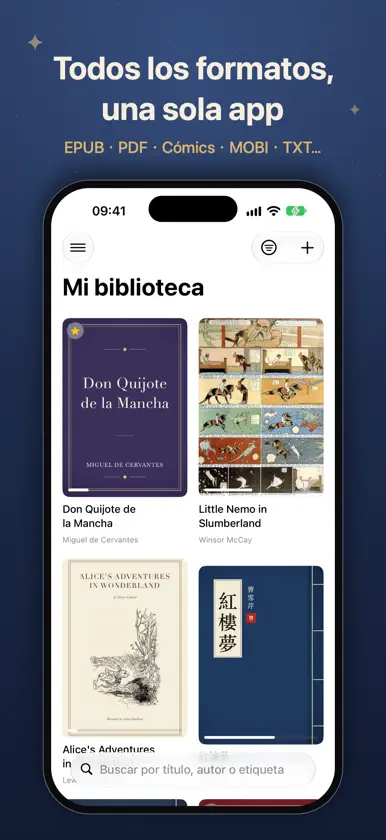
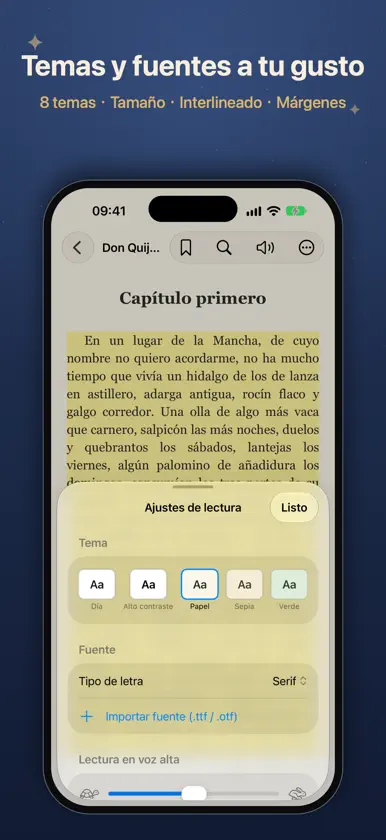
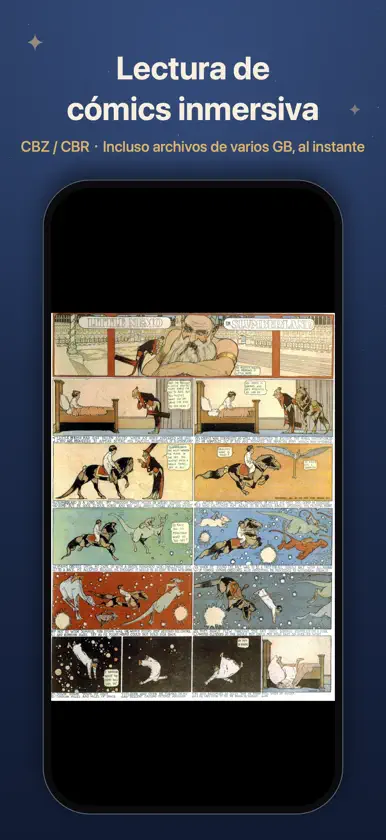
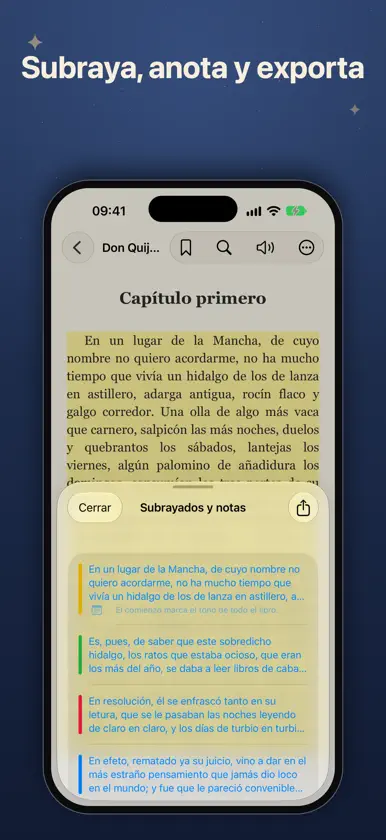
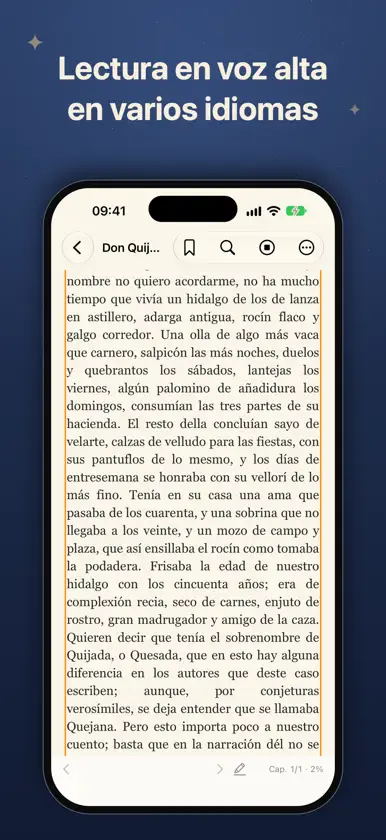
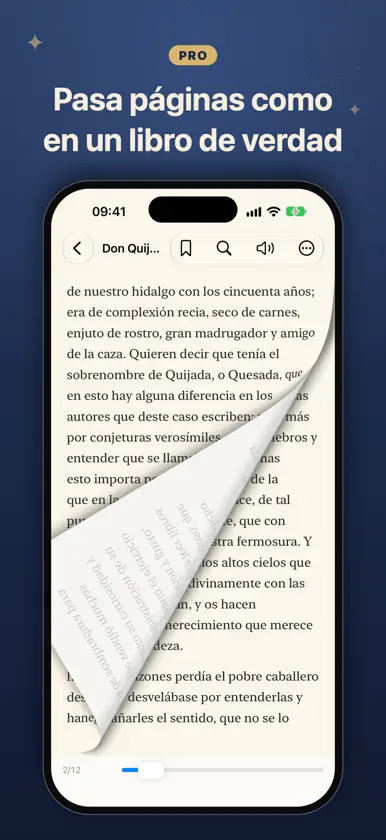
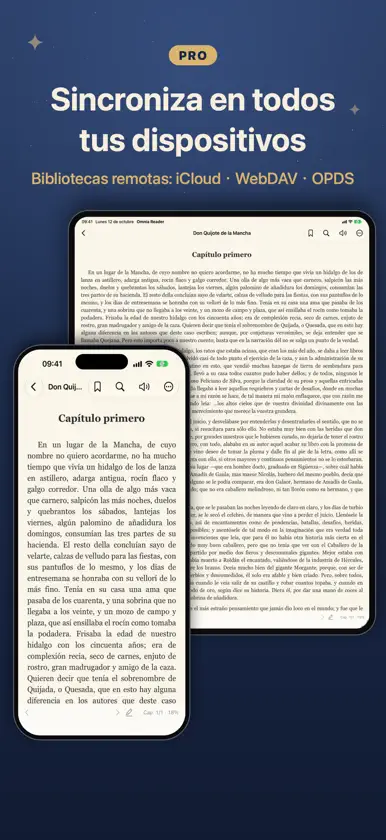
Omnia Reader es un lector universal de libros electrónicos que abre casi todo: EPUB, PDF, cómics CBZ/CBR, MOBI y AZW3 (Kindle), TXT, Markdown, HTML, DOCX, RTF, FB2, CSV, creado por completo con frameworks nativos de iOS. Sin cuentas, sin rastreo, sin anuncios. Tus libros y datos de lectura permanecen en tu dispositivo. LEE TODO, GRATIS • Más de 12 formatos, biblioteca local ilimitada • Reanudar, índice, marcadores • Cómics con capítulos y zoom; incluso archivos de GB se abren al instante • Temas día/noche, fuentes del sistema, tamaño, interlineado y márgenes ajustables • Diccionario y traducción, búsqueda de texto completo • Lectura en voz alta: voz automática por idioma, segundo plano, controles en pantalla bloqueada, seguimiento, entre capítulos • Resaltados en 4 colores + notas (3 por libro; ilimitados en PDF), exportar a Markdown • Bonitas tarjetas de citas para compartir • 17 idiomas, manual integrado DESBLOQUEA OMNIA PRO (pago único, sin suscripción) • IA en el dispositivo: resúmenes, preguntas y vocabulario — gratis, sin conexión, privado • Sincroniza progreso, marcadores y notas entre dispositivos, y también tus archivos • Bibliotecas remotas: WebDAV, OPDS, iCloud Drive • Resaltados ilimitados • Importa tus propias fuentes (.ttf/.otf) • Modo paginado (incl. EPUB paginado), efecto de pasar página, dos páginas, vertical CJK, justificado • Mazo de vocabulario con repaso espaciado, etiquetas, estadísticas avanzadas POR QUÉ OMNIA • Realmente nativo: rápido, ligero, sin SDK de terceros • Funciona totalmente sin conexión • Sin suscripción, sin anuncios, sin recopilación de datos • Compra Pro una vez y úsalo en iPhone y iPad Trae tus propios libros y disfruta de la lectura.
What's new
Version 1.6 · Nov 4, 2026
This update adds WebDAV sync: besides iCloud, you can now use your own server — such as Nextcloud, a Synology NAS or Nutstore — to sync reading progress, bookmarks and highlights across your devices, and even the book files themselves. WEBDAV SYNC • Choose iCloud or WebDAV in Sync Settings (in the menu at the top left of the library) • "Sync reading progress" syncs your progress, bookmarks, highlights and finished status; books are matched by content, so the same book imported separately on each device still lines up • "Sync library files" downloads a book imported on one device to your other devices automatically, and deletions sync too • Syncs automatically when you open the app, return to it or close a book — or tap "Sync Now" any time • Uses the same server as "Import from WebDAV / Cloud"; sync data lives in an "OmniaReader" folder on the server • Sync Settings shows when you last synced, and explains what went wrong if the server can't be reached MORE RELIABLE SYNC (ICLOUD AND WEBDAV) • Switching to another app mid-book now saves and syncs your place, so you can pick up on another device • Opening a book and closing it without turning a page no longer overwrites newer progress that just arrived from another device FIXES • TXT and Markdown books in Scroll mode now remember where you left off and reopen right there; the progress percentage, new bookmarks and Read Aloud also follow your current position As always: fully offline, no tracking, no ads. Sync goes only through iCloud or your own server — whichever you choose.
In-app purchases
The most popular purchases on the App Store.
- ProConsumable$129.00
More from LiChuan Lin


You might also like
 Kinder - Ebook Reader功亮 张
 Renobo: Ebook & Manga ReaderNan Yu
 静墨 - TXT/EPUB/PDF电子书阅读器涛 罗
 Foxycape AI Reader成都铁飞鹰科技有限公司
 书屿Anyi County Bingzhiyi Trading Co., Ltd.
 水獭漫画 - 纯净的本地漫画阅读器宁 权
 子衿听书-文字转语音朗读有声小说助手工具软件Guangzhou Feynman Information Technology Co., Ltd.
 全能阅读器 - 多格式电子书阅读器宁伟 陈
 聊书AI - 互动阅读智慧读书助手群 谢
 千度小说 追书神器健康 张