
Screenshots



About this app
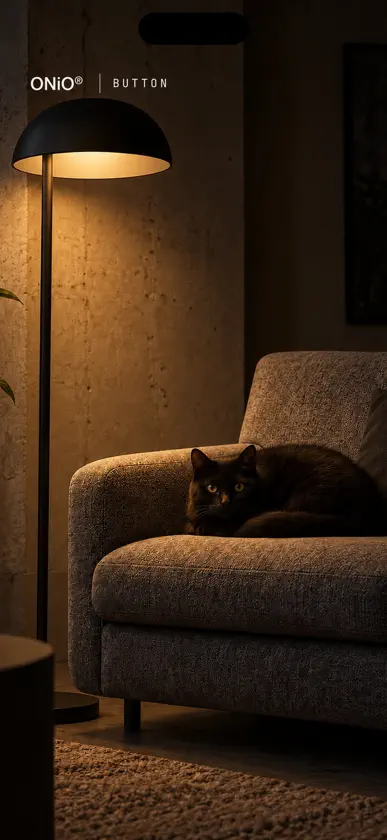
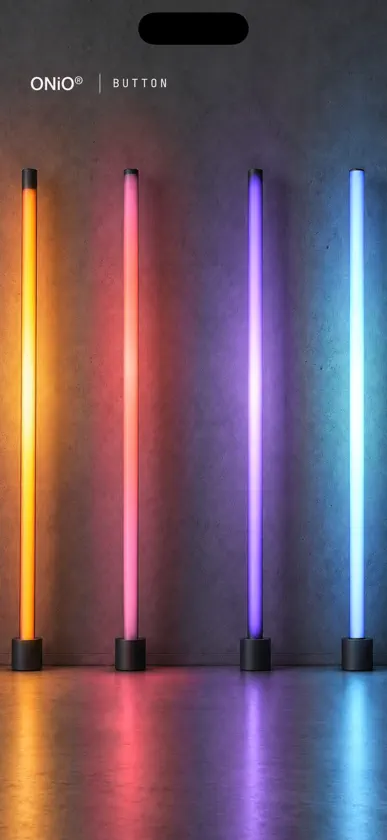
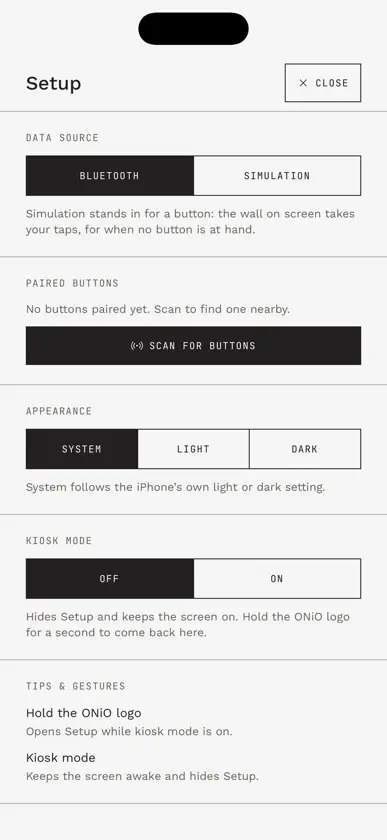
Wireless buttons have batteries, and batteries have a date. The ONiO button runs on the light already in the room instead. This app shows what happens when you press it. On iPad the app stands next to the button, at an exhibition or in a demo room. Home shows the button in 3D, the red ONiO one or the one with Exeger's Powerfoyle solar cell, and a finger turns it. Motion draws its magnetometer live: tilt the button and the lines move. Light is a lamp the button switches, plus for on and minus for off, or one press each way on a single-key button. Motion and Light count the presses and show how much energy the button has stored from the light. On iPhone the button lights a room instead. Swipe between four of them: a concrete wall with one LED bar, three bars on a floor that light one press at a time, a living room where the lamp finds a cat, and four bars standing against a wall. Switch the living room off again and two eyes stay behind. Setup pairs buttons and holds the rest: a light or dark appearance, the home page text on iPad, and a kiosk mode that hides Setup and keeps the screen on. Hold the ONiO logo for a second to get back in. No button at hand? Simulation stands in for one. Tap the scene, or the button on screen, and the app behaves as if it had been pressed. The app listens for the button's 2.4 GHz radio through the iPhone's or iPad's Bluetooth. It never pairs or connects. No account, no sign-in, nothing sent to a server.
What's new
Version 1.3.1 · Nov 4, 2026
On the iPhone, one press of the ONiO button could light all three bars on the floor at once. Now each press lights the next bar, and only that one. In Setup, Add now closes the scan, so the new button is right there in your list.
