
Opsense Pro
CMV TEKNOLOJI SANAYI VE TICARET LIMITED SIRKETI
No ratings yetUtilitiesAges 4+
Screenshots

About this app
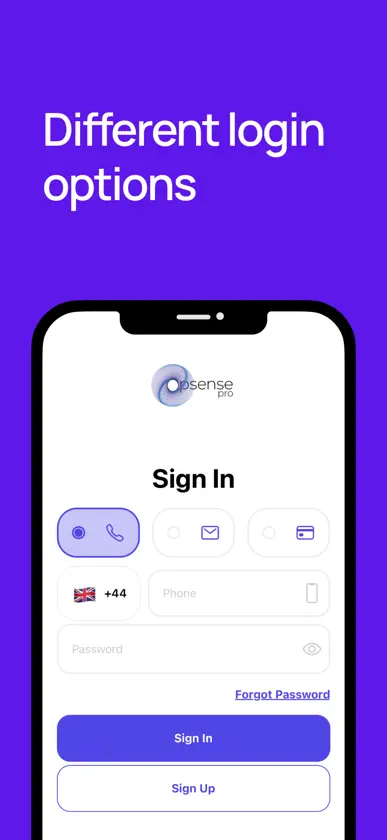
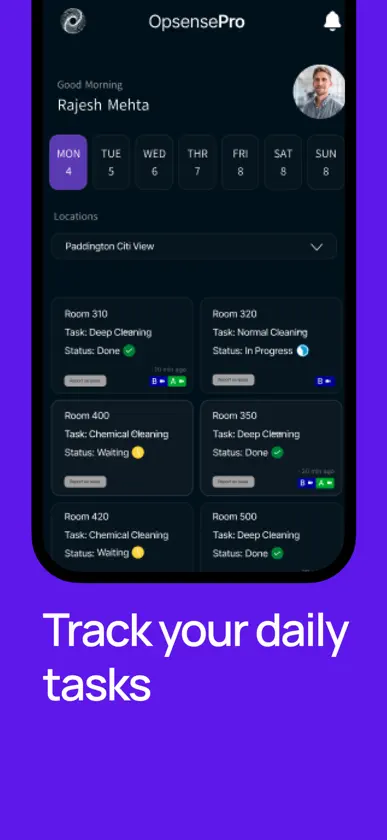
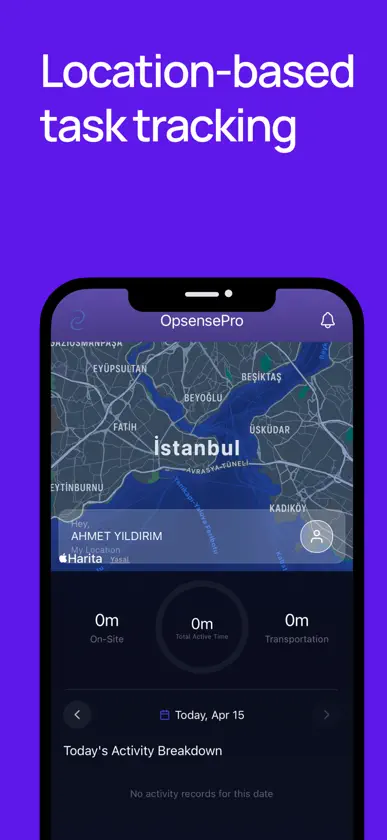
With Opsense Pro, you can easily manage your workforce processes digitally and track attendance effortlessly within your business. • You can store all your employees’ information in an organized way within a single system. • You can integrate both your in-house staff and subcontractor teams into the system. • Attendance records are generated automatically and can be viewed instantly. • You can manage your budget more efficiently by performing project-based cost analysis. • You can quickly access important employee documents from anywhere. • It offers tracking capabilities through various technologies such as mobile devices, GPS, RFID cards, and Bluetooth.
What's new
Version 1.2.4 · Nov 6, 2026
Release notes For staff Work orders The home screen opens on a building that still has pending or in-progress work. When the open work in the current building is finished, the app moves to the next building that still has pending or in-progress work. A building you select yourself stays selected, including one whose work is already finished. If every building for the day is finished, the first building in the list stays selected. Room entry and videos The “Do you want to enter the room?” prompt appears only for work orders that have not been started. In-progress and completed work orders no longer ask for room entry again. On an in-progress work order, tapping a gray Before or After chip opens the video page. Green chips still mean a video is already uploaded. Video upload After a video is queued, you return to the home screen right away. A message confirms that the video is uploading in the background and that you can continue working. AI audit If an audit is already running, the report screen says the audit is in progress and asks you to wait. If a new audit is queued, the screen says it has been queued. If this work order has no audit yet, the Audit button stays available. Calendar The month name follows the language selected in the app. For admins AI Visor on work orders Work order cards that have a before or after video now include AI Visor. The report shows scores, before and after videos, highlights, issues, and the before/after condition. Re-audit uses the same states as the staff app: in progress, queued, or ready to start. A running audit is not shown as a failure. A work order with no audit yet still offers the Audit action. Schedule Work order labels and the calendar month follow the app language. In English they read “Work Order,” not “İş Emri.” Issues The report-an-issue screen uses clearer labels, validation, permission messages, and a success confirmation, including when a location is set by QR.
More from CMV TEKNOLOJI SANAYI VE TICARET LIMITED SIRKETI


You might also like
 Quick TillsTHILLAIVASAN DAYANANTHAN
 Tivi: Control Remoto UniversalNefarius Apps
 Ware: Recuperar MensajesOguz Guner
 Lector y Escritor NFCRhonda Wilcox
 KlevioKlevio d.o.o.
 Control remoto para Ro-TVDREAMTEAM APPS sp. z o.o.
 Descargar Historias: Repost IGMetromedya Digital Ad Agency
 NFC Reader & Writer ToolsCHANT'S BEAUTY SALON (PTY) LTD
 Tor Browser and VPNFalling Rain Software, Limited
 Fake GPS & Location ChangerSmart App Solutions 24 LLC