
order-it mobile
FUJIFILM Corporation
No ratings yetPhoto & VideoAges 4+
Screenshots





About this app
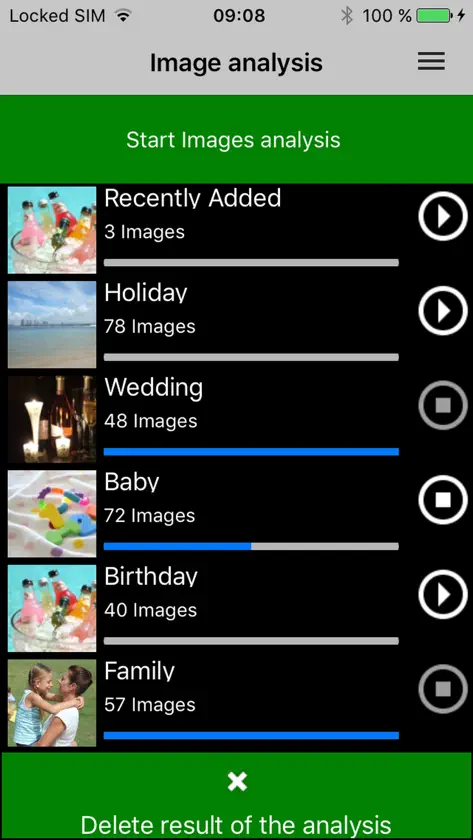
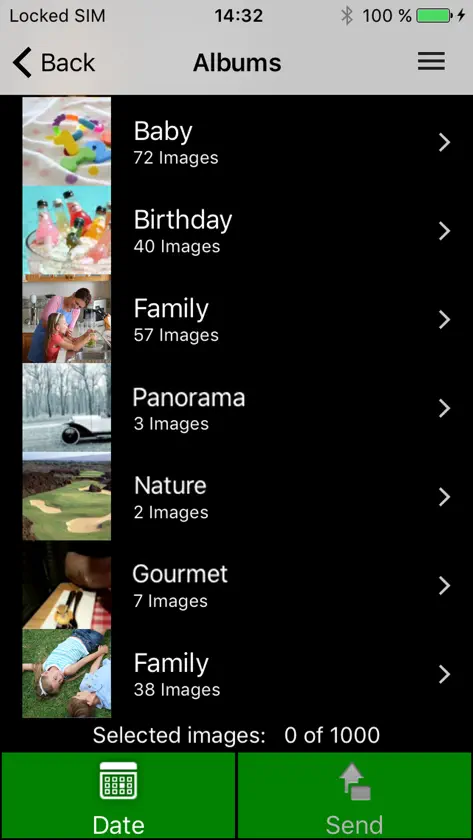
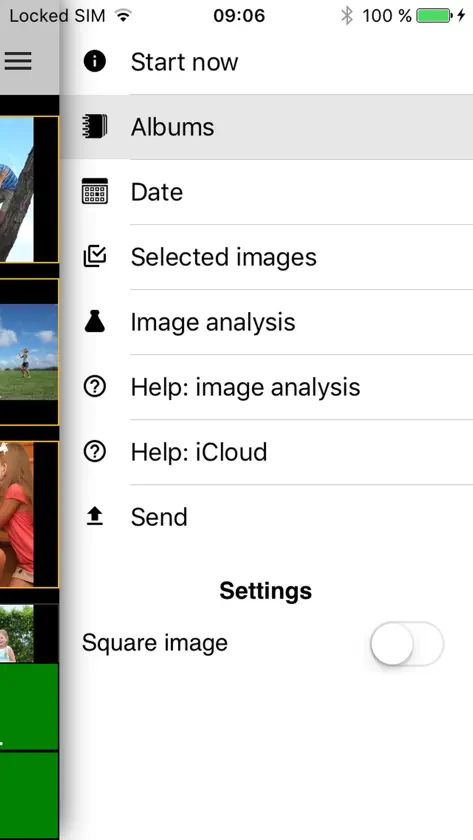
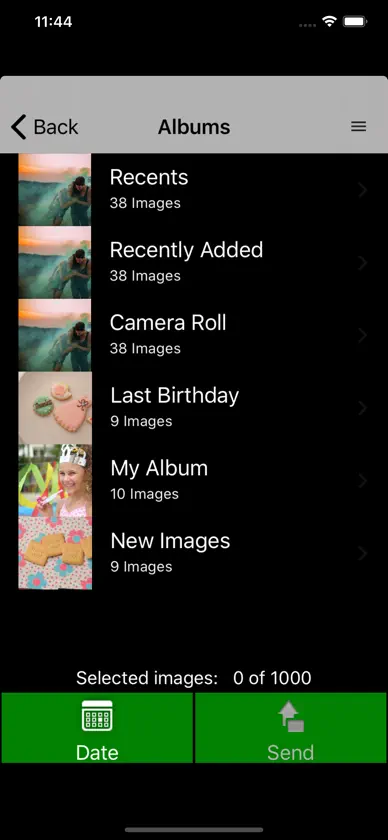
"order-it mobile" easily and quickly transfers images from a smartphone to a Fujifilim "order-it" photo kiosk without using cables. Please note that this application will only function when operated in our participating retail stores. To use this simple high speed image transfer software, please follow these steps. 1. Select images anytime and anywhere - the selection is automatically preserved. 2. Go to a Fujifilm "order-it" kiosk. 3. Start an order process using order-it kiosk 4. Press "order-it mobile" in the media selection screen. 5. Wait until a 8-digit sync code is displayed on the kiosk screen. 6. On your iPhone press "Settings" and choose the "Wi-Fi" section. Then, select the Wi-Fi network which is stated on the kiosk screen. Finally, enter the displayed password and press "Connect". 7. On your iPhone, start the "order-it mobile" app. 8. Check the image selection 9. Press "Transfer" at the bottom right. 10. All selected images are transferred immediately to the order-it Kiosk. The selected images will now be transferred over the high speed Wi-Fi network directly to the FUJIFILM order-it Kiosk.
What's new
Version 3.6.1 · Oct 26, 2022
Minor fixes.
More from FUJIFILM Corporation
 instax UP!- Escanea tus instaxFUJIFILM Corporation
 instax mini LinkFUJIFILM Corporation
 instax mini EvoFUJIFILM Corporation
 FUJIFILM Camera RemoteFUJIFILM Corporation
 FUJIFILM XAppFUJIFILM Corporation
 instax SHAREFUJIFILM Corporation
 instax mini LiPlayFUJIFILM Corporation
 INSTAX SQUARE LinkFUJIFILM Corporation
You might also like
All apps like order-it mobile → FUJIFILM Print富士胶片(中国)投资有限公司
 CHEERZ - Revelado de fotosPrintklub
 FujiStyle - Film Recipes Frame罡 丁
 Fuji X Weekly — Film RecipesRitchie Roesch
 Image SyncRICOH IMAGING COMPANY,LTD
 Content Transfer ProfessionalCanon Inc.
 Capture OneCapture One A/S
 Kamon - Cámara vintageRO IT Consulting LLC
 Leica FOTOSLeica Camera AG
 Easy-PhotoPrint EditorCanon Inc.