
Parallax Monitor
Michael Aguado
5.0(1)Photo & VideoAges 4+
Screenshots


About this app
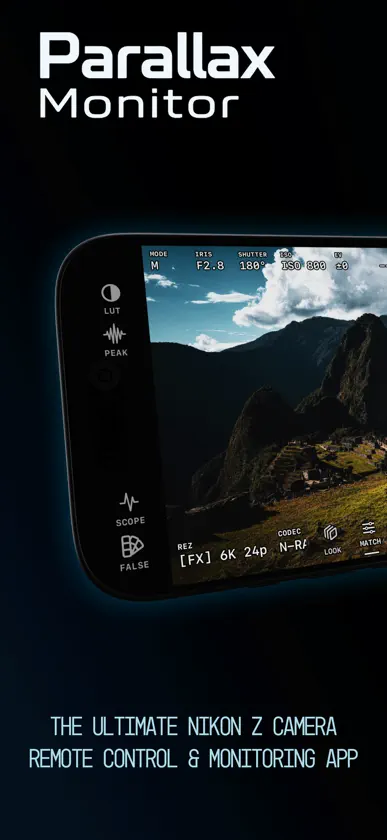
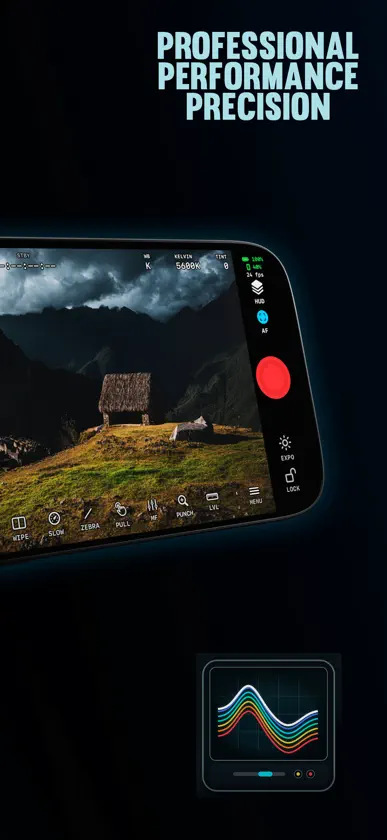
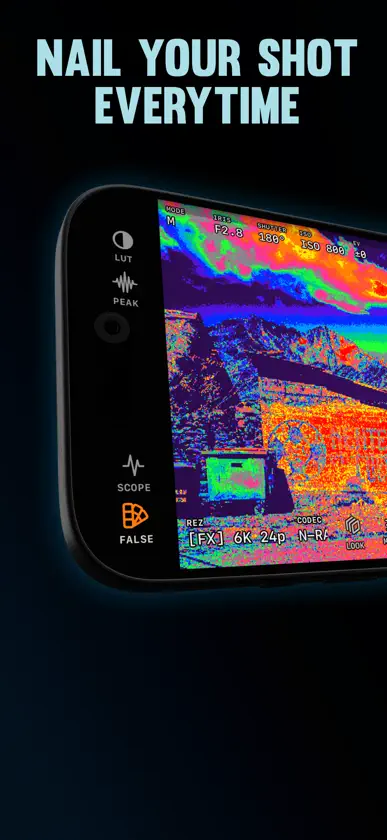
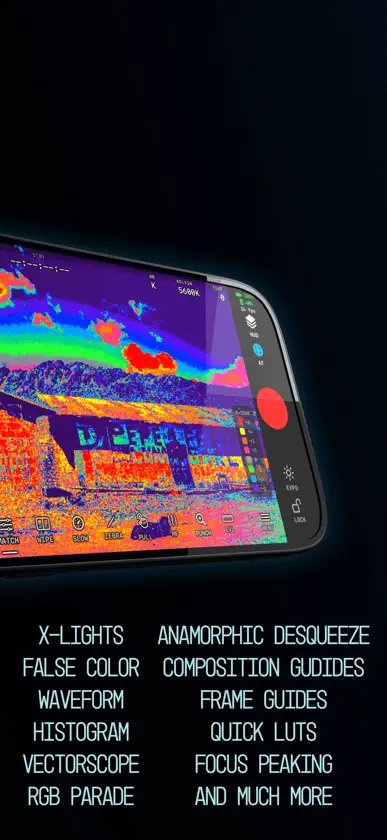
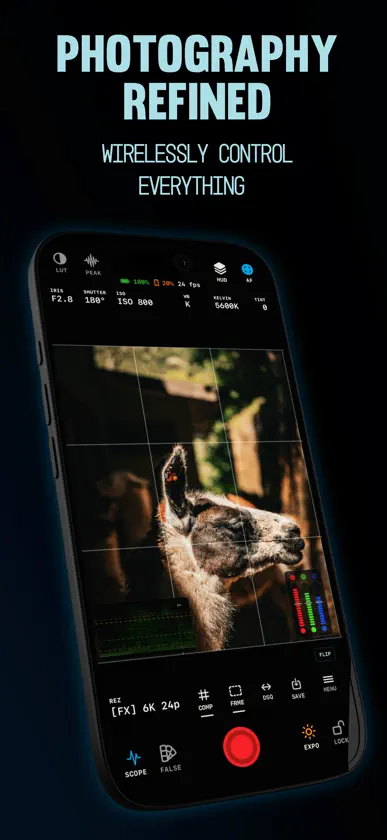
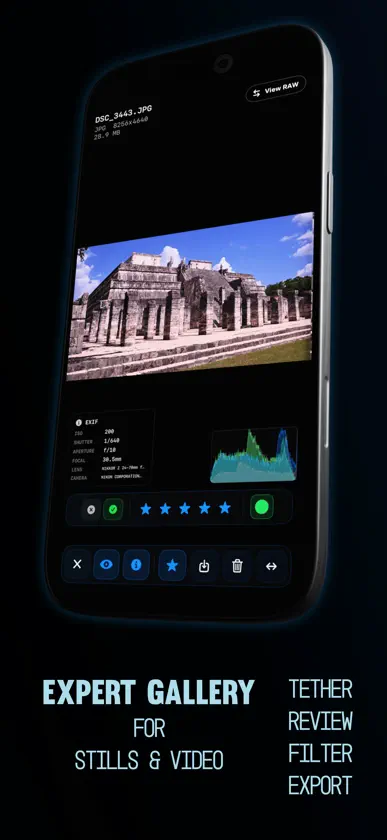
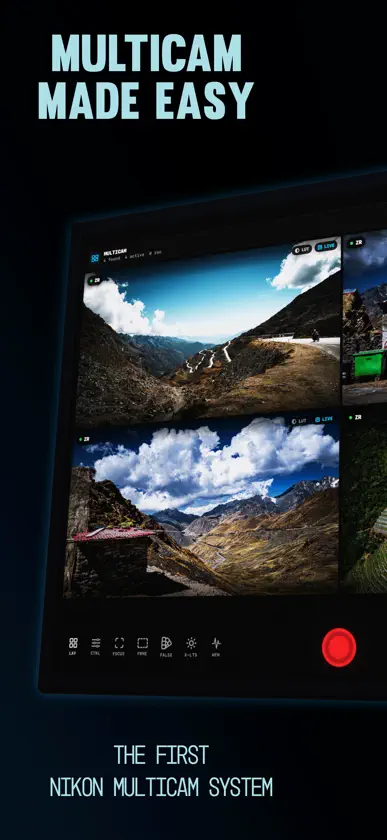
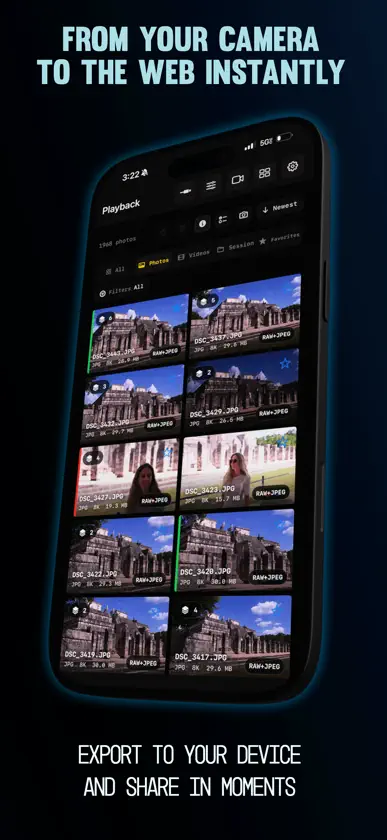
Parallax Monitor es una app profesional de monitoreo y control para cámaras Nikon Z y de cine RED. Convierte tu iPhone o iPad en monitor de campo y control remoto para video, foto y timelapse, con vista previa de LUT, monitoreo HDMI, herramientas de exposición y enfoque, multicámara y reproducción de la tarjeta. Diseñada para la serie Nikon Z y las cámaras RED actuales. EXPOSICIÓN • X-Lights: algoritmo de exposición propio de Parallax, ajustado al perfil log de cada cámara • Guided Waveform para R3D y N-Log, parade RGB, histograma y vectorscopio • False color, zebras y X-Posts • Umbrales adaptados a N-Log, automáticos al grabar en N-Log • Vista previa de LUT con looks N-Log y RED incluidos, o tus archivos .cube El look de monitoreo y el análisis de exposición van por separado: un LUT nunca oculta altas luces quemadas ni sombras aplastadas. SEEMO Y MONITOREO HDMI Usa un Accsoon SeeMo en iPhone o iPad, o un adaptador USB-C a HDMI en iPad, como imagen de Live View mientras Parallax controla la cámara. El color del adaptador se iguala automáticamente. FOTO, TIMELAPSE Y FOCUS STACKING • Modo foto con sus propias lecturas y controles de exposición • Dispara desde la pantalla, los botones de volumen o un disparador Bluetooth • Modo de disparo, ráfaga y autodisparador • Exposiciones largas Bulb y Time • Calidad de imagen con RAW + JPEG, área de imagen y Picture Control • Focus stacking automático de 2 a 100 tomas con pasos de enfoque ajustables • Intervalómetro y timelapse con retardo, número de tomas o duración, y armado de MP4 en la app • Revisión inmediata con zoom, pares RAW + JPEG, ráfagas y guardado en Fotos • Perfiles sin CPU para lentes manuales ENFOQUE Y ENCUADRE • Focus peaking por GPU con sensibilidad ajustable y fondo monocromo opcional • Toque para enfocar, Focus Punch, modo y área de AF • Guías: 2.39, 2.00, 1.85, 4:3, 1:1, 4:5, 9:16, zonas seguras, tercios, proporción áurea y proporciones personalizadas • Varias guías a la vez, con máscaras y opacidad ajustables • Desqueeze anamórfico a 1.33x, 1.5x, 1.8x y 2x • Nivel, medidores de audio, borde de grabación y temporizador • Layouts para iPhone, iPad y iPhone Duo, con ROTATE para rigs en vertical • Barras de herramientas y esquinas activas configurables; guarda layouts completos como presets CONTROL DE CÁMARA Diafragma, ISO, ISO base dual, obturación o ángulo de obturador, compensación de exposición, balance de blancos y Kelvin, resolución, fps, códec, ranura, timecode, niveles de audio, e inicio y paro de grabación. MULTICÁMARA Monitorea y controla varias cámaras en una sola cuadrícula por Wi-Fi y USB, incluso mezclando Nikon y varias RED. Jam-Sync de timecode, grabación en grupo, riel compartido de exposición, y batería y medidores de audio por cámara. Cualquier cámara puede pasar a Live View en pantalla completa. REPRODUCCIÓN Y REVISIÓN • Explora la tarjeta y reproduce clips, incluido H.265 • Reproduce con cualquier LUT y compara A/B • Guarda en Fotos los clips originales o copias con LUT PANTALLAS REMOTAS iPhone y iPad cercanos se unen como monitores de solo lectura para dirección, clientes o foquistas. CÁMARAS RED Compatible con RED KOMODO, KOMODO-X y V-RAPTOR por Wi-Fi o USB-C: ISO, obturación, ND, balance de blancos, fps, códec y grabación, monitoreo completo en Live View y autoenfoque por toque. CONEXIÓN • Wi-Fi, punto de acceso de la cámara o USB-C • Conéctate al Wi-Fi de la cámara desde la app • Configuración guiada y reconexión con un toque • Live Activities (Actividades en vivo): progreso de grabación y timelapse en la pantalla bloqueada y la Dynamic Island IDIOMAS Disponible en 21 idiomas. Cambia de idioma cuando quieras. COMPATIBILIDAD Probado con Nikon ZR, Z8, Z9, Z6III, Zf y Z50II, y RED KOMODO, KOMODO-X y V-RAPTOR. Las funciones varían según cámara, firmware, conexión y modelo de iPhone o iPad. Parallax Monitor es un desarrollo independiente y no está afiliado a Nikon, RED ni sus subsidiarias, ni cuenta con su respaldo.
What's new
Version 2.1 · Nov 3, 2026
Parallax Monitor 2.1 brings Accsoon SeeMo support, HDMI monitoring on iPad, layouts built for every screen including iPhone Duo, Multicam with several REDs, and much steadier connections. Thank you again to our beta testers! NEW: ACCSOON SEEMO • Use an Accsoon SeeMo as your Live View picture on iPhone or iPad while Parallax keeps controlling the camera • Tap the picture source chip to switch between SeeMo and the camera's own preview • Your LUT and touch AF stay put when you switch NEW: HDMI MONITORING ON IPAD • Plug a USB-C HDMI adapter into your iPad to view the camera's HDMI output as your Live View picture while Parallax keeps controlling the camera. Monitoring only; the camera does the recording • HDMI color is matched to the camera automatically, before your LUT, and each adapter is remembered • Runs at the camera's frame rate, with no tearing at 24, 25 and 30p • Full-resolution false color and zebras on the HDMI picture • The picture comes back by itself when the HDMI signal drops, such as when the camera menu opens NEW: BUILT FOR IPHONE DUO AND EVERY SCREEN • iPhone Duo: iPad layouts on the open screen, full-screen pages on the closed one • Modern is now the default interface. A saved Classic choice is kept • Controls sit in the black around the picture on iPhone and iPad, portrait and landscape • ROTATE turns the picture in 90° steps, and tap focus and punch-in follow the turn. Long-press to move it, or hide it in Advanced • Mount the phone upside down on a rig and the whole interface turns with it NEW: MULTICAM WITH SEVERAL REDS • Run several REDs at once alongside your Nikons • Find and add REDs right from the Multicam page • Group record, timecode jam and the shared exposure rail cover every RED • Promote a camera, record, and return to the grid without interrupting the take NEW: JOIN THE CAMERA'S WI-FI IN THE APP • Join the camera's own Wi-Fi from inside the app, then press OK on the camera • Rejoins by itself if iOS drifts away, and returns your phone to home Wi-Fi when you disconnect • The setup guide picks between several cameras, offers USB when a cable is plugged in, and walks you through re-pairing IMPROVED: CONNECTING • Faster, cleaner connect that follows Nikon's latest camera SDK • Steadier USB: a cable drop usually reconnects by itself, and Live View comes back with no tap • Steadier Wi-Fi Live View, including after you open the camera menu • Leaving the app while recording no longer risks your take, and you're told clearly if the camera is still recording • iPhone hotspot pairing holds on when Wi-Fi briefly switches networks • Clearer help when pairing is refused, when iOS can't see a USB camera, or when a home router answers instead of the camera • Reset USB Permissions right from the error • New USB Preview Rate setting, up to 120 fps IMPROVED: CAMERA CONTROL • ZR: choose P, A, S, M, Auto and U1–U4 from the app. Modes R3D doesn't allow are greyed out • Tap focus follows the camera's AF mode, and Focus Pull works in AF-S • Better support for Z5, Z6, Z7, Z6II, Z7II, Z50, Z30 and Z fc: tap focus, manual focus, audio meters, level, timecode and time remaining • Record over USB on Z5, Z6, Z7 and Z50 • Remote Mode is offered on Zf and Z fc when the camera refuses an exposure change • Z5IIC recognized • A clear notice when the camera refuses a change, plus custom Picture Control names and Imaging Recipe labels • Time remaining reads like the camera (1h25m) IMPROVED: PLAYBACK AND RECORDING • Vertical clips play upright, with a ROT button to override • Lock Screen recording timer fixed, now with card time remaining • REC no longer sticks when the camera stops while you're away • Desqueeze fills the frame, and Focus Punch no longer stretches the picture IMPROVED: LANGUAGES • About 2,000 more strings translated, with corrections across all 21 languages • Right-to-left layout for Arabic and Urdu Designed for the Nikon Z Series & RED Cameras. Available features vary by camera, firmware and connection.


