
Paste to PDF
Taichi Kasugai
No ratings yetProductivityAges 4+
Get for $19.00 on the App StoreOpens Apple's App Store
Screenshots


About this app
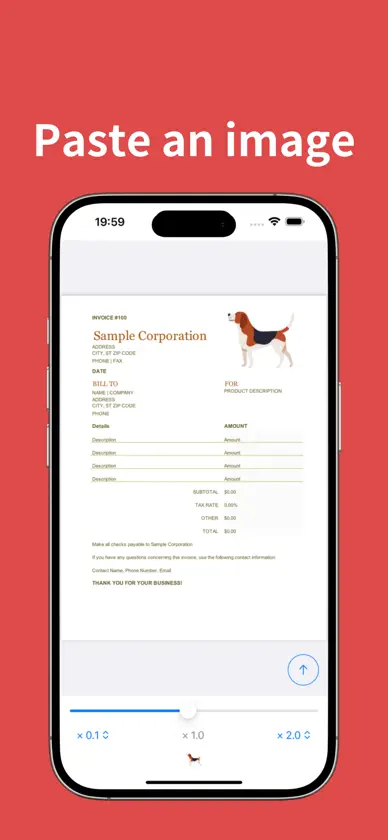
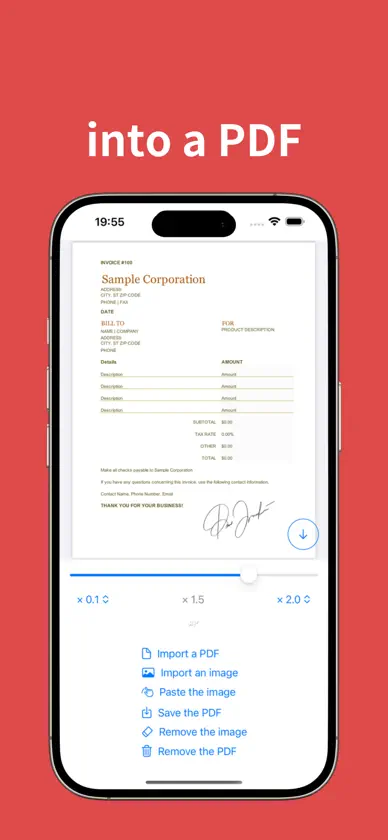
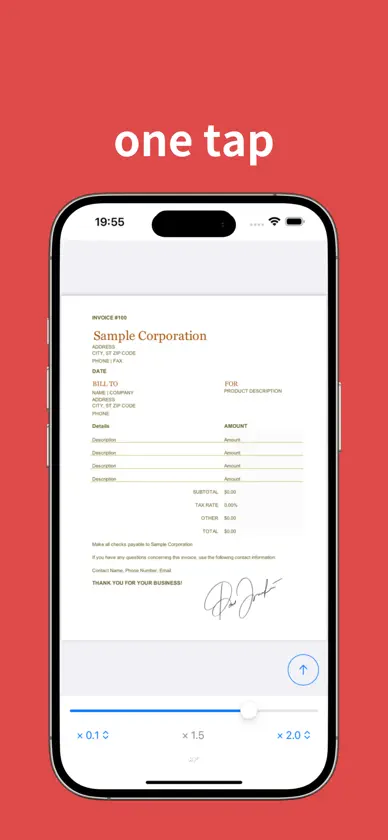
Paste an image into a PDF file easily! 1) Import a PDF from the Files app. 2) Choose an image from the Photos app. 3) Paste the image, then adjust its size and position. 4) Save the updated PDF back to the Files app. Need to add more images? Simply save your updated PDF, re-import it, and paste additional images.
What's new
Version 1.5.0 · Sep 15, 2025
Thanks for using Paste to PDF! This update contains several bug fixes and performance improvements. Enjoy the latest and greatest version of our app.


