
PlankPlanner
EMIL THOMAS CHRISTENSON
No ratings yetUtilitiesAges 4+
Screenshots



About this app
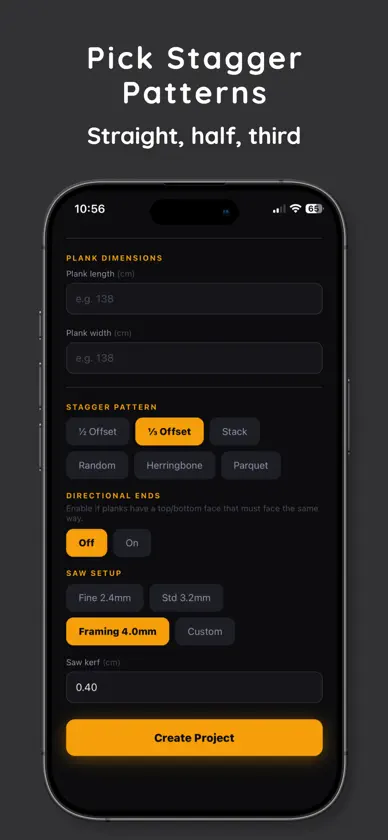
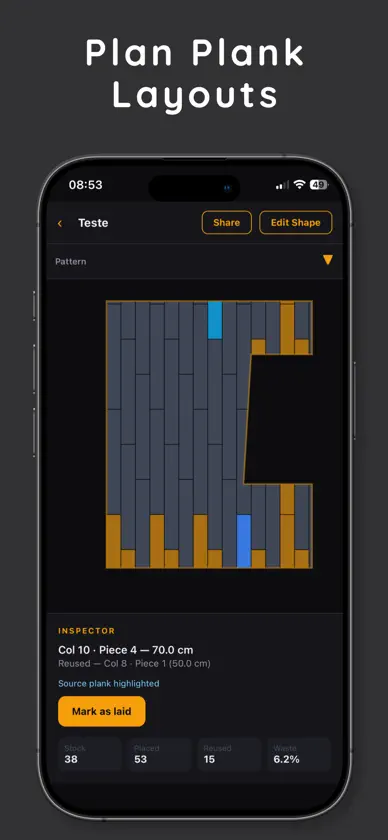
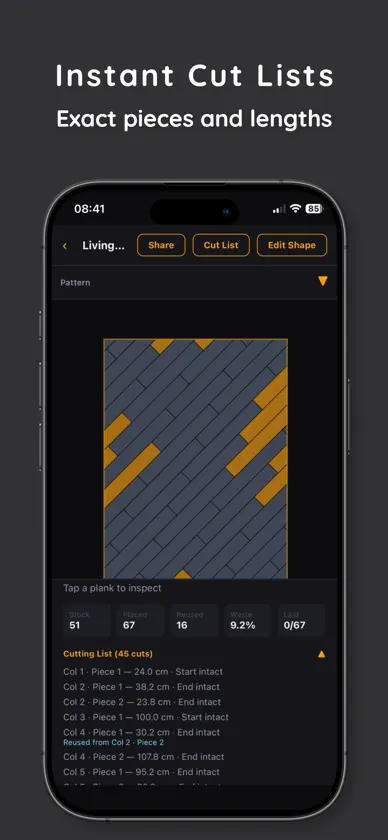
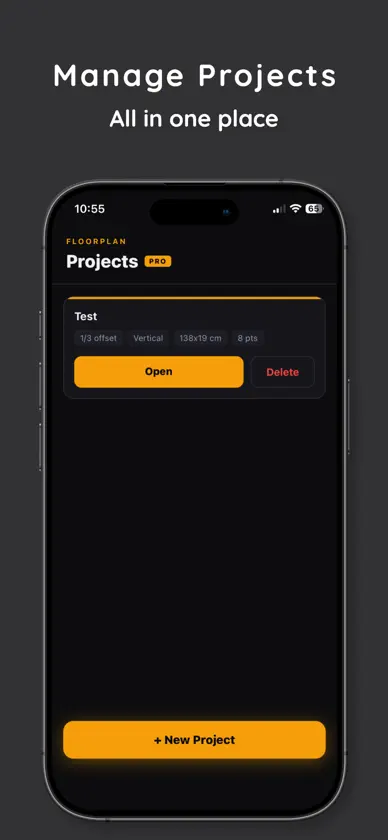
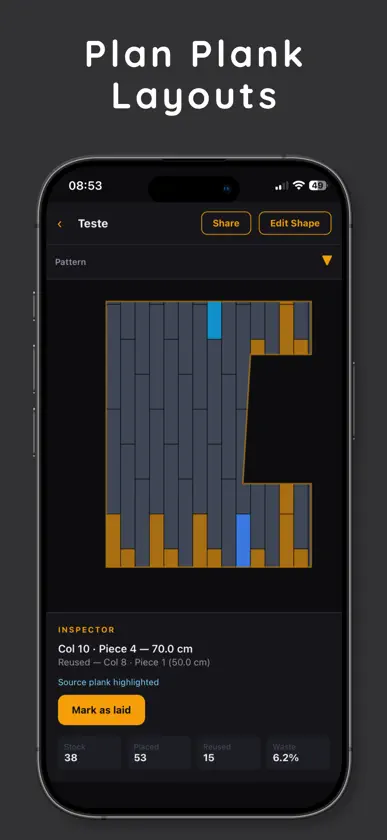
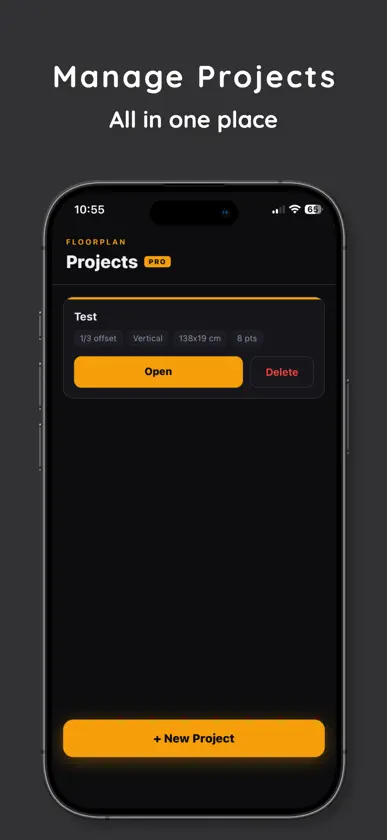
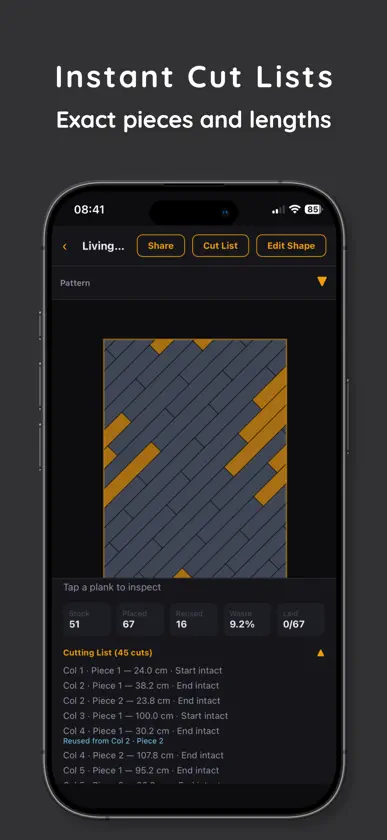
PlankPlanner turns a messy flooring project into a clear, visual plan — before you spend a cent on materials. Draw your room, enter your plank size, and instantly see a full layout with every plank placed. The app calculates cuts, tracks reusable off-cuts, and shows your waste percentage so you know exactly how many planks to buy. WHETHER YOU'RE DOING IT YOURSELF OR HIRING A CREW PlankPlanner gives DIY homeowners the confidence to plan and buy correctly, and gives installers a fast on-site planning tool they can use in minutes. WHAT YOU CAN DO • Visualize your full plank layout before installation • Choose from straight, half-stagger, and third-stagger patterns • See every cut piece and how off-cuts get reused across rows • Track which planks have been physically laid as you go • Zoom and pan the layout canvas for a close-up view PRO FEATURES • Unlimited rooms and projects • Export and share your layout • Advanced room shapes and planning tools NO GUESSWORK. NO WASTE. Most people overbuy flooring by 15–20% because they plan with rough estimates. PlankPlanner shows you the exact cut list — so you buy what you need and nothing more. All your project data stays on your device. No account required to get started. :::writing{variant=“standard” id=“39274”} Terms of Use (EULA): https://www.apple.com/legal/internet-services/itunes/dev/stdeula/ :::
What's new
Version 1.5 · Aug 21, 2026
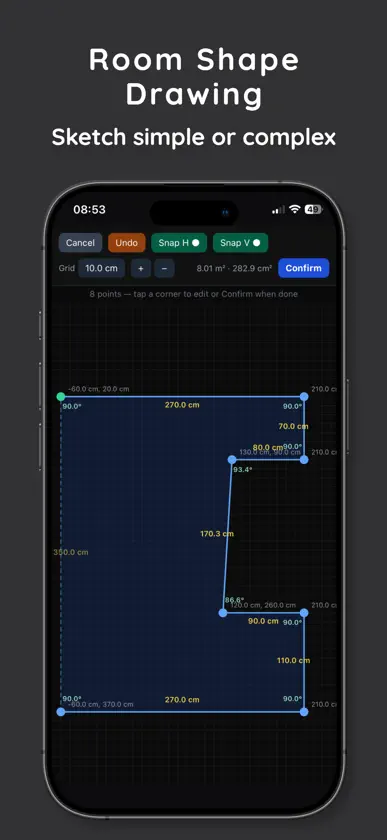
PlankPlanner 1.0.5 This update significantly improves room sketching, accuracy, and ease of use. New * Room sketches are now automatically saved and restored if you leave before finishing. * Select a wall to enter its exact length and angle. * Imperial measurements now accept inches, mixed fractions, and eighth-inch values. * Added a Manage Subscription button to the Projects screen. Improved * The grid is brighter and easier to see. * The first point establishes the visible 0,0 origin. * Added clear 45-degree snapping controls and instructions for disabling snapping. * Wall angles and corner angles are displayed while sketching. * Exact 90-degree corners are clearly highlighted. * Room area and corner statistics now have their own row. * Added built-in sketching instructions that can be dismissed by tapping the message and reopened when needed. Fixed * Sketches are no longer lost when navigating away. * Room statistics no longer become compressed when no point is selected. * Improved precision when positioning points and measured walls. * Improved subscription handling and access to account management. Existing projects remain fully compatible and are not modified by this update.
In-app purchases
The most popular purchases on the App Store.
- PlankPlanner ProSubscription$99.00 / month
- Lifetime ProConsumable$299.00
More from EMIL THOMAS CHRISTENSON

You might also like
 Floor Calculator & CarpetZHENGQIAO JIANG
 Pro Tile: Layout & Flooring林华 曹
 Tile & Plank CalculatorAlona Nesterenko
 Flooring & Tile CalculatorBlas Prieto
 TilePlan – Flooring CalculatorJoe Crozier Software
 Laminate CalculatorNoguess Oy
 SmartPlankSmartplank Hardwood Floors, Inc.
 TileFit: Plano de baldosas家宝 戴
 LANtern: LAN MonitorPaul Dielenschneider
 EVLogMartin Stockzell