
PulsePoint Respond
PulsePoint Foundation
5.0(11)MedicalAges 12+
Screenshots










About this app
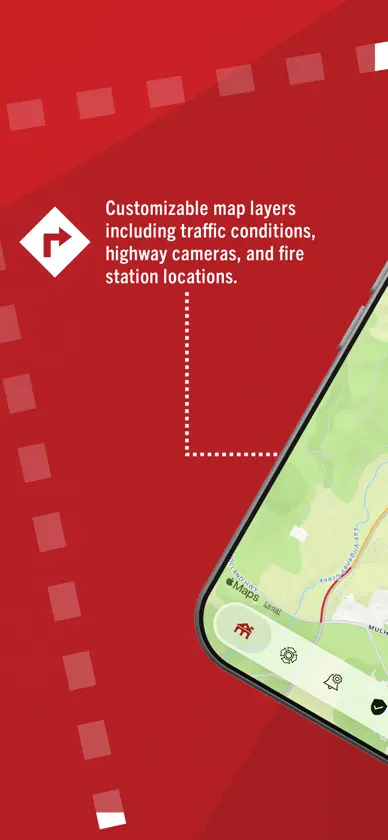
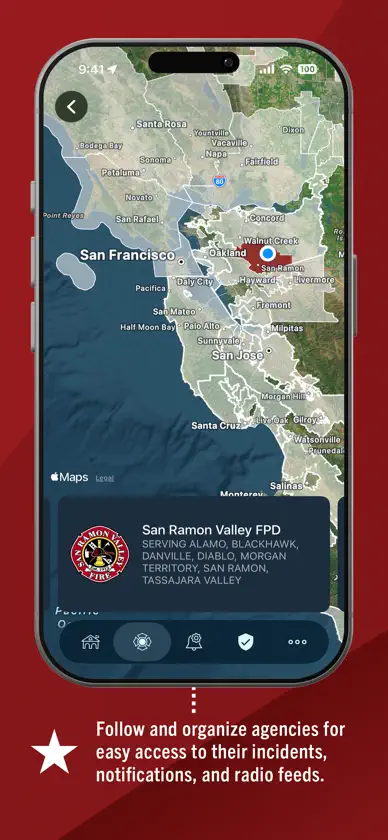
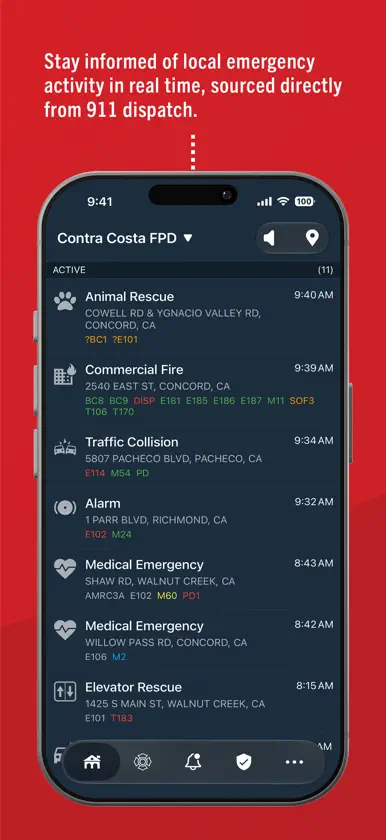
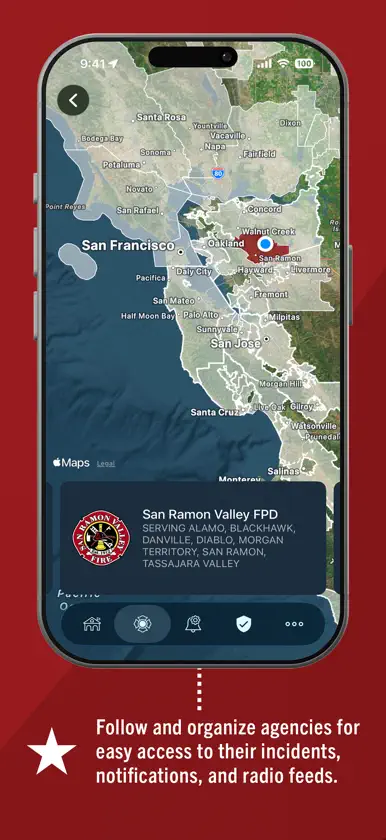
PulsePoint Respond is a 911-connected mobile app that can immediately inform you of emergencies occurring in your community and can request your help when cardiopulmonary resuscitation (CPR) is needed nearby. If you’re trained in CPR and are willing to assist in an emergency, the app will alert you if someone near you is having a cardiac emergency and may need CPR. In addition to nearby “CPR Needed” notifications, you can choose to be notified of other events that may impact you and your family, such as wildland fires, flooding and utility emergencies. You can also monitor live dispatch radio traffic for most PulsePoint-connected communities with a simple tap on the speaker icon. PulsePoint currently provides coverage for thousands of communities in North America, with many more on the way. For more information, visit pulsepoint.org, contact us at info@pulsepoint.org. PulsePoint Respond is an end-to-end FirstNet Certified™ application. FirstNet Certified solutions must demonstrate 99.99% availability and pass independent third-party security, data privacy and performance audits. PulsePoint is a 501(c)(3) public non-profit foundation building applications that help public safety agencies inform and engage their citizens. NOTE: Continued use of GPS running in the background can dramatically decrease battery life. Your actual experience is always visible in Settings | Battery | PulsePoint.
What's new
Version 26.10.5488 · Oct 27, 2026
• You can now mark Agency Messages as read to keep your feed incident-focused. • Incident list rows now wrap long addresses and expand to show more assigned units. • Added support for new incident types, including Landslide/Mudslide, Tunnel Fire, and Unstable Structure. See the full list at pulsepoint.org/incident-types. • You can now choose to receive notifications for Outside Fire incidents. • You can now choose which units appear in the incident list (All, Active, or None) from More > Preferences. • You can now show incident times in your device’s time zone, the agency’s time zone, or as relative time (e.g., “5 min ago”) from Preferences. • An expanded welcome tour walks new users through key features. • A new Measure Tool lets you trace distances right on the map with your fingertip, such as long hose lays, structure dimensions, and collapse zones. (Pro) • Quickly go on or off duty by long-pressing the app icon. (Pro) • A new tour walks first-time Professional Responders through features designed for on-duty use. (Pro) • Several user experience improvements and bug fixes.


