
Screenshots


About this app
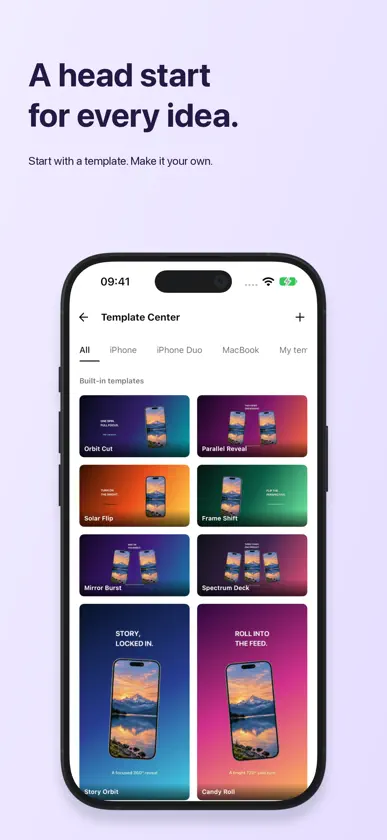
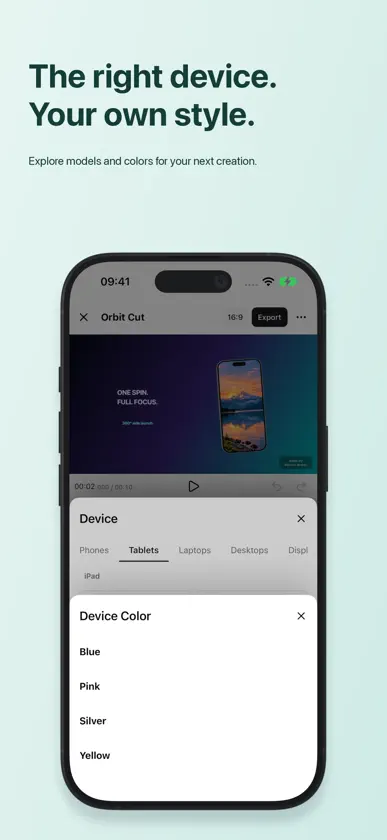
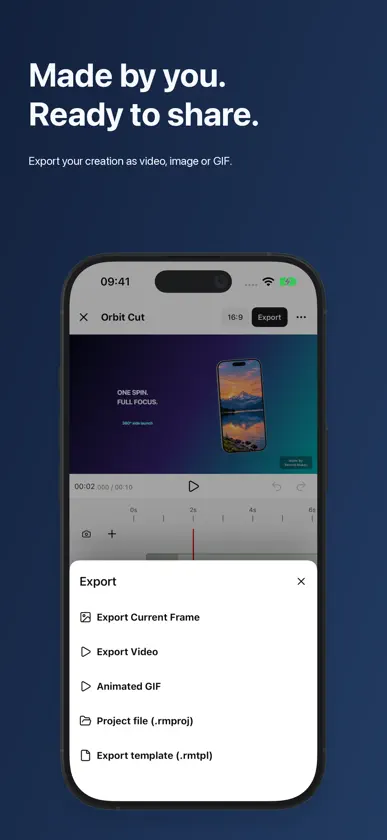
Turn your screen content into something worth sharing. Record Maker puts screen recordings, screenshots, and photos inside real 3D device models. Create app demos, product launch videos, social content, and promotional images. From a quick first cut to the finishing touches Start with a template in Simple mode and replace its media. Use Standard mode to adjust devices, backgrounds, and composition. Switch to Advanced for a timeline, keyframes, and camera movement. All three modes work with the same project, so you can choose the level of control you need. Real devices. More possibilities. Explore device models and finishes, including models with adjustable hinges and lids. Add videos or images to a screen and build a sequence of clips. On multi-screen devices, arrange media for each screen separately. Make the details your own Add backgrounds, text, stickers, music, and QR codes. Use keyframes to animate devices and the camera. Begin with a built-in template or build your own scene from a blank canvas. Ready to share Export video, PNG images, or GIFs, with transparency options for supported outputs. Save to Photos or deliver your work through system sharing. Keep creating across screens Available on iPhone, iPad, and Mac. Widescreen editing brings the preview, inspector, and timeline together. Import and export projects, with autosave and recovery to help preserve your progress. All three editing modes, devices and finishes, built-in music and assets, and standard exports are free to use. Free exports include a watermark, and some pages show ads. Record Maker Pro offers watermark and ad removal, 3D device rotation, template export, and app QR end cards. Start with a screen recording. Make your next demo.
What's new
Version 5.3.0 · Nov 4, 2026
Record Maker 5.3.0 makes video editing easier. - Adjust video in and out points, move the entire selection, and enter precise times—all without changing the original video. - Improved preview responsiveness while adjusting your selection. - Smoother shadow updates when moving, rotating, and scaling devices. - App QR code end cards stay above the scene, with quick access to change the promoted app. - Refined panel layouts and controls for a more compact editing experience.
In-app purchases
The most popular purchases on the App Store.
- ProConsumable$5.00
More from 嘉伟 戈


You might also like
 OneMockup - Make Custom MockupChengdu Reinvent Technology Co., Ltd.
 屏幕套壳东 范
 Keke: Shell Screenshot文彬 赵
 iFrame - Captura con marcoINII Co., Ltd.
 Dark Night - mode for SafariBalazs Galambosi
 MagicKit Pro: AI Smart ToolboxRoxwin Vietnam Technologies Company Limited
 ChatX - AI Chat Client Top6X Studio LLC
 拦截猫 - 骚扰电话与垃圾短信拦截C.TEAM LLC
 Vida+ (Video Player & Manager)KYUNGJA JANG
 Grabador Pantalla Face VideoIvan Frolov