
Remote for Hyper-V
Alexander Medchenko
No ratings yetUtilitiesAges 4+
Screenshots


About this app
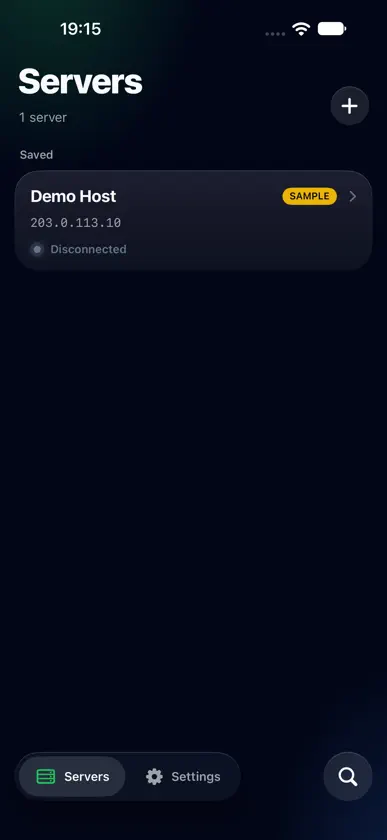
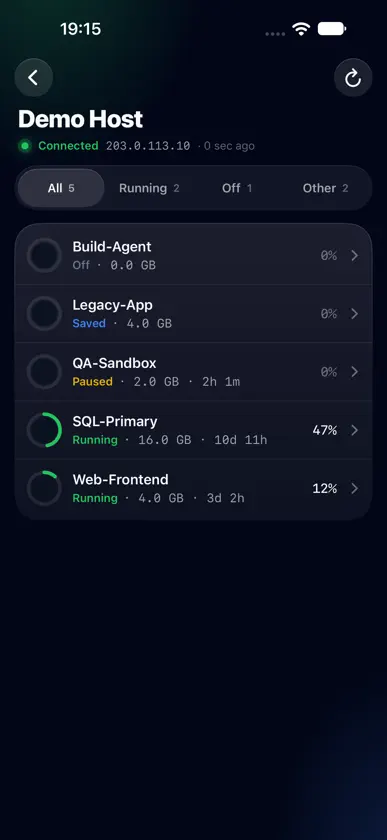
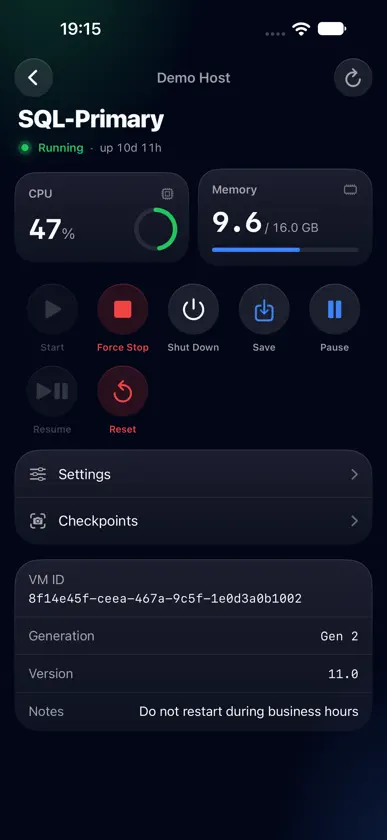
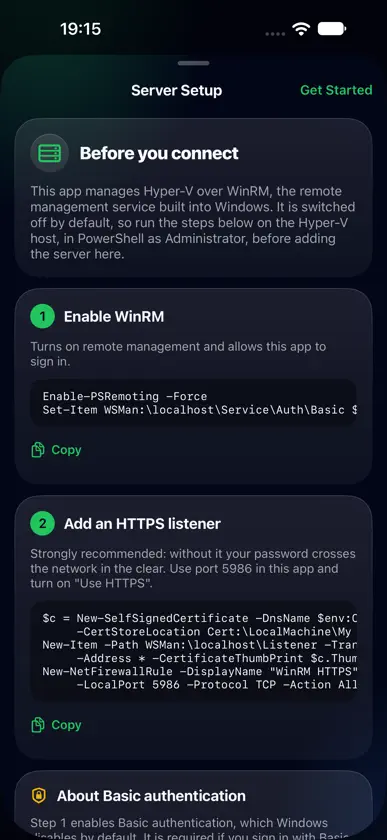
Manage Microsoft Hyper-V virtual machines from your iPhone, over your own local network. No cloud service sits in between: the app talks directly to your server. WHAT YOU CAN DO • See every VM at a glance: state, memory, CPU and uptime • Start, shut down, force stop, save, pause, resume and reset • Keep several servers and switch between them • Find hosts on your network automatically, or add them by address BUILT FOR YOUR OWN INFRASTRUCTURE • Connects over WinRM, the remote management service built into Windows • NTLM authentication, so your password never leaves the device • HTTPS with certificate pinning: you confirm the server's fingerprint once, and anything different is refused • Credentials are stored in the iOS Keychain and never sent anywhere else • No analytics, no accounts, no third-party code BEFORE YOU START Your Hyper-V host needs WinRM enabled and an HTTPS listener. The app includes a setup guide with the exact PowerShell commands to run. Want to look around first? Tap "Explore with sample data" to try the whole app against a built-in sample host, with no server required.
What's new
Version 1.3.0 · Sep 24, 2026
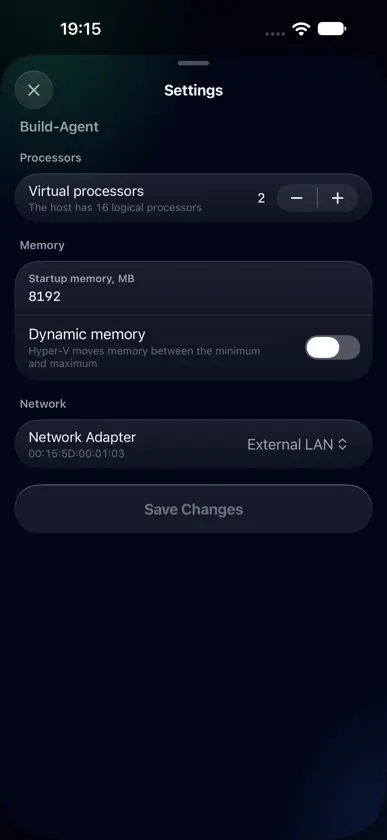
Change a machine's hardware from your phone. • New Settings for each machine: virtual processors, startup and dynamic memory, and which virtual switch each network adapter is connected to. Processors and memory change while the machine is off; the switch changes at any time • Saving or stopping one machine no longer disables the controls of the others • Commands to a host that uses NTLM authentication now run alongside each other instead of queueing, and can no longer be answered out of order
More from Alexander Medchenko

You might also like
 Cannoli Shell: IT Pro ToolsAnthony Rubino
 Walter 3D ScanVR Space Holdings Inc.
 Rampart for OPNsenseChristine Martin
 RPI SSH Pro - for Linux/DebianAlbert Parti
 cURL SendKenneth Poon
 Dust Asst - CPU MasterHONG KONG WOOKAKA PET PRODUCTS CO., LIMITED
 SeerGoAadhil Musthaq
 Calculadora de giroShraddhaben Parmar
 Paperless 24Thomas Dillmann
 Server-RemoteReflect Industries Inc.