
RODINI
NNV.ehf
No ratings yetGraphics & DesignAges 4+
Screenshots
About this app
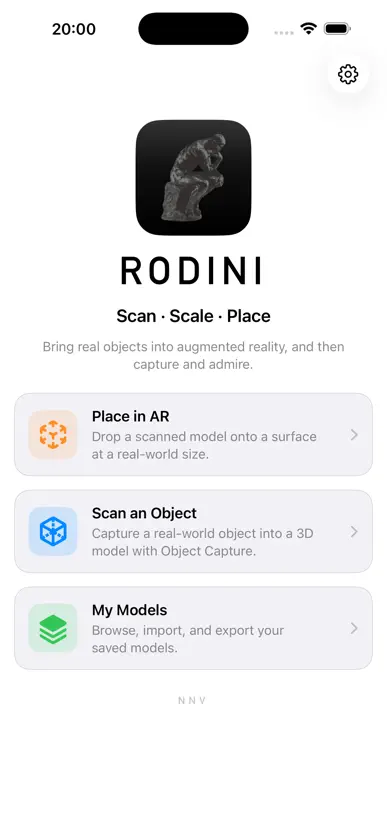
RODINI turns real objects into 3D models. Walk around anything, from a vase to a sculpture, and RODINI combines your device's LiDAR depth with photogrammetry to build a detailed, textured model at its exact real-world size. Then place it back into the world, wherever you like. SCAN • Guided capture shows you where to move as you circle the object • LiDAR depth and photos work together for accurate, true-to-scale models • Flip the object and scan again to capture its underside • Review the finished model on a turntable, give it a name and save it PLACE IN AR • Set any model on a real surface: floor, table or windowsill • Size it exactly, by real-world height (cm, m, in, ft) or by scale (2×, 5×, 10× and more) • Drag to move it, twist with two fingers to rotate it, and long-press to remove it • LiDAR occlusion lets real objects pass naturally in front of your model • Try it in a new material: White, Bronze, Marble, Concrete or Corten steel, even after it's placed REAL LIGHT • Match Real Light reads the room and lights your model to match the direction, brightness and color of the light around it, with soft, natural shadows • Or place the sun where it actually is for your location and time of day PHOTOS & VIDEO • Take clean photos of your AR scene • Record video of just your scene, with no buttons in the shot YOUR LIBRARY • Browse, preview, import and export your models • Drag and drop model files in and out of the app • iCloud keeps your models in sync across your iPhone, iPad and Mac • Export to OBJ and USDZ for use in other 3D apps • Export the raw capture data to rebuild the model at maximum detail on a Mac • Import USDZ or OBJ models and place them in AR PRIVATE BY DESIGN Your models are yours. They stay on your device, and if you use iCloud, they sync privately between your own devices. Nothing is ever sent to us. REQUIREMENTS Placing, importing, photos, video and exporting work on any supported iPhone or iPad. Scanning your own objects and real-world occlusion require a LiDAR Scanner: iPhone 12 Pro or later, or iPad Pro with LiDAR.
What's new
Version 1.4 · Oct 21, 2026
• Drag and drop: drag .usdz or .obj files into My Models or straight onto the camera view to import them, and drag models out to Files, Mail and other apps • Models made of several parts are now placed and textured whole • Long-press a placed model to remove it • If you're interrupted while recording, the video is saved up to that point • Location is only requested when you choose Sun by compass • Clearer messages when a model can't be opened


