
Screenshots
About this app
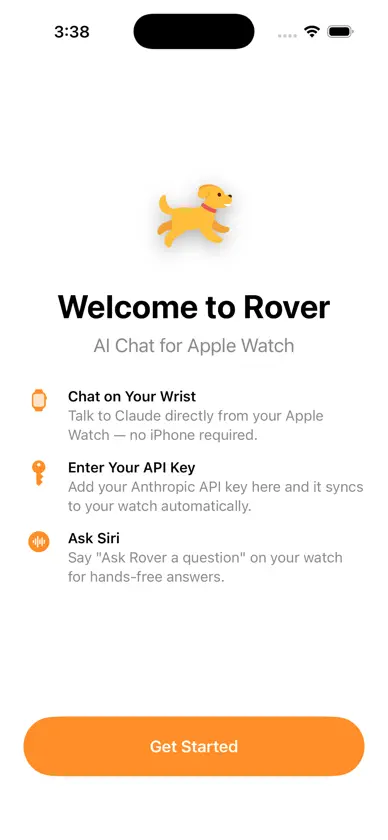
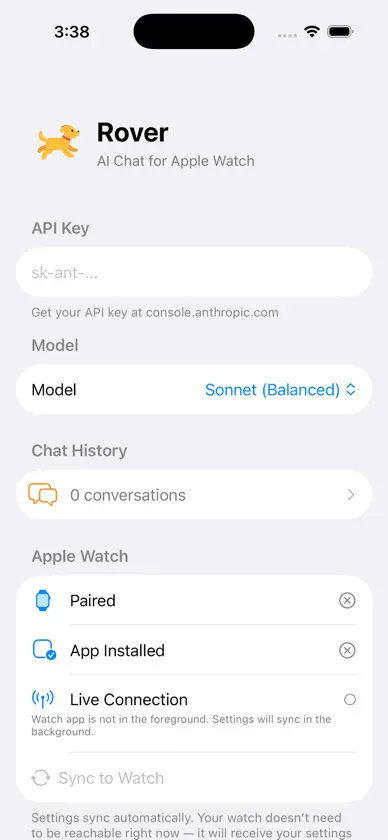
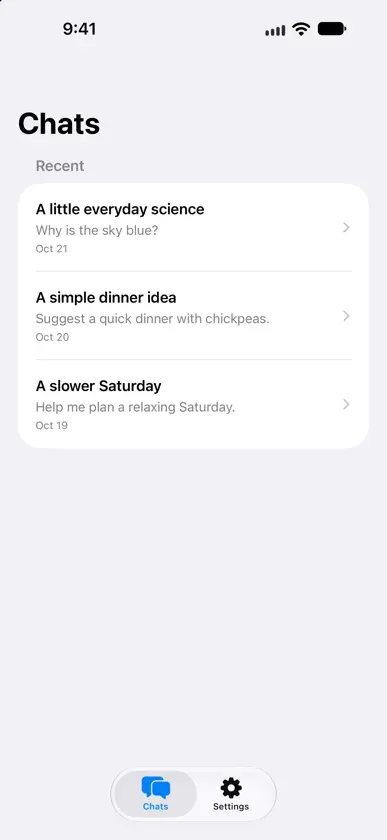
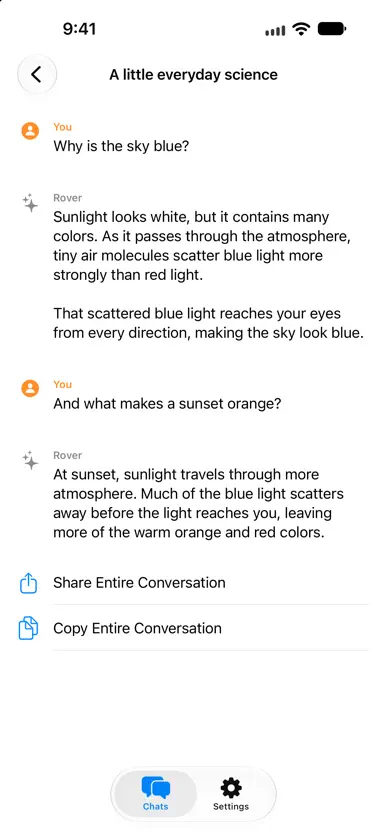
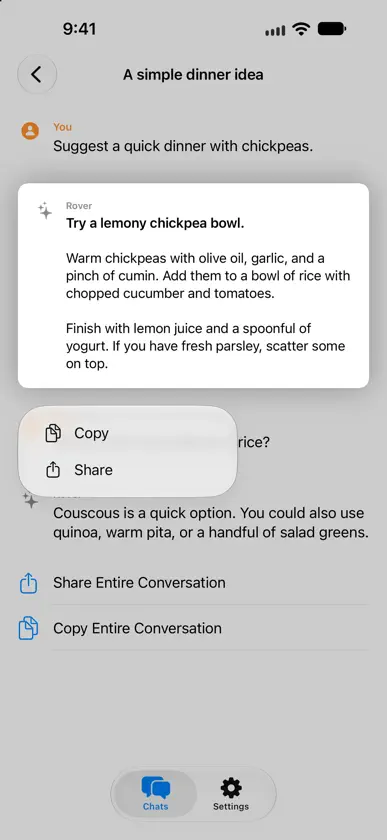
Rover brings Claude conversations to your Apple Watch. Ask questions, brainstorm ideas, and get answers from your wrist. After setup on iPhone, your watch connects directly to Anthropic over Wi-Fi or cellular, so your iPhone does not need to stay nearby. GET STARTED 1. Save your Anthropic API key in Rover on iPhone. 2. Open Rover on your paired Apple Watch and wait for settings to sync. 3. Review the data-sharing disclosure, then send your first question. You can also try the built-in demo without an API key. Demo answers are samples and do not contact Anthropic. FEATURES - Conversations with Claude directly on Apple Watch - A persistent Reply control for typing or dictating questions - New answers open at the beginning while older reading positions are preserved - Saved conversation history with an iPhone view for reading, copying, and sharing - Haiku, Sonnet, and Opus model choices - Siri support: “Ask Rover a question” - Clear connection status and retry actions that preserve your draft - Support for larger text and VoiceOver labels PRIVACY Rover sends your message and the current conversation history directly to Anthropic using your API key. Anthropic processes this information to generate replies under its terms and privacy policy. Your key is stored in the Keychain, and chat history is stored on your devices and synced between your watch and iPhone. Rover includes no advertising or analytics SDKs. REQUIREMENTS - Apple Watch running watchOS 26.2 or later - iPhone running iOS 26.2 or later for initial setup - Internet access on Apple Watch for live replies - An Anthropic API key with access to the selected model; Anthropic usage charges apply separately Rover is an independent app and is not affiliated with Anthropic.
What's new
Version 6.10.21 · Oct 22, 2026
A more comfortable way to chat on your wrist. - Read new answers from the beginning without losing your place in older messages. - Reply from a persistent control and keep drafts when closing the editor. - Get started faster with a one-tap demo and clearer Watch setup status. - Browse conversations and settings in separate iPhone tabs. - Recover from connection problems with clearer messages and draft-preserving retries. - Enjoy improved readability, accessibility, history syncing, and storage reliability.
More from LVL35 LLC


You might also like
 Ask Watch AImobilComm Ltd, organizační složka
 Petey - AI ChatPencil Research
 Google AI Edge EloquentGoogle
 Google AI Edge GalleryGoogle
 Fotocasa - Casas y pisosFOTOCASA GROUP SLU
 idealistaIdealista, S.A.
 Wispr Flow: AI Voice KeyboardWispr AI, Inc.
 Brain.fm - mejora el enfoqueBrain.fm
 Claude by AnthropicAnthropic PBC
 SocialLite-Block Reels&ShortsSociallite LLC