
Screen Mirroring
Tripti Kumari
4.5(162)UtilitiesAges 17+
Screenshots




About this app
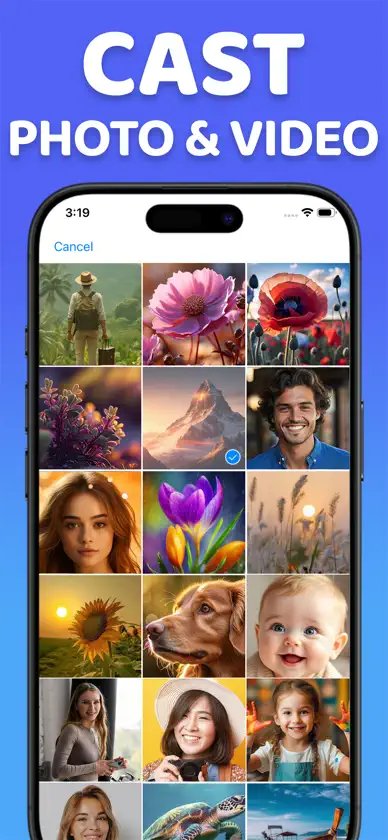
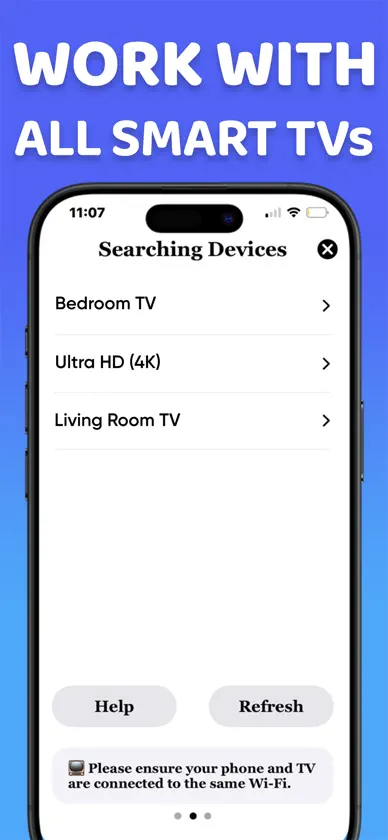
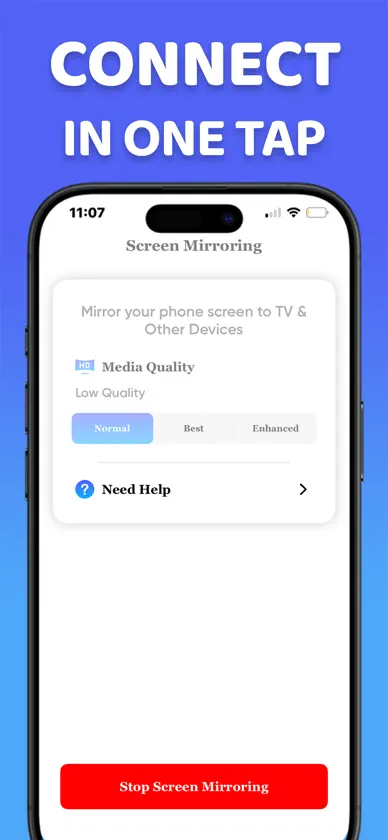
Screen Mirroring allows you to mirror your media content (Photos, Videos) to your Smart TV. Features: ◆ Mirror your Phone Screen with Full Resolution and Quality without delay ◆ No TV app needed ◆ Cast your Photos and Videos directly from Camera Roll ◆ Works with Most Smart TVs Brands available in the Market ◆ No cables, no additional hardware, nothing else needed This screen mirroring app is perfect for making presentation in business meetings. With photos, videos casting the app also suite for personal entertainment. Make sure that your iPhone or iPad is connected to the same local network as your Smart TV. Disclaimer: This application is not affiliated with nor endorsed by any aforementioned brand, and it is not an official product of it or of its affiliates. Subscription Options: - “Screen Mirroring” App is free to download. It contains preferable auto-renewing subscription options for Unlimited Use. - Once you subscribe to any of your preferable options, you can enjoy all the features of the app. - Payment will be charged to iTunes Account at confirmation of purchase. - Subscription automatically renews unless auto-renew is turned off at least 24-hours before the end of the current period. - Account will be charged for renewal within 24-hours prior to the end of the current period, and identify the cost of the renewal. - Subscriptions may be managed by the user and auto-renewal may be turned off by going to the user's Account Settings after purchase. Privacy Policy: https://sites.google.com/view/tripti-kumari/privacy-policy Terms of Use: https://sites.google.com/view/tripti-kumari/termsconditions
What's new
Version 1.9 · Nov 14, 2025
- Bug Fixing
In-app purchases
The most popular purchases on the App Store.
- 1 Week PremiumSubscription$69.00 / 7 days
- 1 Year PremiumSubscription$229.00 / year
- Premium VersionConsumable$299.00


