
Spoonmate
Justin Rahme
No ratings yetFood & DrinkAges 4+
Screenshots




About this app
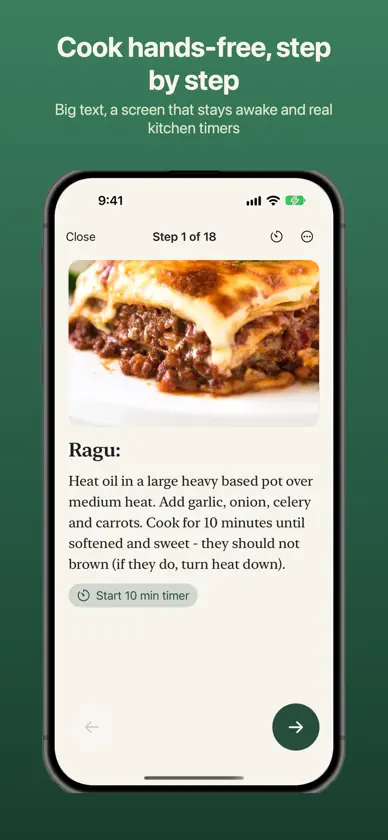
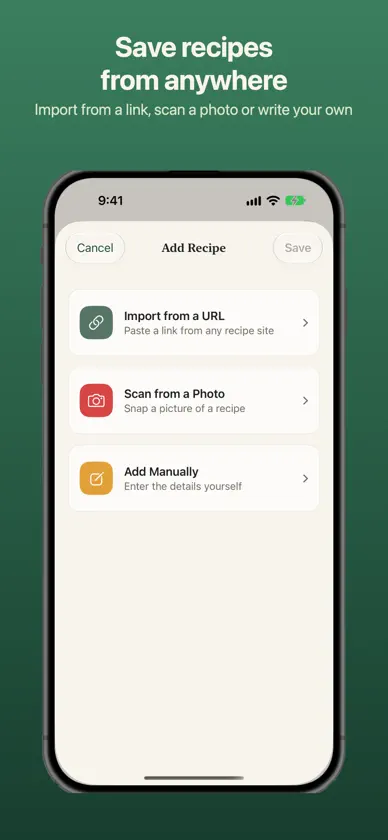
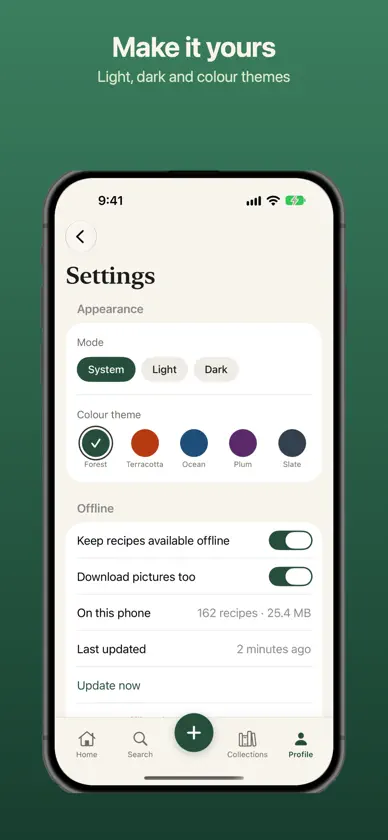
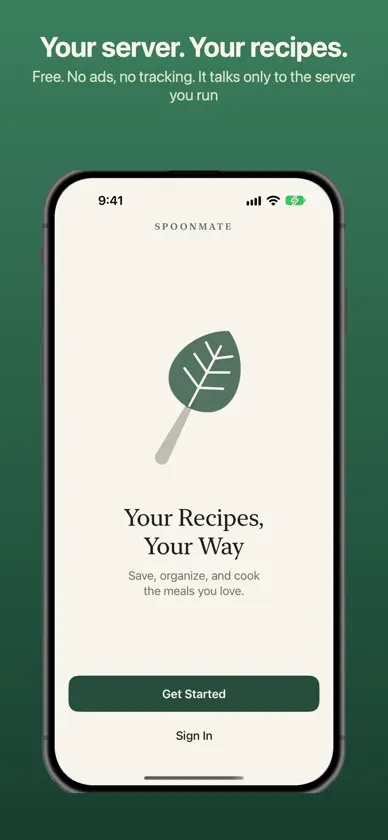
poonmate is a recipe app for people who like to keep their recipes to themselves. It connects straight to a Spoonmate server that you run at home (or anywhere you like), so your collection stays yours: no Spoonmate account, no ads, no tracking. SAVE RECIPES FROM ANYWHERE • Paste a link, or share a page from Safari with the Save to Spoonmate extension • Scan a photo or screenshot of a recipe • Check the ingredients and method before you save, or type a recipe in yourself COOK WITHOUT FUSS • Step-by-step cooking mode keeps the screen awake and shows one step at a time • Start timers straight from the method ("simmer for 20 minutes") • Timers ring like the Clock app, with a countdown on your Lock Screen and Dynamic Island PLAN THE WEEK, SHOP ONCE • Drop recipes into a weekly meal plan • Turn the plan, or a single recipe, into a shopping list that merges duplicates • Group the list by aisle or by recipe, and tick things off in the shop WORKS OFFLINE • Your whole library and its pictures are kept on your phone, so the recipe is there even when the signal isn't • Favourites, ratings and shopping-list changes you make offline sync when you reconnect YOURS TO ARRANGE • Collections, favourites, star ratings and notes • Search by name, ingredient or tag • Light and dark mode and five colour themes • Share a recipe as text, or a collection as a link • Delete your account from the app whenever you like REQUIRES A SPOONMATE SERVER Spoonmate is free, open-source software that you run yourself, for example in Docker or on Unraid. Setup takes a few minutes: see github.com/Juzzycooks/recipemanager. Spoonmate includes no recipes of its own and needs an existing server to sign in to. PRIVATE BY DESIGN No analytics, no advertising, no third-party code. The app talks only to the server you configure.
What's new
Version 1.1.0 · Nov 4, 2026
COOKING • Hands-free cook mode: say "next", "back", "repeat" or "how much butter?", and have each step read aloud. • Smarter timers: "overnight", "until doubled" and ranges like "2–3 hours" now become timers. Ranges start at the low end and offer to add the rest. • Each step lists the ingredients it uses. When a step says "the mixture" or "the batter", you'll see what went into it under "From earlier". • Scale any recipe up or down, in cook mode too, with units converted to match. • When you finish cooking, add a photo and a note. Your cook history keeps every one, and each recipe shows its photos. PLANNING AND SHOPPING • Households: share one shopping list with the people you live with. You can see who added what, and the list updates on its own. • Send the week's meal plan to Calendar and your shopping list to Reminders. Sending again updates them rather than adding copies. • Calories per serving, with better estimates. Spoonmate uses the recipe site's own figures when it has them, or you can enter your own. ADDING RECIPES • Import a recipe from a PDF. ON YOUR IPHONE • Siri and Shortcuts: "What's for dinner tonight?", "Add milk to my shopping list", "Start a 10 minute pasta timer". • New widgets: tonight's dinner, this week's plan, your shopping list (tick items from the Home Screen) and a random recipe from any collection. • Find your recipes from Spotlight search. FIXES • Undo when you delete a collection, and one undo button for everything. • Swiping away a recipe with unsaved changes now asks before discarding them. • Your offline copy is sturdier: a damaged file no longer wipes your saved recipes. • Tidier cook mode on smaller phones. Households, cook photos and collection undo need your Spoonmate server updated to the latest version.
