
StreetSampler
Tomocreate, Inc.
No ratings yetMusicAges 4+
Screenshots


About this app
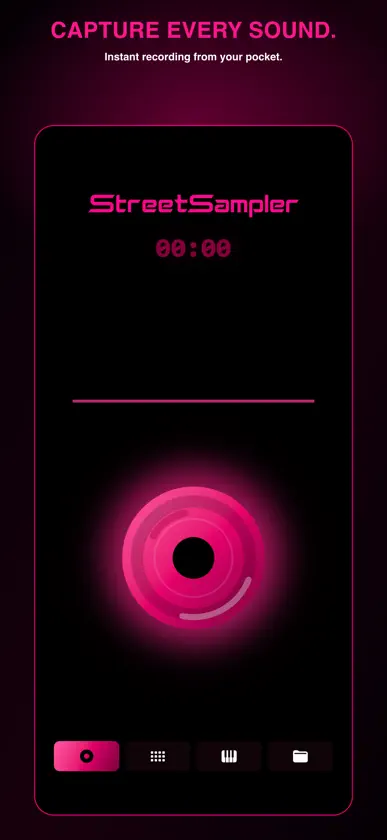
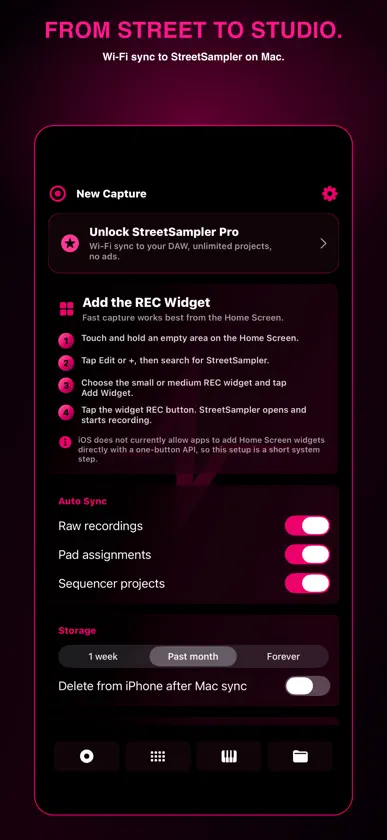
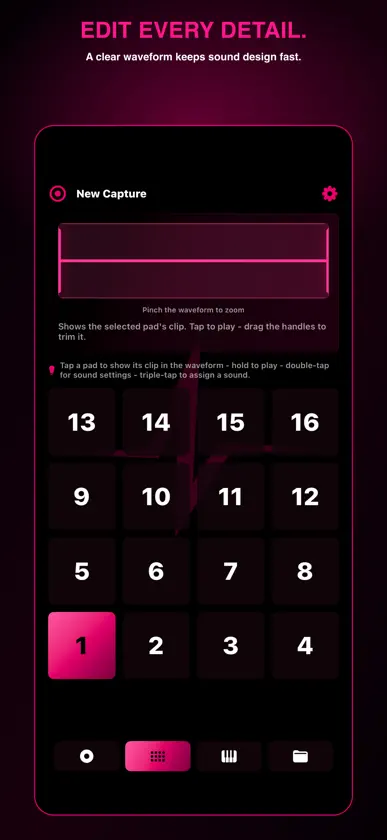
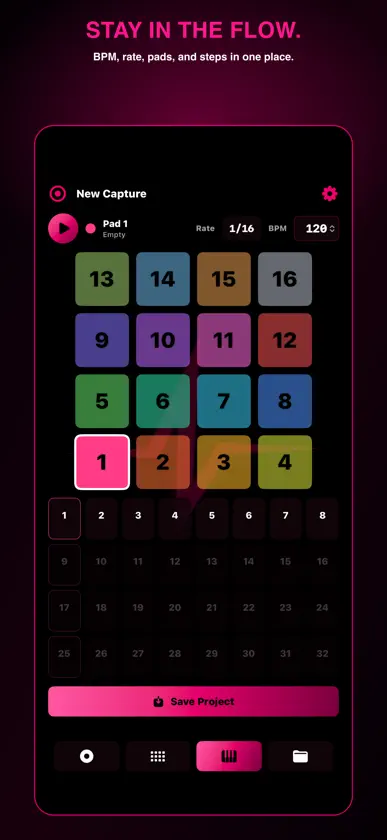
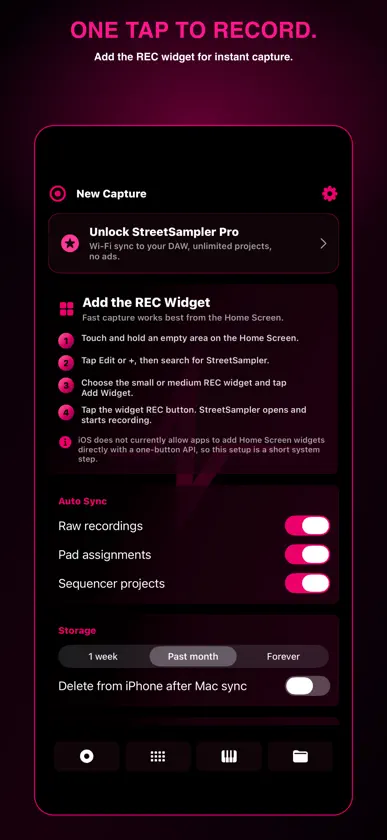
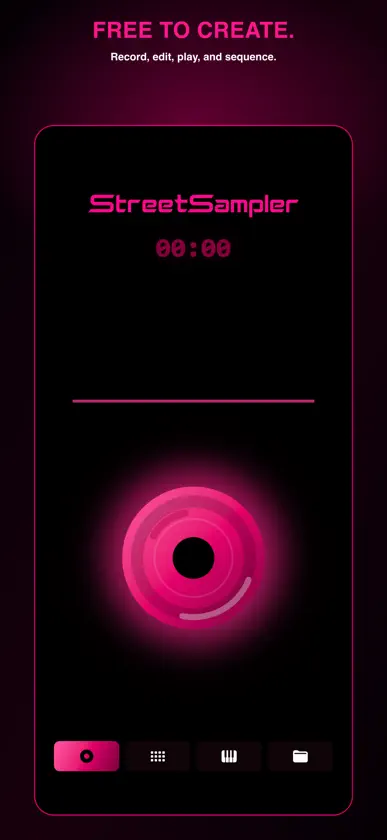
THE WORLD IS YOUR SAMPLE LIBRARY StreetSampler is a sampler that turns everyday sounds into music. Record a train, a door, a voice, or the sound of the street wherever you find it. Trim and shape the sound, play it on 16 pads, and build a sequence while the inspiration is still fresh. CAPTURE FAST • Start recording instantly from the REC widget • Import audio from video • Automatically add clear, location-based titles • Create offline SHAPE YOUR SOUND • Trim intuitively with a clear waveform • Adjust pitch, speed, volume, pan, and looping • Play sounds on 16 responsive pads • Copy and rearrange pads without interrupting your flow BUILD THE BEAT • Create patterns with the built-in step sequencer • Set the BPM and save your work as a project • Automatically share recordings and projects with StreetSampler on Mac, with easy DAW import PLAY THE FX PAD • Drag a finger across the FX Pad to add effects to the whole song while it plays • Five effect banks: Aggressive, Spatial, Glitch, Shimmer and Chaos • Record your performance with REC and keep it as a new sound YOUR FILES, YOUR WAY • Recordings are saved as WAV files in the Files app, ready to open in other apps • Share projects and recordings from Projects with Messages, Mail, AirDrop and more FROM STREET TO STUDIO Pair with StreetSampler on Mac to automatically sync recordings and projects over your local Wi‑Fi network. Some sync features require Pro. STREETSAMPLER PRO UPGRADE • Unlimited saved projects • Unlimited automatic sync with Mac • StreetSampler for Mac: export, drag to DAW and more with the same purchase • One-time purchase with no subscription The Free version includes recording, editing, 16 pads, sequencing, the FX Pad, sharing, three saved projects, and 15 Wi‑Fi transfers. One purchase unlocks Pro on iPhone, iPad and Mac signed in with the same Apple Account.
What's new
Version 2.0.0 · Oct 17, 2026
• Meet the FX Pad: while the sequencer plays, slide a finger across the pad to throw effects over the whole song. Choose from five banks: Aggressive, Spatial, Glitch, Shimmer and Chaos. Lift your finger to snap back to the dry sound, or switch on LATCH to let the effect ride. • Hit REC on the FX Pad to capture exactly what you hear, effects and all. Takes land in Projects, ready to play back, share or drop onto a pad. • Your recordings and projects now show up in the Files app under On My iPhone > StreetSampler. Recordings are standard WAV files, so you can open them in your other music apps. • In Projects, tap any recording to hear it, and send any project or recording straight from its Share button.
In-app purchases
The most popular purchases on the App Store.
- StreetSampler ProConsumable$199.00
More from Tomocreate, Inc.


You might also like
 ON'NENIKURShoma Kondo
 REPUNShoma Kondo
 Freethe: Sustain & Drone AUv3Muddlegeist
 1981 FM: 80s Track GeneratorSoft Brew Mobile
 KAGARIBI: AUv3 SynthCode and DESIGN inc.
 Pendulums: Chaos MelodySoft Brew Mobile
 Ringo Beats: Chaos DrumsSoft Brew Mobile
 Contour — Ambient Morph SynthChih Han Lin
 2099 Techno: Generative SynthSoft Brew Mobile
 Magnetic Echo - Tape DelayBaturay Koc