
Time?
Jeremy Horn
No ratings yetUtilitiesAges 4+
Screenshots


About this app
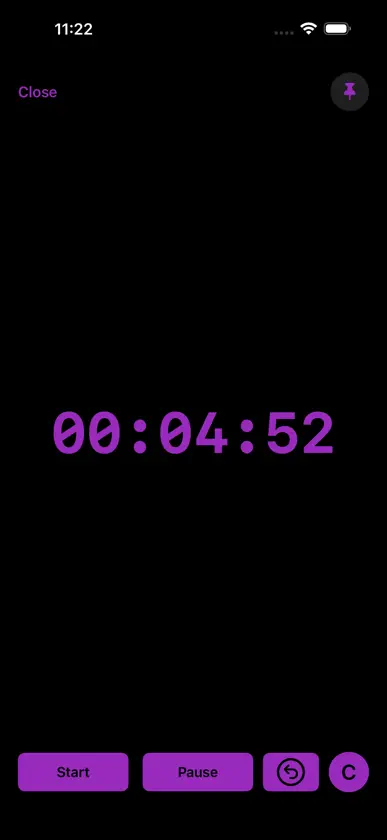
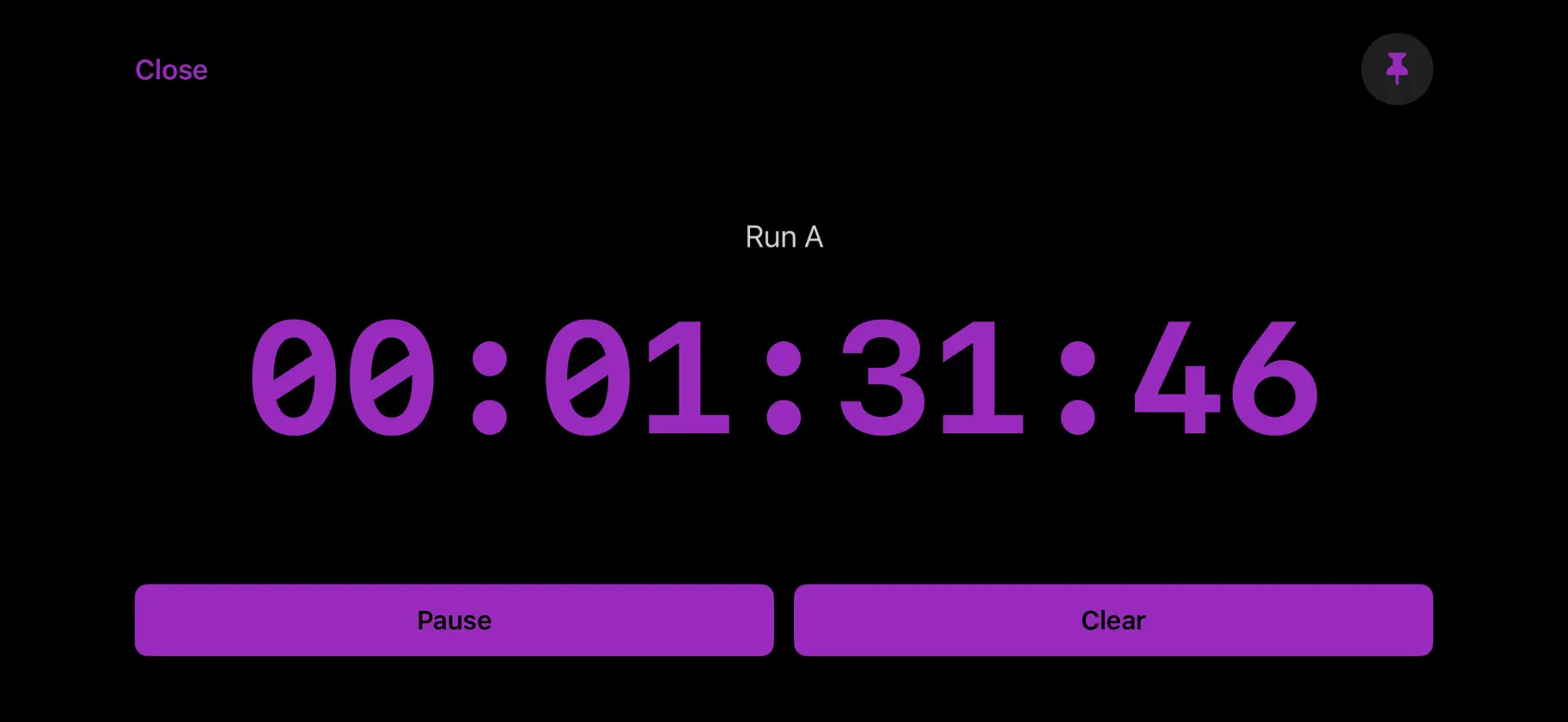
An App for AV Production Professionals, Show Callers, Timekeepers and whoever needs some different ways to keep track of things. Time of Day, Run Time and Countdown Timecode Timers all in one app. Full screen display view on each timer. Time? App Quick Start Guide Time of Day • View current time in 24-hour or 12-hour format. • Swipe left/right to switch views. • Tap the time display to view fullscreen. Run Time A & B • Two independent Run Time timers. • Tap Start/Pause to control each. • Tap Clear to zero out each. • Swipe to switch between A and B. • Tap the timer to enter fullscreen. Countdown Timer • Tap H M S buttons to set time. • Drag buttons H M S buttons right to set values quickly. • Drag H M S buttons downward to clear values. • Swipe left/right to switch between HH:MM:SS and HH:MM formats. • Tap the timer to enter fullscreen. • Connect USB-C Dongle to show Fullscreen on External Display or Switcher with Full Control still from App or OSC. Countdown Controls • Start: begins countdown. • Pause: pauses countdown. • Reset: restores original countdown value. • C: clears countdown. • Tap 'T' to set a target clock time. Count-Up Timer • Automatically starts when countdown reaches zero. Color Theme • Tap one of the color dots to change the app’s accent color. • Use the last color button to choose a custom color. Your color choice is saved when you close and reopen the app. Fullscreen Views • Tap any timer to enter fullscreen. • Tap again to show the Close button. • Pin controls in Run Time and Countdown fullscreen views to keep transport buttons visible without zooming, in portrait or landscape. • Connect an External Display or Switcher for Production for External Fullscreen Countdown Timer
What's new
Version 1.9.1 · Oct 27, 2026
• Choose any custom timer color with the new color picker. Your selected color stays the same when you close and reopen the app. • Pin fullscreen controls for Run Time and Countdown to keep transport buttons visible without zooming, in portrait or landscape. • Improved countdown control responsiveness while keeping the familiar time-setting gestures.


