
TimeLeft: Visual Focus Timer
Fernan Ochoa Amador
No ratings yetProductivityAges 4+
Screenshots


About this app
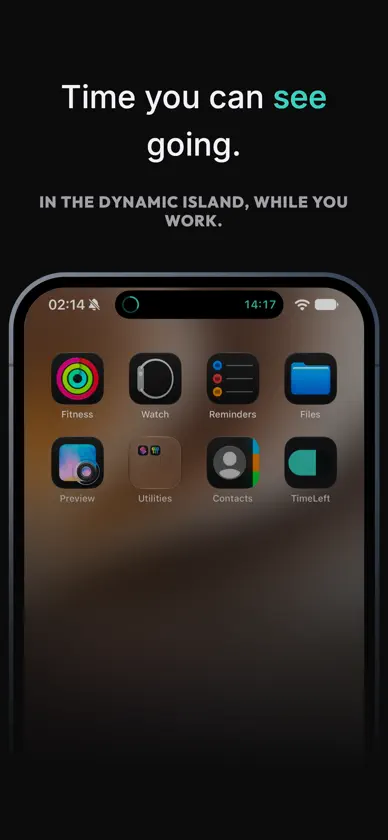
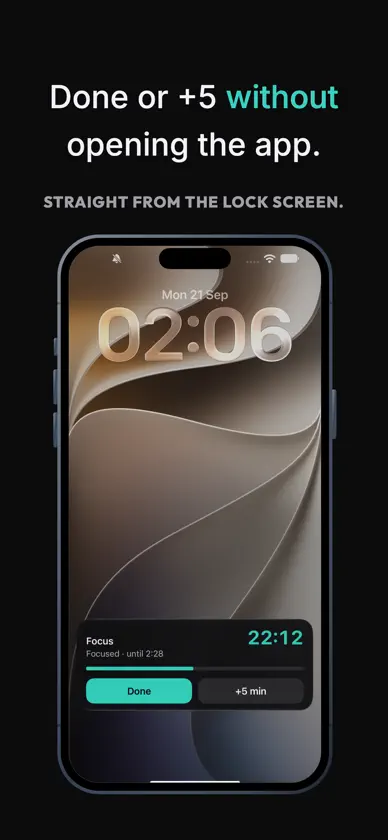
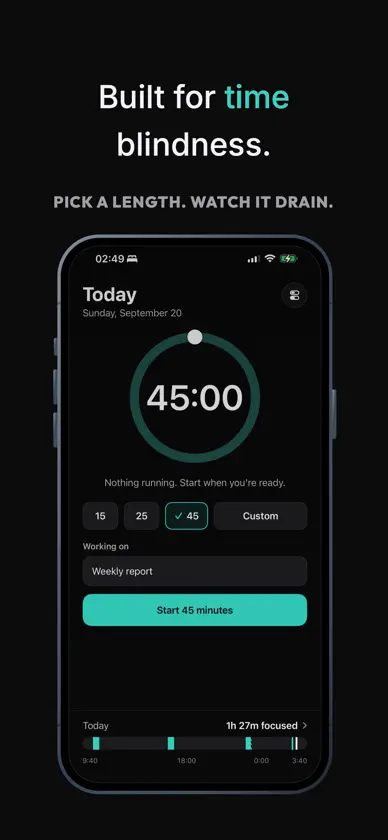
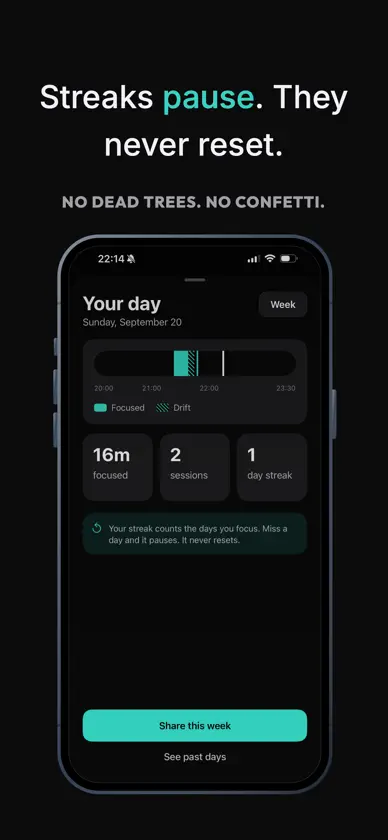
You don't lose time on purpose. It just goes. TimeLeft puts a draining gauge at the top of your screen — in the Dynamic Island, on your Lock Screen — so you can see time moving instead of discovering it's gone. HOW IT WORKS Pick a length. Start. The ring drains while you work, in whatever app you're in. Tap Done, add five minutes, or pause, without opening TimeLeft. BUILT FOR TIME BLINDNESS • A gauge you glance at, not a number you have to calculate • Keeps running while your phone is locked or you're in another app • Start from Control Center, the Action Button, or a Shortcuts automation • Put it on a stand and your phone becomes a desk timer • Pause when life interrupts. That's normal, not failure. NO SHAME, EVER No mascot. No confetti. No streak that dies because you had a hard Tuesday. Streaks pause; they never reset. Time you didn't use is logged neutrally as drift, not as a failure. YOUR WEEK, HONESTLY Every week TimeLeft builds a record of where your time actually went — one card to keep or share. Real numbers, no flattery. MADE FOR ADULTS TimeLeft is deliberately plain. If you've tried focus apps that talk to you like a child, this one won't. SUBSCRIPTION TimeLeft is a paid subscription with no free tier and no trial. You get the whole app or none of it — we'd rather be clear about that up front than surprise you later. TimeLeft is a time-management tool. It is not a medical device and does not diagnose, treat or manage any condition. Terms of Use: https://www.apple.com/legal/internet-services/itunes/dev/stdeula/
In-app purchases
The most popular purchases on the App Store.
- TimeLeft Premium – MonthlySubscription$149.00 / month
- TimeLeft Premium – AnnualSubscription$899.00 / year


