
Transkript
Roger Goesele
No ratings yetUtilitiesAges 4+
Screenshots



About this app
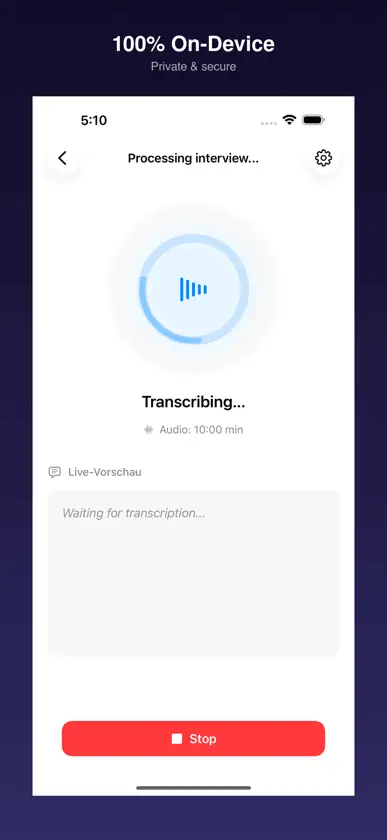
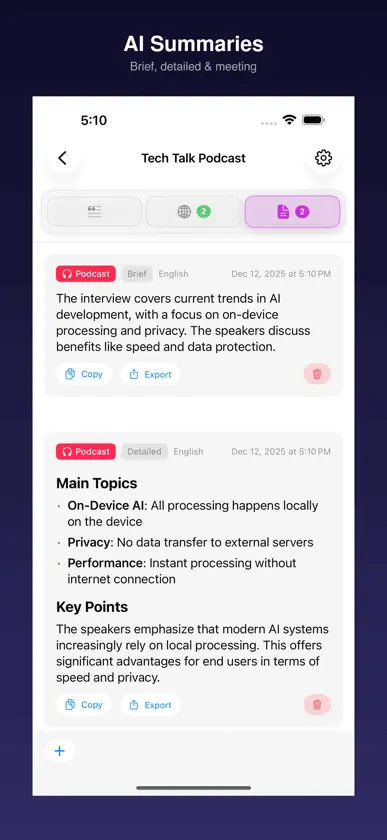
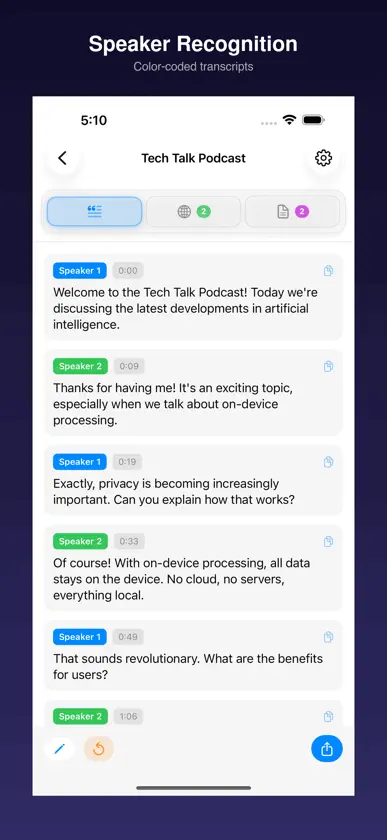
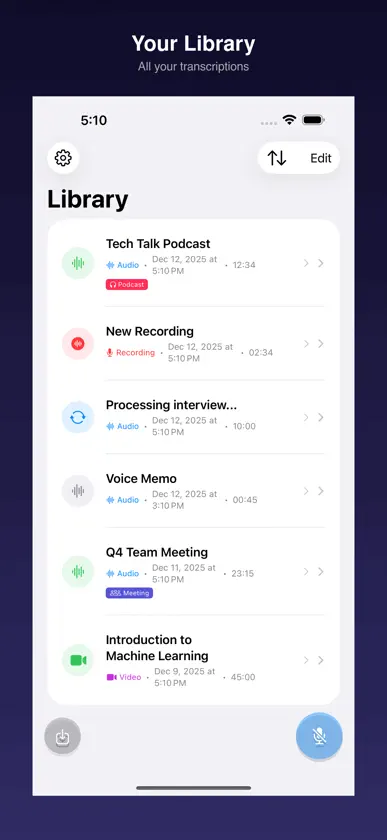
Turn recordings into useful text, translations and summaries with Transkript. Keep conversations private with on-device processing, and work comfortably on iPhone, iPad and Mac. Optimized for iPhone Duo: a focused outer-display view and a spacious library/detail workspace when opened. SPEAKER RECOGNITION • Automatically identify who said what in your recordings • Rename speakers to real names with a simple tap • Perfect for meetings, interviews, and podcasts • Color-coded speaker labels throughout the transcript • Presets for Interview, Meeting, or Conversation scenarios APPLE INTELLIGENCE TRANSCRIPTION • Fast, accurate transcription in ~20 languages • Automatic language detection • Word-accurate timestamps for every segment • Audio enhancement to reduce background noise • 100% offline – no cloud uploads, complete privacy SESSION LIBRARY • Browse the library beside a selected recording in wide windows • Use a focused, compact view in smaller windows • Keep your place with more stable selection and transcript reading position • All transcriptions organized in one place • Custom storage: iCloud, Proton Drive, or any folder • Pull-to-refresh and auto-sync • Quick access to recent sessions TRANSCRIBE ANYTHING • Audio: MP3, M4A, WAV, CAF, AIFF • Video: MP4, MOV, M4V – audio extracted automatically • Record directly in the app • Share from Voice Memos with one tap VIDEO SUBTITLES • Import videos and export SRT/VTT subtitles • Preview subtitles overlaid on your video • Auto-optimize long segments into readable captions TRANSLATE INTO 34 LANGUAGES • Translate transcripts while preserving timestamps • Export translated subtitles for international audiences AI-POWERED SUMMARIES • Generate smart summaries with Apple Intelligence, Qwen 3, or Gemma 4 Preview on supported devices • Qwen 3 is experimental on iPad/Mac; Gemma 4 Preview is Mac-class only • Visible progress when long texts are summarized in chunks • Meeting mode extracts action items and agreements • Multiple summary styles available • Export as PDF or Word (DOCX) ACCESSIBILITY • Full VoiceOver support for blind and low-vision users • Dynamic Type – text scales with your preferred size • Read Aloud: listen to summaries with text-to-speech • Subtitles for deaf and hard-of-hearing users COMPLETELY PRIVATE • All processing on-device • Optional local AI models are downloaded only when you choose to use them • No cloud uploads, no account required • Completely free – no subscriptions Requires iOS 26.1+ or macOS 26.1+ with Apple Intelligence enabled.
What's new
Version 4.3 · Oct 24, 2026
Version 4.3 – optimized for iPhone Duo IMPROVED • Optimized for iPhone Duo with adaptive compact and wide layouts • Clearer library and recording views in compact and wide windows • More stable session selection and transcript reading position • Better spacing, touch targets and layouts for larger text • Easier-to-read recording details in the library • Updated on-device speech and AI libraries, including FluidAudio 0.17.7 and MLX Swift LM 3.32.3 • Preserved custom speaker settings and speaker counts Processing stays on your device. iOS/iPadOS and macOS requirements are unchanged.
More from Roger Goesele


You might also like
 Neural Sound - Text to SpeechMD Rabbi
 PaperCrate: AI Scan & ChatJoseph Tsao
 Pholor - Selector de Color ARMuyao Wu
 ZipPeek: Archive Manager楠楠 李
 Tango - Privacy browserPetra Cackov
 Voice To Text - Meeting NoteFenuku Kekeli
 VoxScriptJames Dellamorte
 Scaniz - QR & Barcode ScannerSanjay Timbadiya
 Print for SafariStefan Van Damme
 Exportar rec.: CSV/PDF/DOCXOleksandr Khomin