
TRIGGERcmd
VanderMey Consulting, LLC
No ratings yetUtilitiesAges 4+
Screenshots



About this app
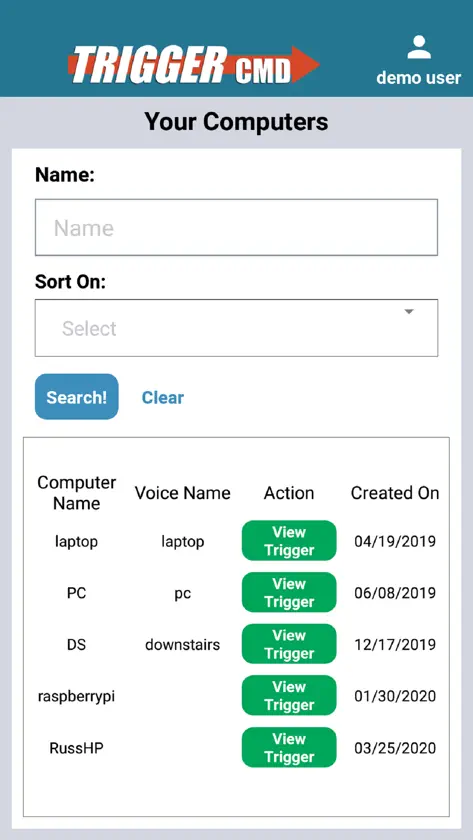
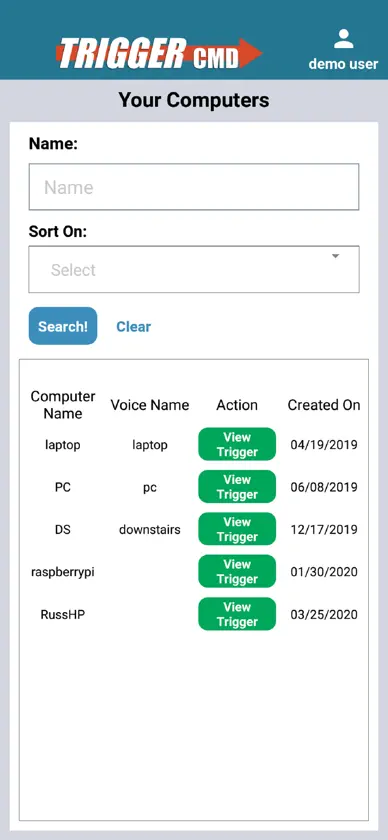
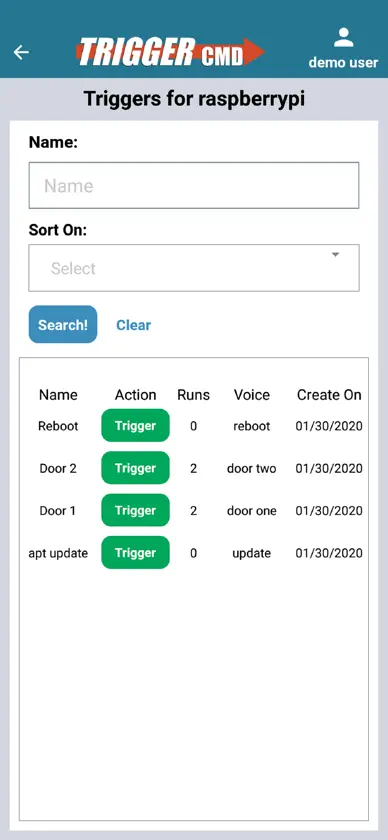
Your commands could install updates, open your garage, run a script, or anything else you decide. 1. Go to triggercmd.com and created an account. 2. Install a TRIGGERcmd agent on your computer. 3. Setup commands you want to trigger remotely. 4. Log into this app and trigger your commands. Each command gets a trigger. Only the triggers are stored in the cloud, not the actual commands. If you use social authentication (Facebook, Twitter, or Google) to create your account, you'll also need to set a password in your user profile. Click your name in the upper-right after logging in at triggercmd.com to access your profile.
What's new
Version 1.0.26 · Sep 2, 2026
Now you can send parameters for commands that support them.
You might also like
 Directory ViewerMohit Khanna
 Magic Packet: WOL Wake-on-LANNikita Somenkov
 DataplicityMachineForest Ltd
 RemoteBoot WOLTakashi Tsuchiya
 Remote.Itremot3.it Inc
 Wake Me Up - Wake-on-LANThomas Di Meco
 SimplePi for Raspberry PiBenedikt Hirmer
 Off - WoL & Wolow for WindowsBRIDGETECH SOLUTIONS LIMITED
 Homemanager for HomebridgeParceApp UG (haftungsbeschränkt)
 Terminal - SFTP & SSH ClientSoufiane Benabid