
Screenshots

About this app
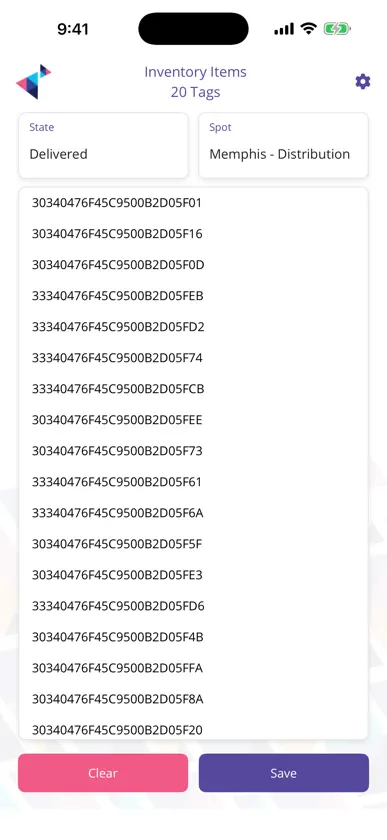
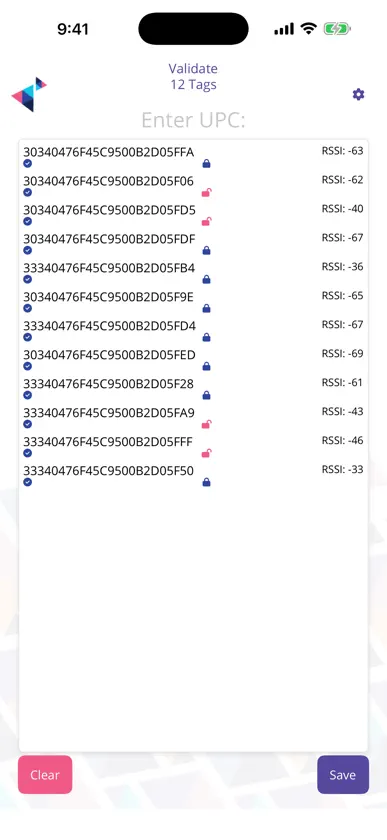
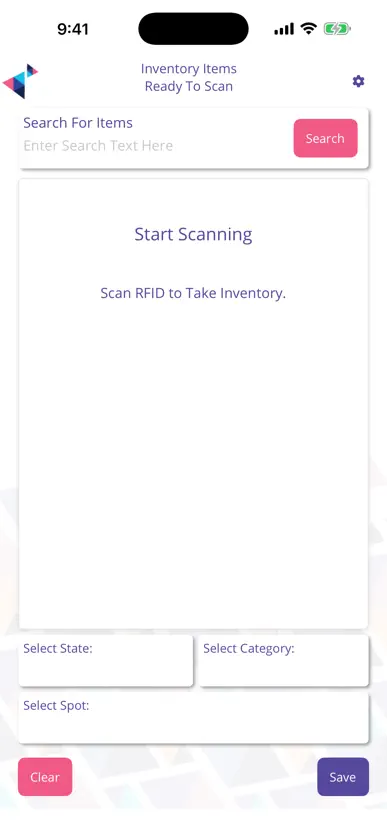
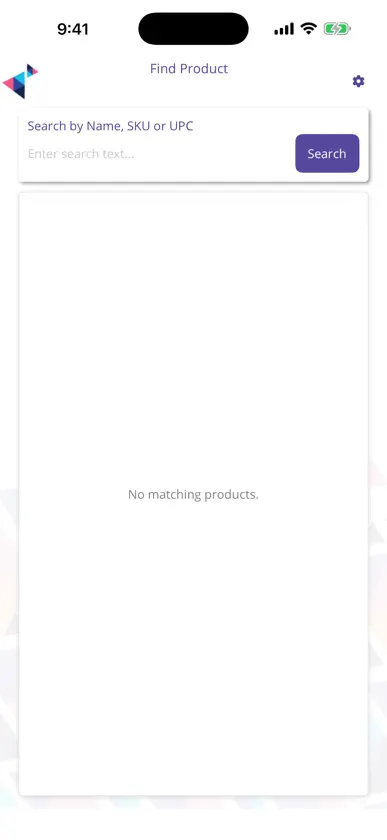
ValidPoint turns an RFID handheld into a complete warehouse validation workstation. Read EPC tags in bulk, reconcile them against live work orders, and post the result to your MotionView system without paper or manual keying. BUILT FOR RFID HANDHELDS ValidPoint runs on enterprise UHF RFID readers, including AsReader sled and paddle devices that attach directly to iPhone and iPad. Scanning, read power, and tag filtering are handled natively so operators keep both hands on the work. WHAT YOU CAN DO - Inventory: sweep a zone and build a live count of every tag in range, with duplicate suppression and signal filtering - Build: assemble pallets, cases, and containers by scanning their contents into a parent unit - Manifest: verify an outbound shipment against its manifest and see missing or unexpected items immediately - Delivery: confirm what actually arrives against what was expected - Validate: check individual tags against catalog records and flag mismatches - Find Product: locate specific items in a noisy read environment by filtering the stream down to matches - Radar: home in on a single tag using live signal strength as you walk - Discover: survey unknown tag populations across an area - Check In/Out: move assets between people, vehicles, and locations - Forklift: hands-free reading for vehicle-mounted workflows - Transactions: review a full history of completed work with per-item detail WORKS THE WAY YOUR SITE DOES Menus are configured per deployment, so operators only see the workflows their role actually uses. Read power, tag filters, and location tagging are all adjustable in Settings. TRY IT WITHOUT HARDWARE Demo mode runs every workflow against simulated tag data, so you can evaluate ValidPoint on any iPhone or iPad before connecting a reader. REQUIREMENTS ValidPoint connects to a MotionView backend and requires an account issued by your organization. Full RFID functionality requires a supported UHF reader; barcode scanning is available using the device camera.
What's new
Version 1.42.26309 · Nov 6, 2026
NEW READER SUPPORT - Chainway R6 Bluetooth UHF sled: find it on the Connect screen and pull the trigger to read, with live signal strength and adjustable read power. CONNECTING A READER - Redesigned Connect screen: reader types and discovered readers now appear as cards, with extra detail to tell similar units apart. - If your administrator has set the reader type in MotionView, the app goes straight to the reader search. - The search no longer hangs when nothing is found. You get a clear "No readers found" message and a Search Again button. RELIABILITY - AsReader paddle and RecoHand readers now reconnect on their own after the device locks or the app returns from the background. No more relaunching the app to get the reader back. - Connect Device in Settings now reconnects your reader directly. - The screen stays on while you are scanning, so a count is never interrupted by the display going to sleep. DIAGNOSTICS - An optional full tag read capture can be switched on for an inventory and uploaded with the saved result, to help your support team troubleshoot read issues.
You might also like
 AsReader UpdateAsterisk Corporation
 Find AsCodeAsterisk Corporation
 AsReader PADDLE-Type AppAsterisk Corporation
 AsCodeAsterisk Corporation
 ItemOptix RetailCheckpoint Systems, Inc.
 LOUPE Americas 2026Informa Support Services Inc
 RuuneInternet of Humans Inc
 NRF PROTECT 2026National Retail Federation, Inc.
 AsReader ScanAsterisk Corporation
 Unico ConnectUnico Properties