
Virtual Dashboard
Kevinnovate, LLC
No ratings yetNavigationAges 4+
Screenshots






About this app
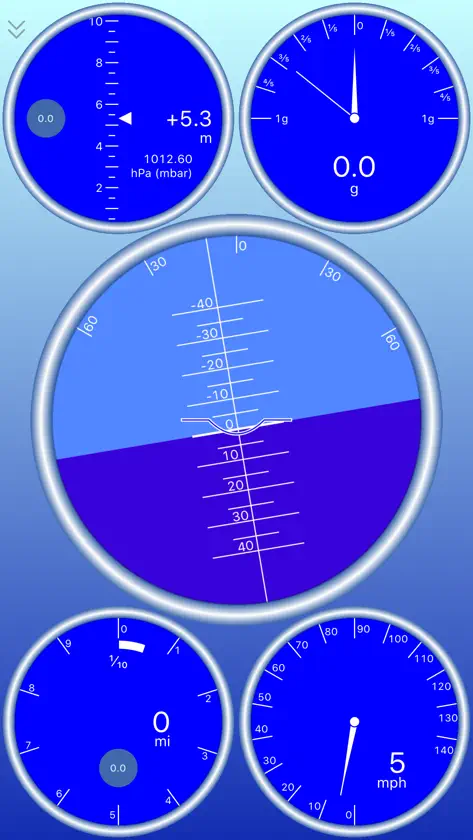
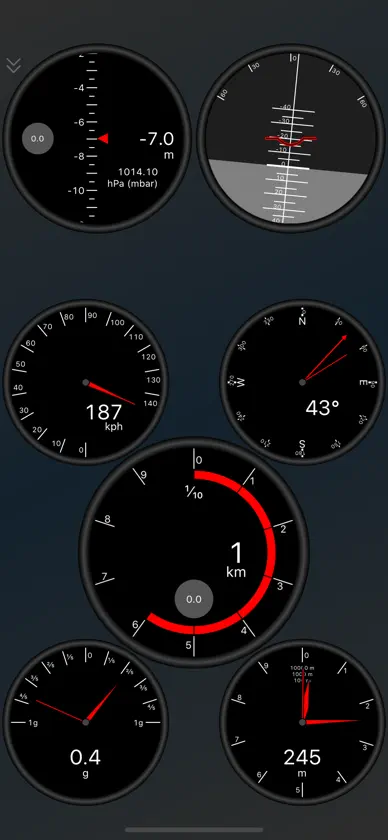
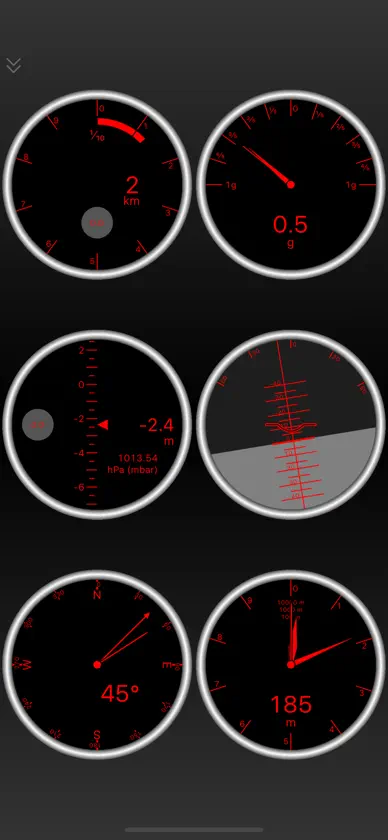
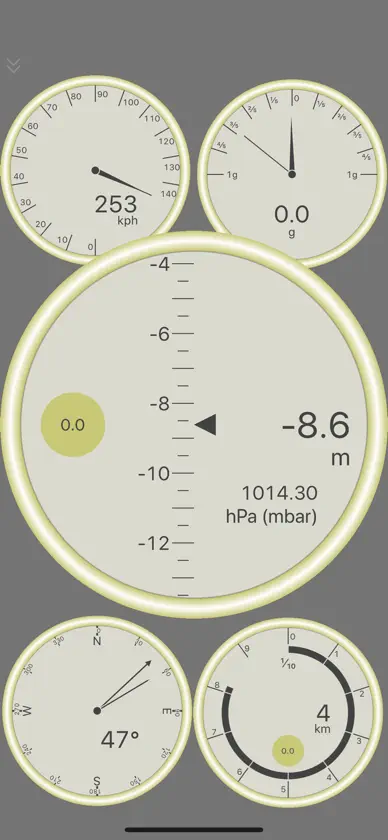
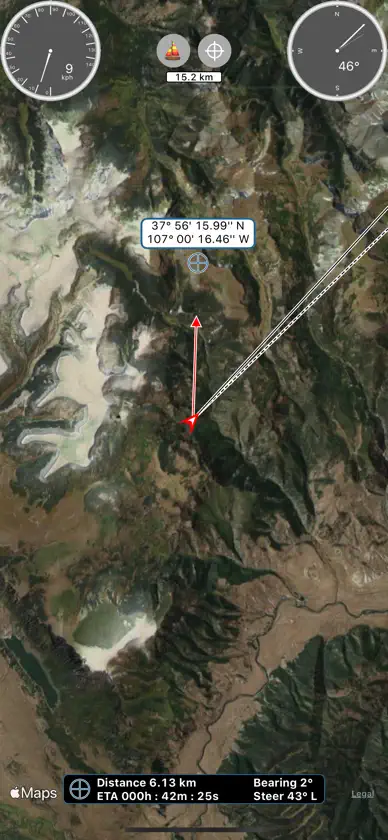
Bring your iPhone and iPad's sensors to life on Virtual Dashboard. Arrange a variety of different gauges to create your own custom dashboards. You can choose from: ○ Speedometer (with peak hold) ○ Odometer (distance travelled, resettable) ○ GPS Altimeter (absolute altitude) ○ Barometric Altimeter (relative altitude) ○ Accelerometer (with peak hold) ○ Artificial Horizon (pitch and roll) ○ Compass (with magnetic heading and true track indicator) ○ Elapsed time (with average speed) Swipe to display a navigational map with resizable gauge overlays. You can select from road, bike, nautical chart, satellite, topographic, and survey (blank) modes. The map shows your current coordinates, track, and heading, and drops breadcrumb markers as you travel. Tap to set a destination and the map displays your distance, bearing, direction to steer, and ETA to the destination. Search the map for points of interest or street addresses. Customize your units, map features, and gauge behavior. Select from one of the many available themes (theme requires in-app purchase). Connect your external MFI GPS device and see faster updates. We currently support the Bad Elf GPS units.
What's new
Version 1.8.0 · Jun 25, 2024
Fixing issue where marine charts were not loading.
In-app purchases
The most popular purchases on the App Store.
- Donate for DevelopmentConsumable$19.00
- Unlock All ThemesConsumable$69.00
More from Kevinnovate, LLC

You might also like
 iBFDmonochromeTatsuo Saeki
 Horizon Portable Glass CockpitHelios Avionics GmbH
 A-EFIS Black and WhiteCharalampos Baltzakis
 Levil AviationLevil Technology
 Tablero Digital del CocheMiroslaw Kapalka
 Direct-To Pilot GPS - VFR, IFRFlygo-Aviation Ltd
 Velocímetro GPS y brújula华明 罗
 Мelocímetro +UniCom Technology
 AirmateMyriel Aviation SA
 Car Dashboard : OBD dash camfaisal khalid