
Visual Schedules
AME Mobile Inc.
No ratings yetEducationAges 4+
Screenshots









About this app
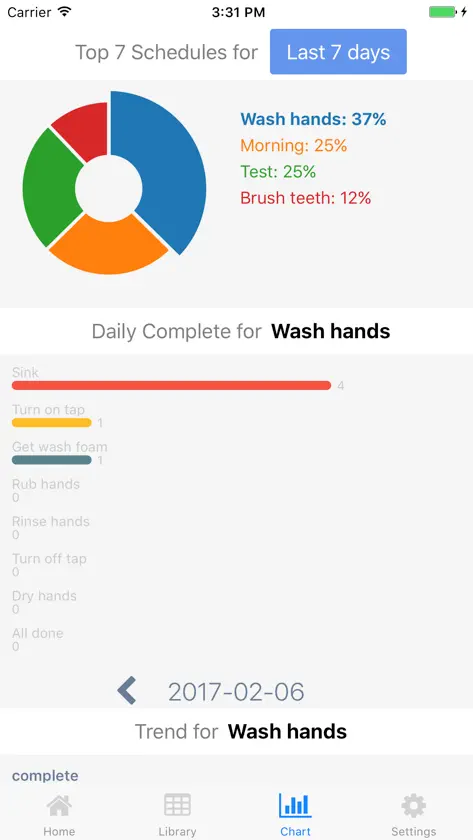
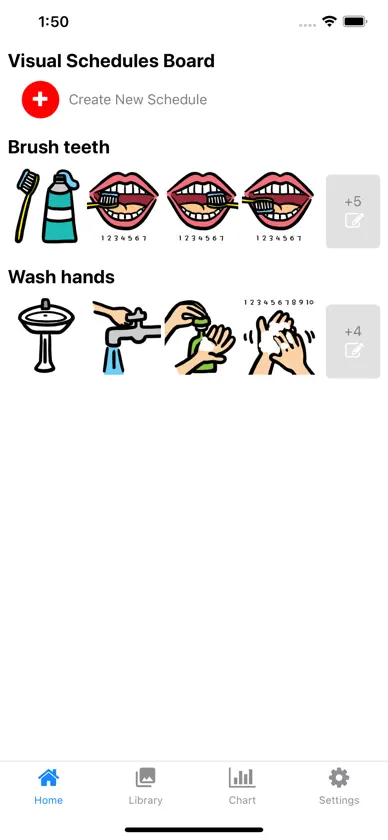
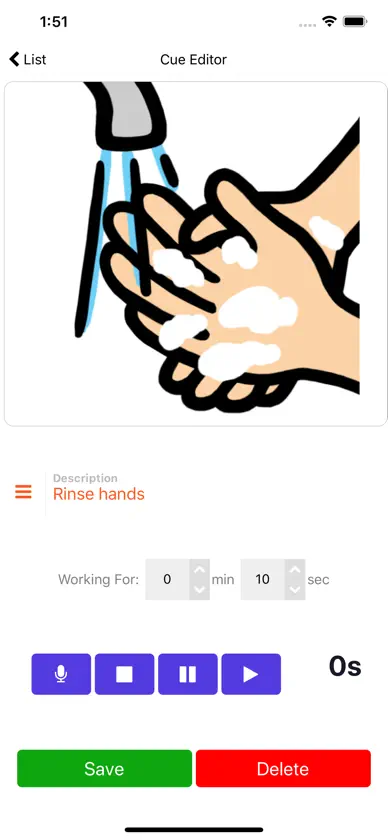
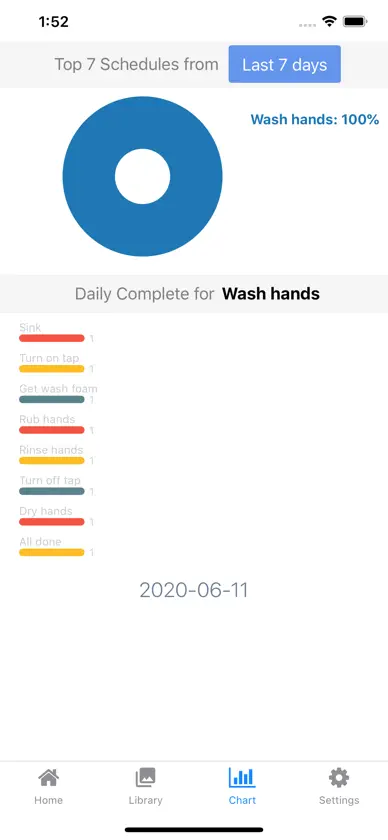
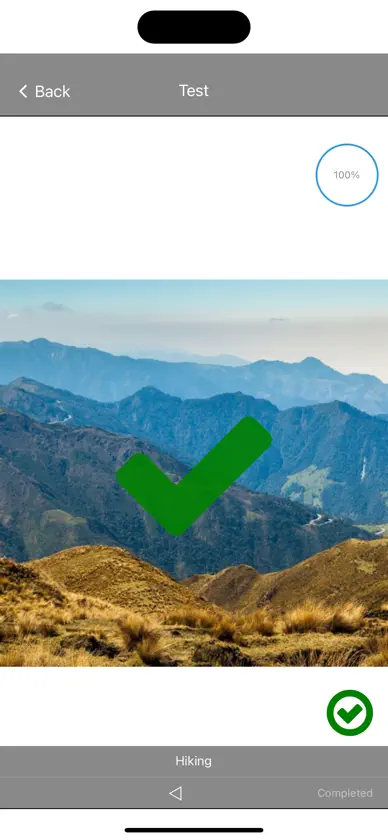
VISUAL SCHEDULES IS RETIRING AT THE END OF 2026 After 2026, Visual Schedules will no longer be updated or sold. Its schedules continue in Visual Cue 10, our next-generation visual schedule app for iPhone, iPad, and Mac. If you own Visual Schedules, you can get Visual Cue 10 free and bring your schedules with you until December 31, 2026: open Schedules and follow the two steps. Visual Schedules keeps working on your device. Ease anxiety and provide clear insights into daily activities with Visual Schedules. This intuitive scheduler is designed to offer predictability and understanding, helping children anticipate what comes next. Enhance learning and engagement by increasing the number of activities a child can view at once, making transitions smoother and more manageable. Key Features: * Enhance Daily Predictability: Smoothly outlines the child’s day, providing a sense of security and structure. * Motivation Boost: Helps complete less appealing tasks by showing progress and end goals. * Clarity Without Overload: Offers essential upcoming tasks and activities without overwhelming details. * Simplified Task Management: Breaks down complex schedules into easy-to-follow steps. Advanced Insights: With more frequent use, gain deeper insights into a child’s behavior and task effectiveness. Discover which tasks capture attention and which need more focus. Visual Schedules provides easy-to-understand charts for quick overviews of schedule adherence and task completion. Need detailed analysis? Export raw data for comprehensive review and research. Transform your child’s day with clarity and confidence — download Visual Schedules now and see the difference it makes in your planning and their progress!
What's new
Version 3.1.1 · Nov 7, 2026
Visual Schedules is retiring at the end of 2026. Thank you for supporting it. • Owners get Visual Cue 10 free: tap Get Visual Cue Free on the first screen or in Settings → Move to Visual Cue. Visual Cue 10 needs iOS 17. • Already have Visual Cue? Tap Copy to Visual Cue, then in Visual Cue open Settings and tap Import from Schedules. Your schedules, pictures, recordings, and history come across, and nothing is removed from Schedules. • Not ready to move? Choose Not now. Visual Schedules keeps working on your device, but the free offer and Copy to Visual Cue end on December 31, 2026. • Creating images with AI is no longer available, because that service has closed. Find Image still searches for photos.
More from AME Mobile Inc.


You might also like
 Stepwise StoriesSimcoach Games
 ClassMapEduKraising Boonyarangkavorn
 Sorin: Safe AI LearningSorin.ai
 Math Word Problems: School Ed.Janine Toole
 Fraction MathEsa Helttula
 Now and Next: Agenda visualPeter Stanley
 The Speech & Language DepotThe Speech Depot LLC
 First PhrasesHamaguchi Learning & Development, LLC
 Operant BHOperant Systems Inc.
 Autism Tracker ProTrack & Share Apps, LLC