
WhichLocker
Torn Metal LLC
No ratings yetUtilitiesAges 4+
Screenshots








About this app
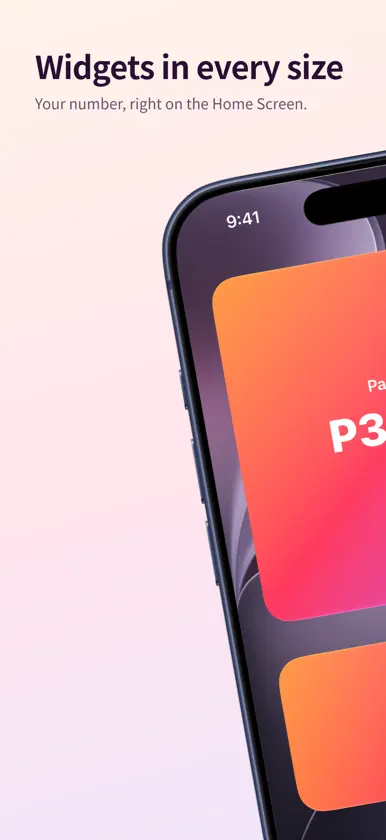
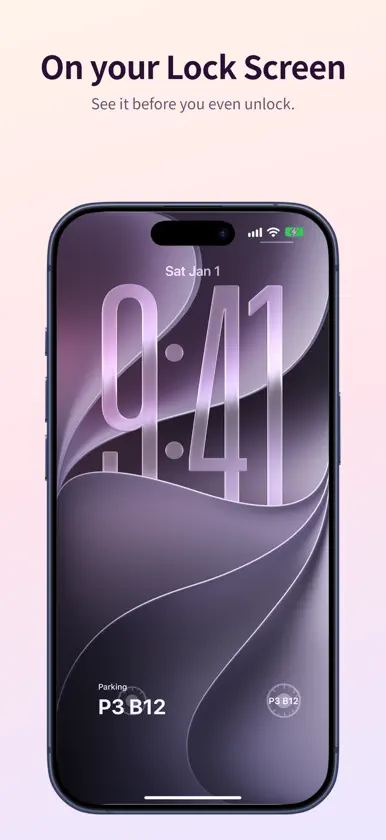
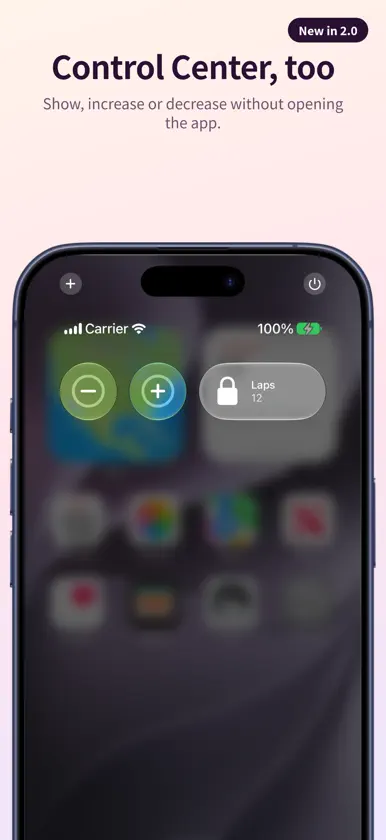
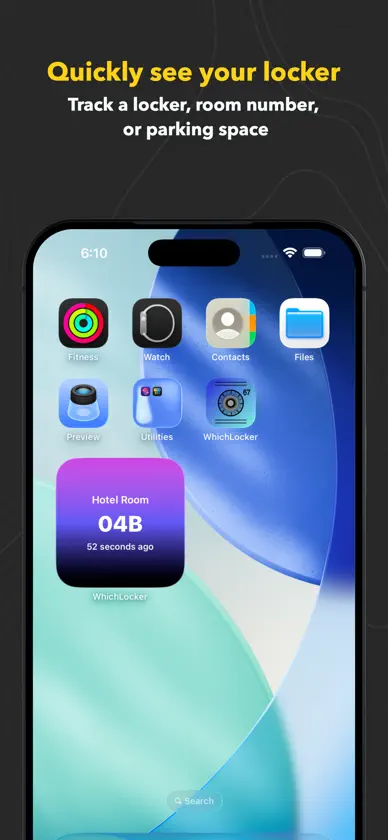
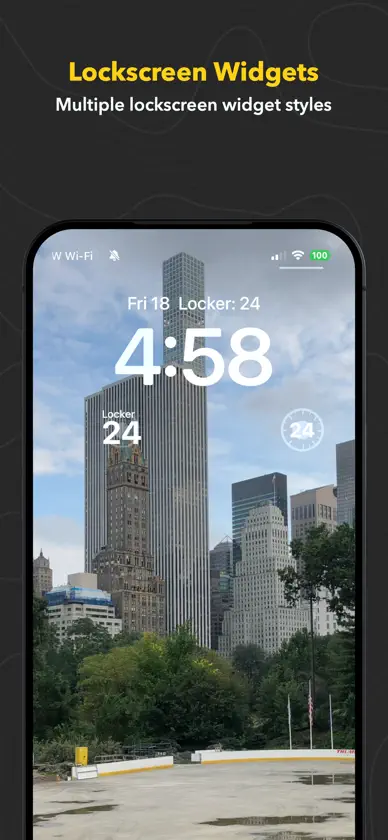
WhichLocker remembers the numbers you'd otherwise forget: your gym locker, the parking spot, a hotel room, a bike rack, or a running count of anything. Set it once and check it from wherever you are: iPhone, Apple Watch, Home Screen and Lock Screen widgets, Control Center, watch complications, the Smart Stack, or by asking Siri. ALWAYS ONE GLANCE AWAY • Home Screen and Lock Screen widgets in every size • Apple Watch app, complications and Smart Stack widget • Control Center and Lock Screen controls to show, increase or decrease your number • Tinted and clear widget styles look right on any Home Screen A STACK, NOT JUST ONE NUMBER • Save a temporary entry, like a parking spot, without losing your locker number • Move any older entry back to the top with one tap • Give every entry its own label: Gym Locker, Parking, Hotel Room COUNTER MODE • Turn on +/- buttons to count laps, sets, reps, or anything else • Count from the app, a widget, a control, or your watch SIRI AND SHORTCUTS • "What's my Gym Locker in WhichLocker?" • "Increment WhichLocker" or "Decrement my laps in WhichLocker" • Works with Siri, Spotlight and the Shortcuts app IPHONE AND APPLE WATCH IN SYNC • Change your number on either device, or from a widget or complication, and the other device updates • Tap the watch card to enter a new value; press and hold to edit MAKE IT YOURS • Dozens of colors and gradients • Labels, letters and numbers, such as "P3 · B12" • Available in English, Dutch, French, German, Italian, Japanese, Korean, Portuguese, Russian and Spanish PRIVATE BY DESIGN • No account, no ads, no tracking • Your entries stay on your devices
What's new
Version 2.0 · Oct 15, 2026
A big update for iPhone and Apple Watch: • Control Center and Lock Screen controls: show, increase or decrease your number without opening the app • Interactive Apple Watch widget with +/- buttons, plus smarter Smart Stack placement • Siri understands your lockers by name, and Spotlight can find them • Move any older entry back to the top of your stack • On Apple Watch, tap the card to type a new value, or press and hold to edit • Changes made from widgets, controls and complications now sync to your other device right away • Translated into 13 languages and regions • Updated design with Liquid Glass buttons on iOS and watchOS 26 and later • Better VoiceOver and Dynamic Type support • More reliable sync between iPhone and Apple Watch, and many smaller fixes


