
Screenshots



About this app
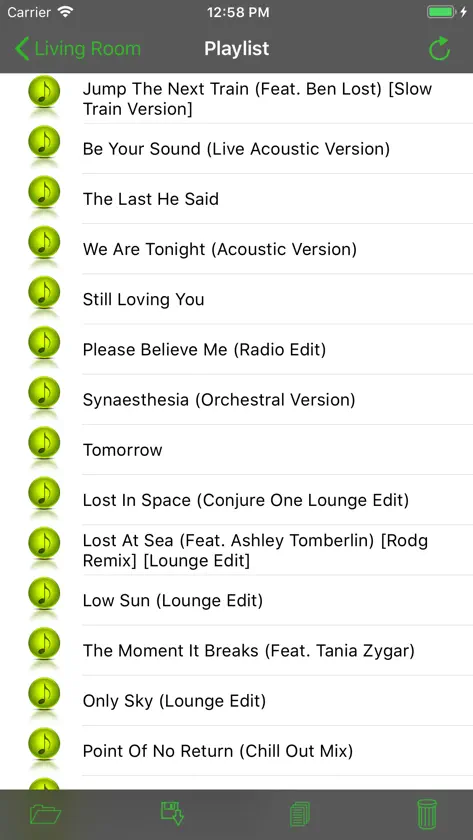
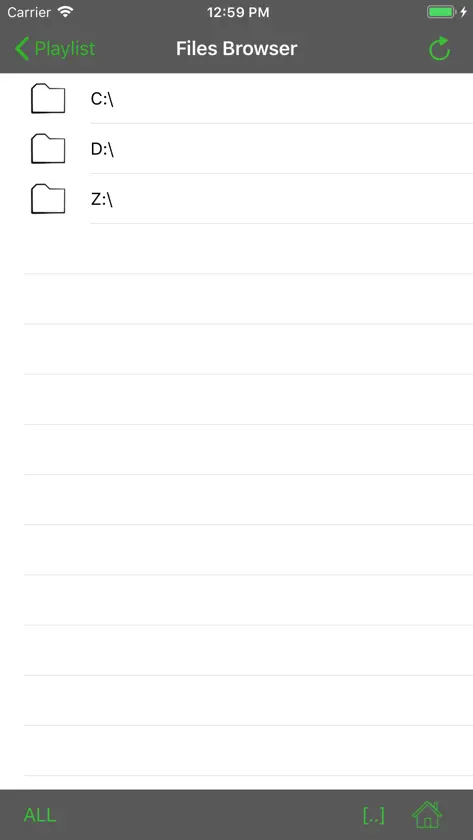
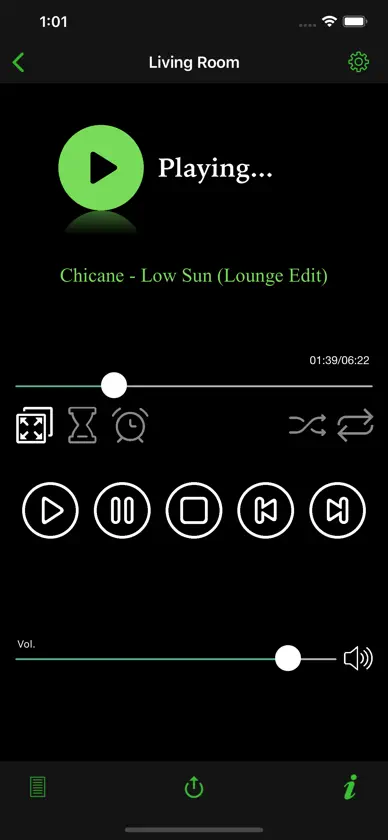
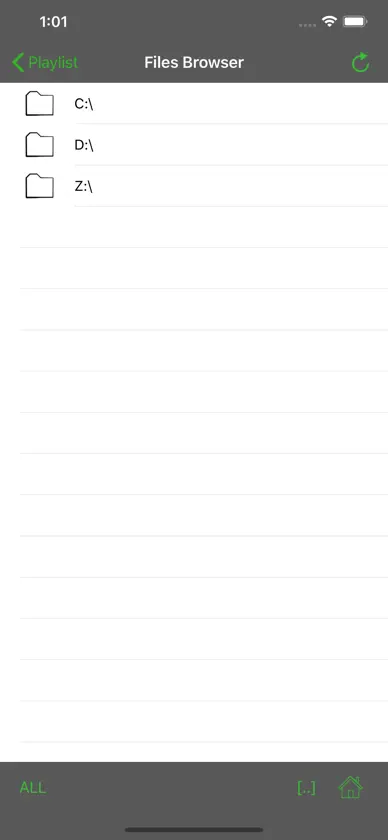
With WmpRemote you can remote Windows media player and Winamp without even look on your PC Screen. All the information you need appears on your iPhone/iPod screen. WmpRemote is excellent when you want to play music on your PC from a different room and perfect for home parties when you’re not close to your computer. WmpRemote Features: • Windows media player and Winamp Support • See what song is playing now and playing status (Playing,Stopped,Paused) • Set volume Up/Down & Mute On/Off • Play, Pause, Stop, Move next, Move previous your songs. • Full control on your playlist – Browse your PC to add/remove songs/videos to playlist. • Shuffle and Repeat playlist songs. • Remote control on many media players PCs (Just install the free WmpRemote server on any windows machine) • Save & Load playlists from the iPhone. • Set timer to close your media player • Set Alarm clock to wake up Watch demo video here: http://tinyurl.com/wrappl ***Please Note*** You must download and install WmpRemote Server on your PC in order to use WmpRemote. You can get it from Applitom Website http://applitom.com/wmpremote Requirements: • Windows PC + Windows media player/Winamp. • Install WmpRemote Server on your PC. download it from http://applitom.com/WmpRemote (Framework 2.0 is required) • Home Wifi Network • iPhone/iPod touch (iOs 8 or higher)
What's new
Version 2.1.1 · Aug 5, 2019
- Bug fixes - UI Refreshments
More from Applitom


You might also like
 Remote for VLC, PC & MacAdarsh Urs
 SwiftfinAnthony Lavado
 UTM SE: Retro PC emulatorTuring Software, LLC
 Jellyfin MobileAnthony Lavado
 MX Player : All Media PlayerGabriel Steven
 InfuseFirecore, LLC
 Fast Player -Reproductor video章健 杨
 nPlayer LiteNewin Inc.
 KMPlayerPANDORATV Co.,Ltd
 Manic EMU - Emulador de JuegosShenzhen Aoshuang Future Technology Co., Ltd