
Workspace for WordPress
Meow Arts KK
No ratings yetProductivityAges 4+
Screenshots

About this app
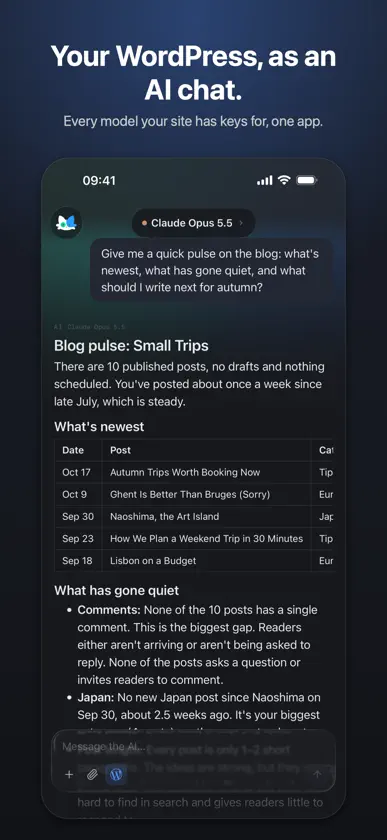
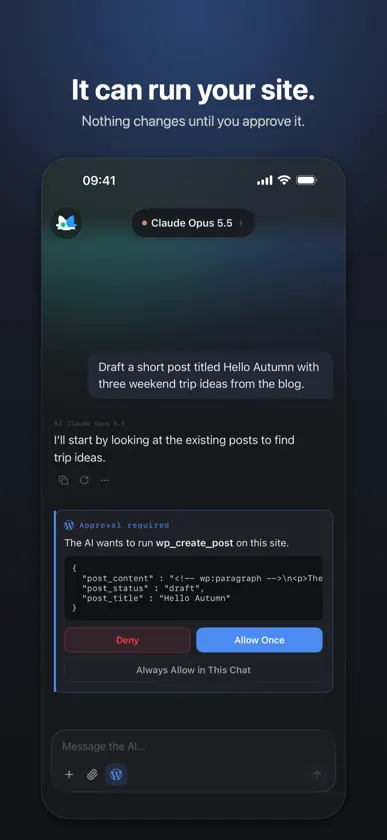
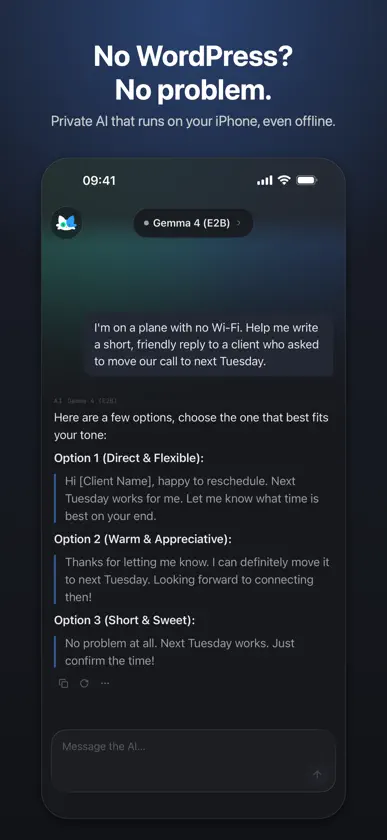
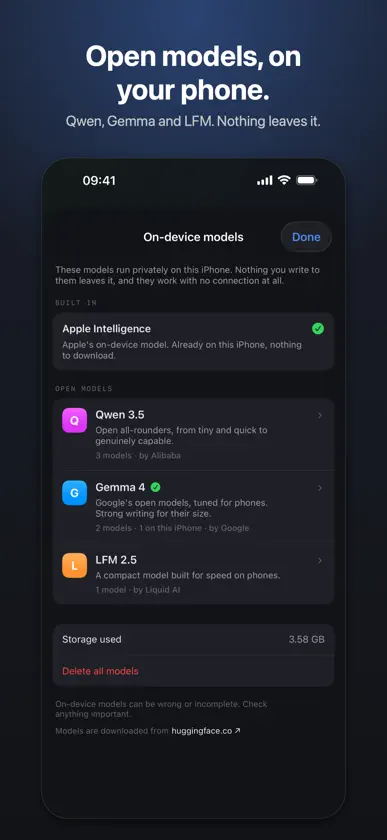
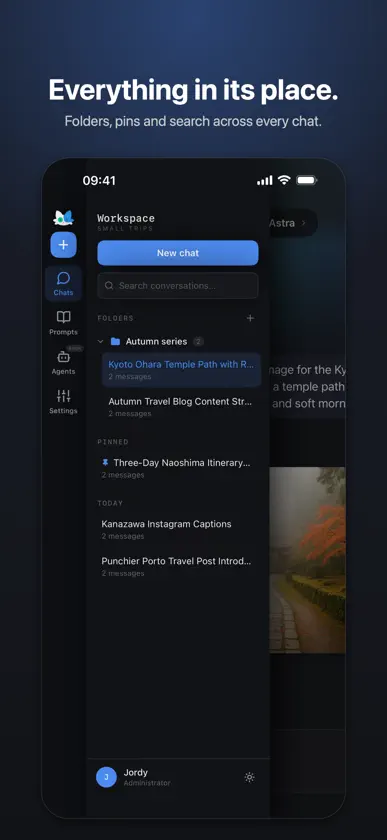
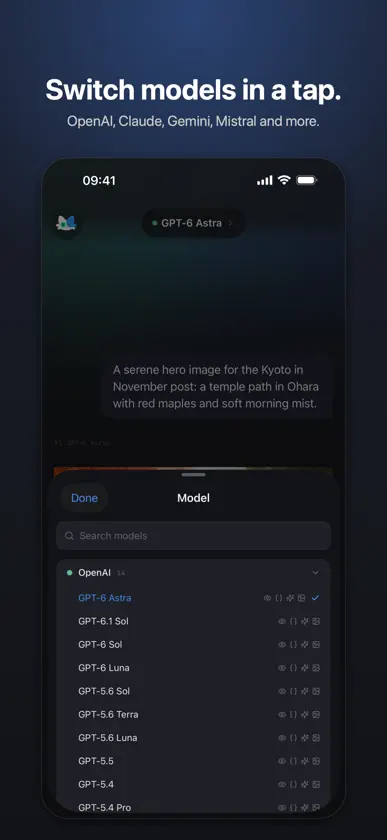
Your own AI, on your own server. Or right on your iPhone. Workspace connects to a WordPress site you already run, and turns it into a private AI app. Every model your site has keys for (OpenAI, Anthropic, Google, Mistral, OpenRouter and more), billed to you, called by your server. Scan a QR code and you're in. AN AI CHAT APP THAT HAPPENS TO BE PRIVATE Use it the way you already use one: ask anything, switch model mid-conversation, generate images, keep everything in folders with search across the lot. Nothing passes through us, because there is no "us" in the request path. A WORDPRESS THAT ANSWERS BACK Turn on WordPress Tools and it works the site itself: draft and publish posts, analyse SEO, pull your traffic. Anything that would change something stops and shows you the exact tool and its arguments first. NO WORDPRESS? TRY IT ON YOUR DEVICE Download an open model (Qwen, Gemma or LFM) and chat privately, with no site and no connection. Everything stays on your iPhone or iPad: nothing you write to these models leaves the device. On a connected site, they appear under Offline, for the plane or the train. THEN GO FURTHER Knowledge bases, MCP servers and your own functions, connected in a tap. ALSO Dark and light with five accents, stored per WordPress user so they follow you. Stop, edit, regenerate or branch any message. Each conversation remembers its model. Export any conversation as Markdown. Multiple sites. iPhone and iPad. The full experience requires a self-hosted WordPress 6.0 or later site with the AI Engine plugin, and an administrator account on it. On-device models need no site, and work best on recent iPhones and iPads. Workspace for WordPress is made by Meow Apps and is not affiliated with, endorsed by, or sponsored by the WordPress Foundation or Automattic.
What's new
Version 1.14 · Oct 23, 2026
Photos you attach to a question now stay with it when you retry or edit it. Photos from an on-device chat never leave your phone, even then.
More from Meow Arts KK


You might also like
 WordPress - Constructor webAutomattic
 Jetpack para WordPressAutomattic
 Universe Website BuilderUniverse Exploration Company
 Lovable: Build Apps With AILovable Labs Incorporated
 Google AI Edge GalleryGoogle
 Proton CalendarProton AG
 IFTTT - AutomatizacionesIFTTT
 Wispr Flow: AI Voice KeyboardWispr AI, Inc.
 Google CloudGoogle
 Genspark AI Espacio de trabajoGENSPARK INC