
Writa: Notes, Tasks, Planner
Joshua Orr
No ratings yetProductivityAges 4+
Screenshots
About this app
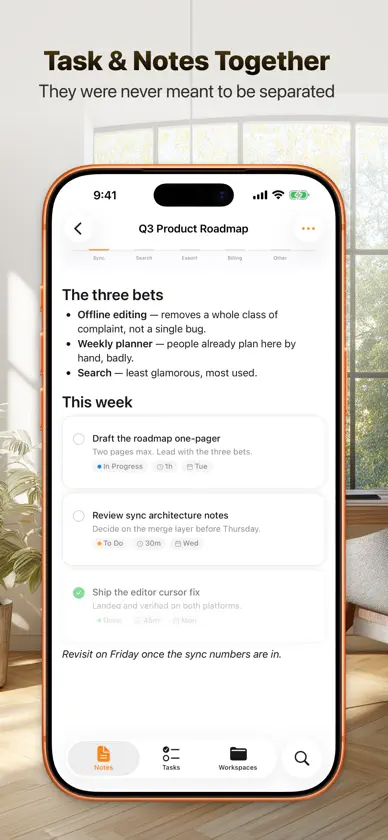
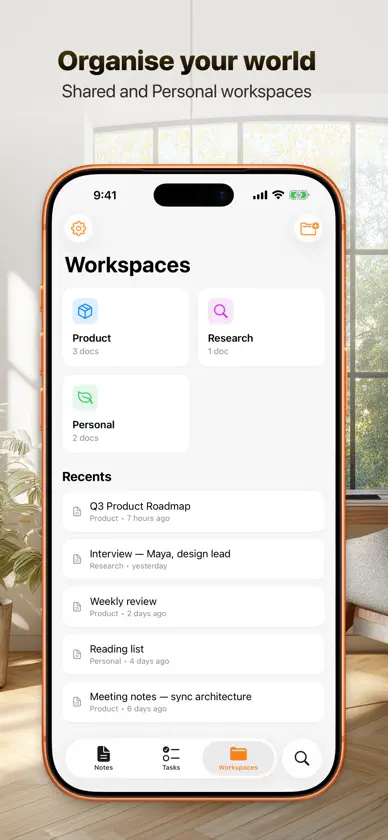
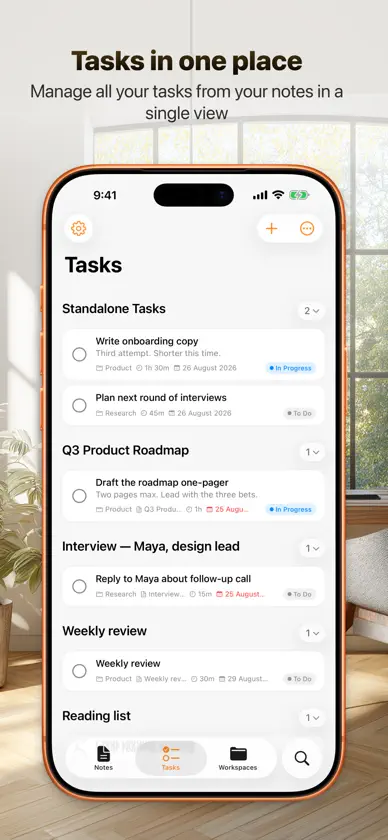
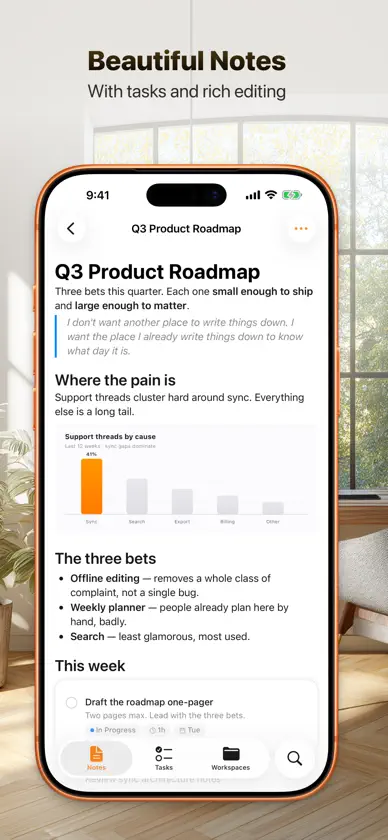
Writa — Notes, Tasks & Planner Write beautifully. Plan effortlessly. Writa is a writing app that brings your notes, tasks, and calendar together in one place. Write in a clean, distraction-free editor — then drag your tasks straight onto your calendar to schedule your day. Write without friction A minimal, beautiful editor that gets out of your way. Customise fonts, themes, and layout to match how you think. Your documents sync seamlessly across Mac, iPhone, and iPad. Tasks that live in your notes Add tasks directly inside your documents as you write. They automatically appear in your planner, so nothing falls through the cracks. No switching between apps, no copy-pasting — just write it down and it's tracked. Drag tasks into your calendar This is the feature you've been missing. See your Google Calendar alongside your task list, then drag tasks onto time slots to schedule them. Turn intentions into committed time blocks in seconds. Collaborate in real time Share documents and work together live. See changes as they happen, with no conflicts or lost work. Make it yours Deep customisation lets you adjust themes, typography, and workspace organisation to suit your workflow. Create workspaces, tag documents, and structure your writing life however you like. — • Real-time sync across all your Apple devices • Full offline support — write anywhere, sync when you're back • Google Calendar integration • Workspaces and tags for organisation • Share links and team collaboration • Dark mode and custom themes Terms of Use: https://www.apple.com/legal/internet-services/itunes/dev/stdeula/
What's new
Version 1.2 · Oct 27, 2026
Built for iPhone Duo Writa now adapts to the foldable iPhone. Folded, you get the familiar phone layout with the side tab bar. Unfolded, you get a full sidebar and room to work, in portrait or landscape. A new full-width button lets a note take over the whole screen. Faster notes Notes now open almost instantly, and changes from your other devices sync in quietly without interrupting you. Fixes • Fixed notes sometimes opening blank, including when returning to the app. • Fixed a new note from another device sometimes showing the wrong title in your list. • Fixed the “Add notes…” placeholder in task cards doubling up or adding extra lines. • Mirrored repository files no longer clutter All Notes and Recent on larger screens. • Softer edges when scrolling lists and notes.
In-app purchases
The most popular purchases on the App Store.
- Writa ProSubscription · 7 days free trial$69.00 / month
- Writa ProSubscription · 7 days free trial$599.00 / year


