
xLights
Kulp Lights LLC
No ratings yetEntertainmentAges 4+
Screenshots

About this app
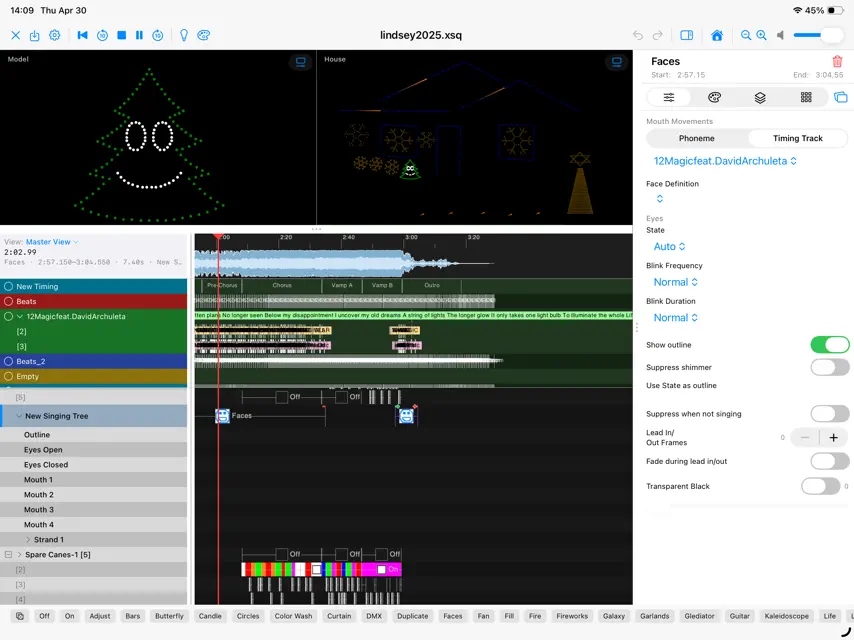
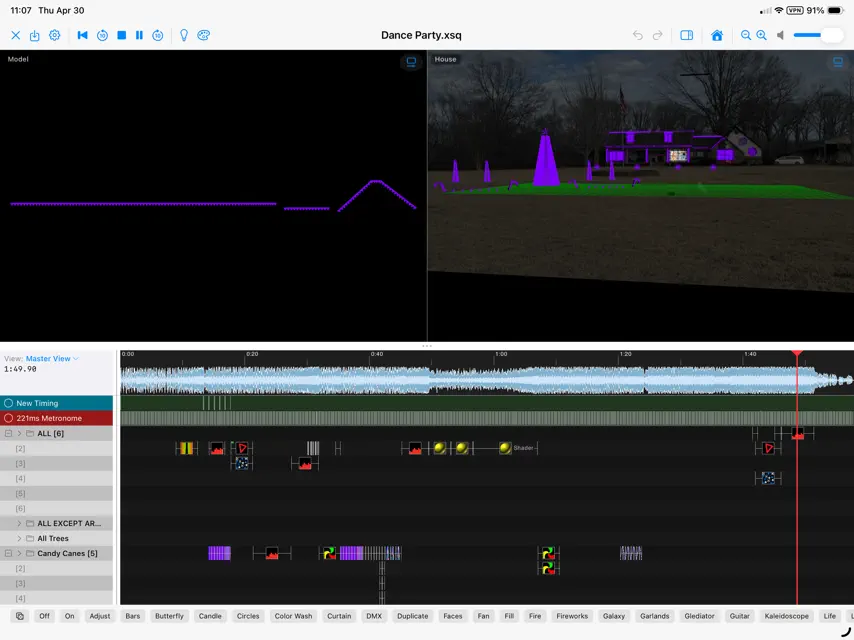
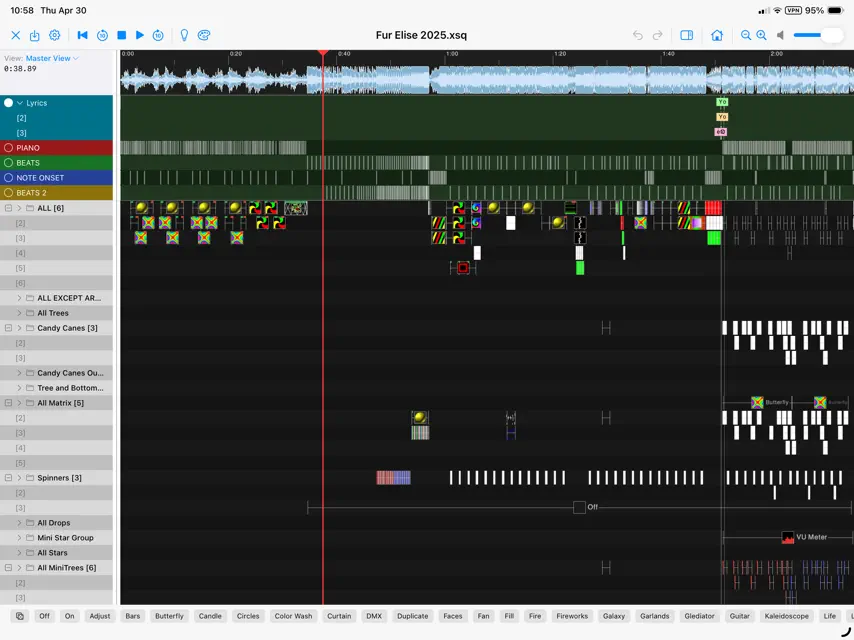
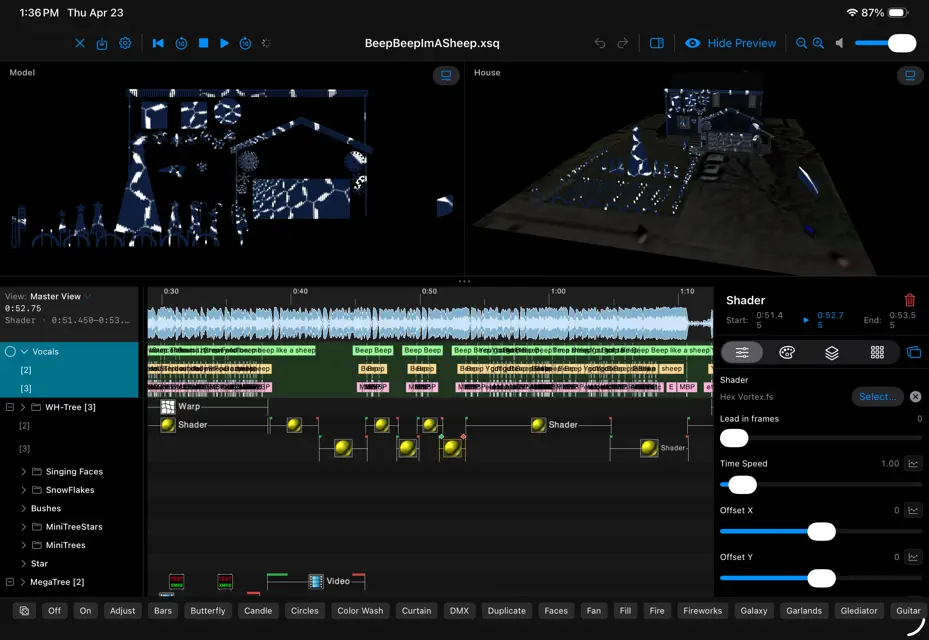
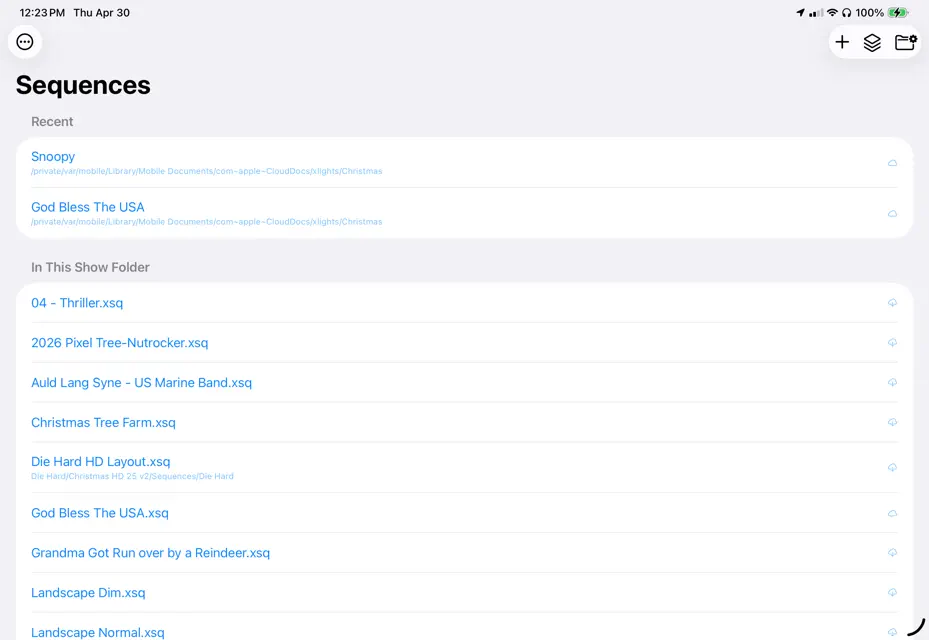
xLights is program for sequencing LED pixels and other lights to music. The display is setup using the xLights desktop application, but once the display setup is complete, the user can create a sequence by loading a music file and then mapping various effects onto each model based on the timing and other cues in the music. The user can test their creations by outputting the data directly to the controllers that are controlling the lights. xLights supports a wide range of controllers from standard e1.31 based controllers, ArtNet, DDP, DMX, PixelNet, etc...
What's new
Version 2026.19 · Oct 23, 2026
New - Bars: a new Custom direction with an Angle slider moves the bars in any direction. - The Pictures effect can use SVG images, drawn sharp at the model's size. - "Update Only Colors" applies just the palette colours to the selected effects. - LOR S5/S6 import: effects land on the matching strands, tiers and columns of the model, custom motion rows can be mapped to submodels or groups, sketches import as SVG pictures, singing faces get lip-sync timing tracks and Faces effects, and many more LOR effects come across. - "Promote to Base Show Folder" copies models, groups, 3D objects and controllers into the base show folder and links them. - Controller visualizer: drop a model on the top half of a row to put it before that model, and Move to Front puts a model at the head of its port. - Faster renders for sequences with large models or groups set to Render Disabled. Changed - SuperStar import scales pictures with the rest of the imported effects by default. - Help > Forum opens the xLights board on the Falcon Christmas forum. Fixed - Smoother scrolling on large sequences: the grid and row headings no longer redraw everything on every step. - Update Palette now matches desktop, copying only colours and checkboxes. - Switching audio tracks during playback keeps playing on the new track. - Find Possible Source Effects opens results for models outside the current view. - Media Manager shows the media of just-imported effects right away. - Remove Unused Media no longer drops media used only by submodel, strand or node effects. - LOR S5 import no longer drops sources added with "Add Additional". - FPP Connect uploads to inactive controllers set by hostname and finds controllers on other subnets. - Controller visualizer: moving a model keeps the rest of its old chain in place. - Some shaders rendered as random noise, and shaders on very large buffers crashed. - Bars gradients picked up extra hues with non-Normal layer blending. - Chroma Key turned uncovered areas black, hiding the layers below. - Fixed crashes in the Butterfly and Music effects, and on very large model group buffers. - Package Sequence could leave out media used by effects added since the sequence was opened. - SuperStar and LOR S5/S6 import: overlapping effects, overlay mixes, bar and spiral speeds and several colour conversions are fixed. - Layout: fixes for Circle, multi-string Cube and multi-layer arch models, older DMX models failing to load, and Model Sets in base show folders. - The app is no longer closed while a 3D mesh downloads from iCloud. - Fixed crashes when closing a sequence or changing its audio during playback, and with model groups that contain each other.
In-app purchases
The most popular purchases on the App Store.
- Monthly Large SubscriptionSubscription$229.00 / month
- Monthly Medium SubscriptionSubscription$115.00 / month
- Medium TipConsumable$199.00
- Large TipConsumable$499.00
- Small TipConsumable$99.00
- Monthly Small SubscriptionSubscription$45.00 / month
More from Kulp Lights LLC

You might also like
 ScottEffx flickerSongScott Burkhart Effects LLC
 Fireworks by Mike TiggerMichael Hein
 Duendes de Navidad ARBo Kalvslund
 TribLight: Işık GösterisiTolga Kanatoglu
 PulseMeshPulseMesh LLC
 Christmas lights with musicYaroslav Novytskyi
 Pipplee: Matriz LED WLEDBipul Jain
 Church Temple Bell SoundsArsosa Network Inc.
 THE MULTIxVERSE: Movies & TVSecond Ascent LLC
 Lighten Up LightsKarl Joseph Stephens