
Screenshots

About this app
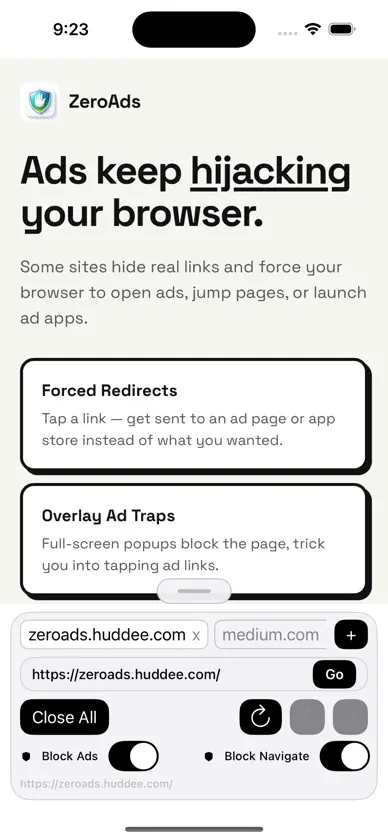
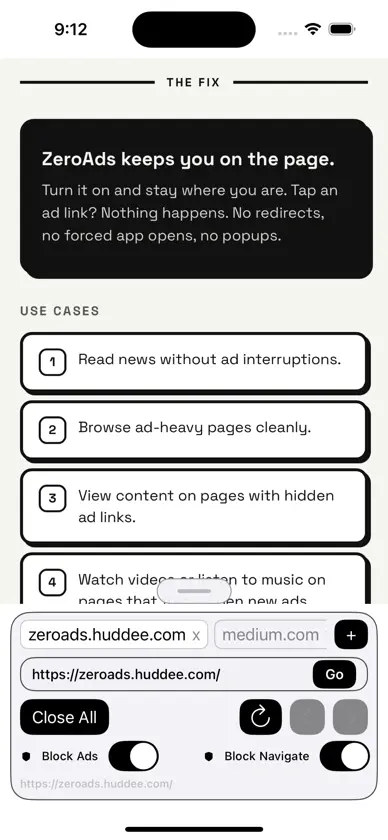
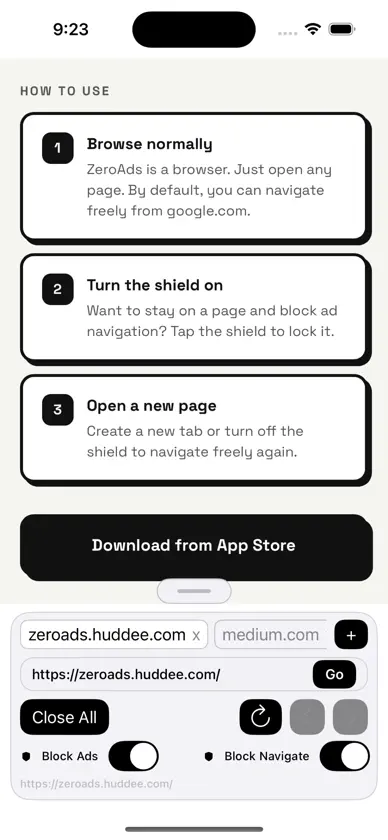
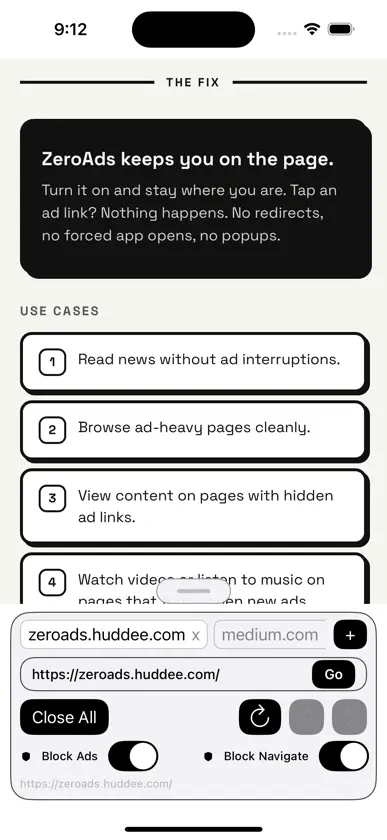
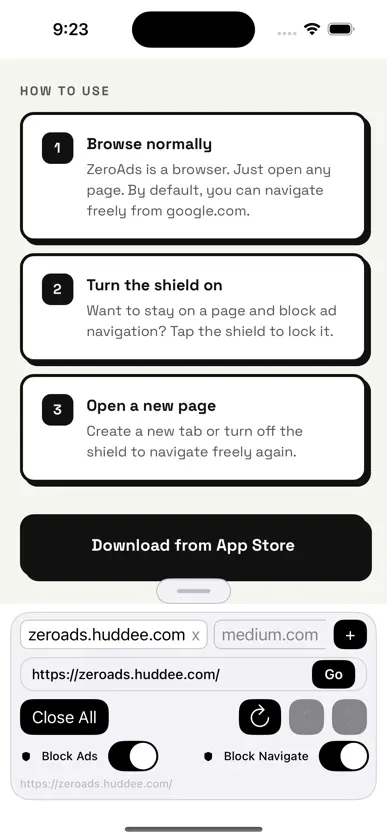
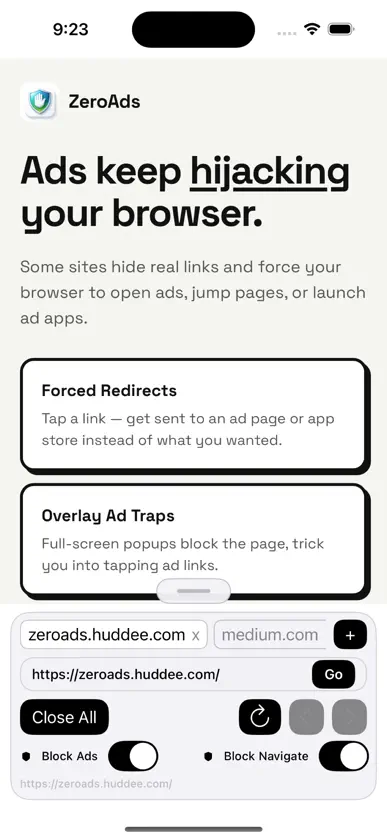
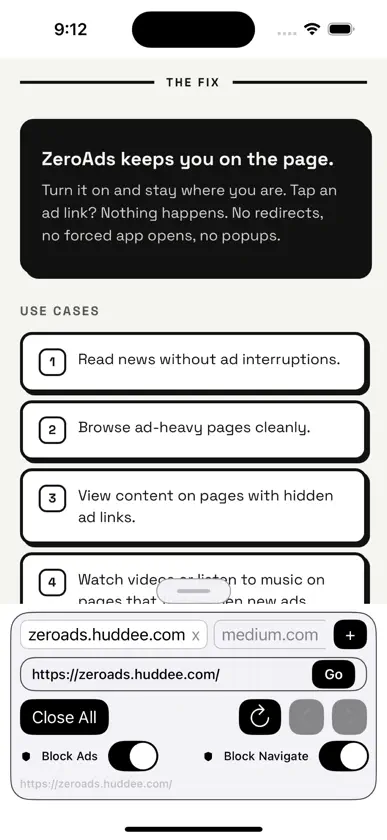
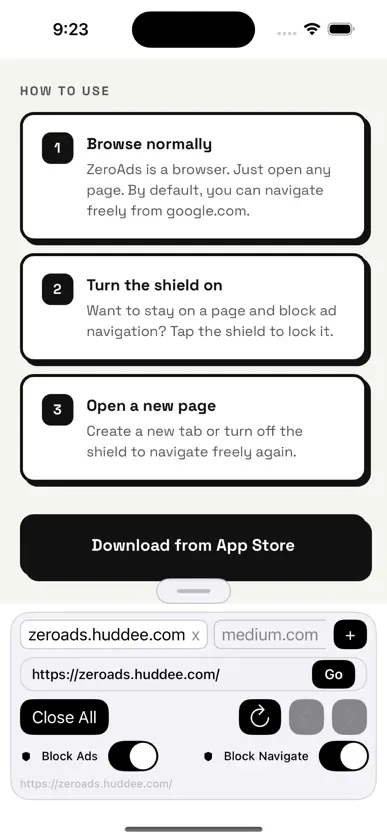
Ads keep hijacking your browser. Some sites hide real links and force your browser to open ads, jump pages, or launch ad apps. Full-screen popups block the page and trick you into tapping ad links. ZeroAds keeps you on the page. Turn it on and stay where you are. Tap an ad link? Nothing happens. No redirects, no forced app opens, no popups. Use Cases: • Read news without ad interruptions • Browse ad-heavy pages cleanly • View content on pages with hidden ad links • Watch videos or listen to music on pages that force-open new ads How to Use: 1. Browse normally — ZeroAds is a browser. Just open any page. By default, you can navigate freely from google.com. 2. Turn the shield on — Want to stay on a page and block ad navigation? Tap the shield to lock it. 3. Open a new page — Create a new tab or turn off the shield to navigate freely again.
What's new
Version 1.2 · Mar 31, 2026
- Block Navigate now properly blocks all cross-site navigation (link clicks, JS redirects, popups) - Bigger toolbar controls for easier tapping - Frosted glass blur effect and refined visual design - Button press animations - Drag toolbar up or down with your finger - Loading progress bar at the top of the page - Search or enter URL from the address bar - Clipboard paste and search suggestions - Bug fixes and performance improvements
More from Huy Le


You might also like
 Vibe Shield: Smart Ad BlockerKinetic Origin LLC
 ZedVPNCOLLIGNON Alexis
 Optima - Compresor de FotosSeungMan Choi
 Vault Lock: Archivos privadosyounes ahmed
 FixPDF: PDF Editor & ConverterDenisha Vadukia
 PhotoTransfer ProfessionalMaher Zidan
 Transforma - ConversorPawel Zalewski
 ShotSort: Screenshot ActionsVu Thi Hanh
 GPS Fields & Land Area MeasureNikita Dabhi
 LinkNest: Save & Manage LinksCarlos Lovera