
Slipstream File Transfer
Seo Joon Jeon
No ratings yetUtilitiesAges 4+
Screenshots




About this app
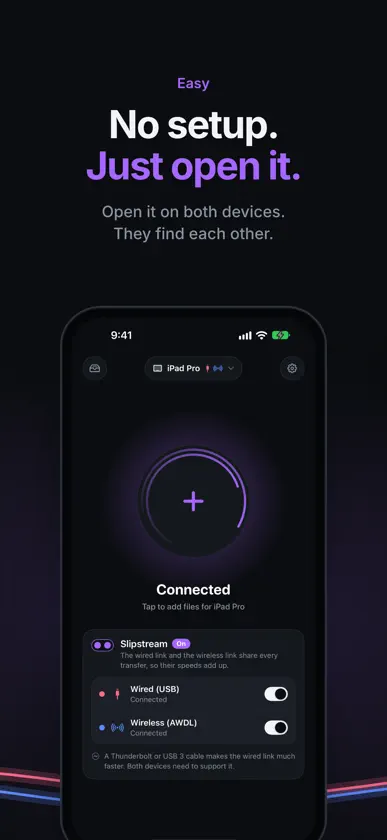
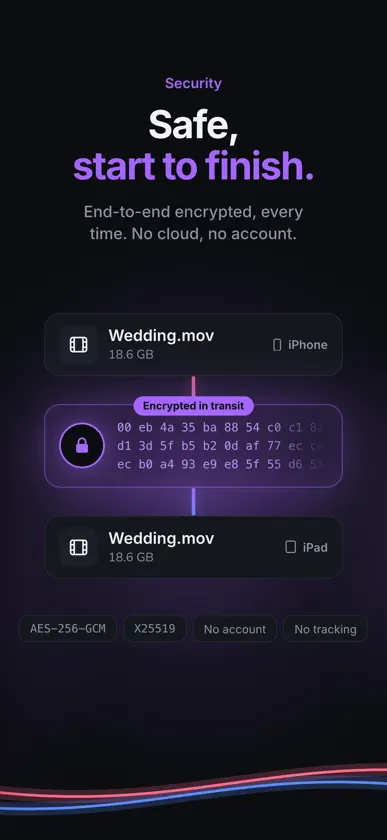
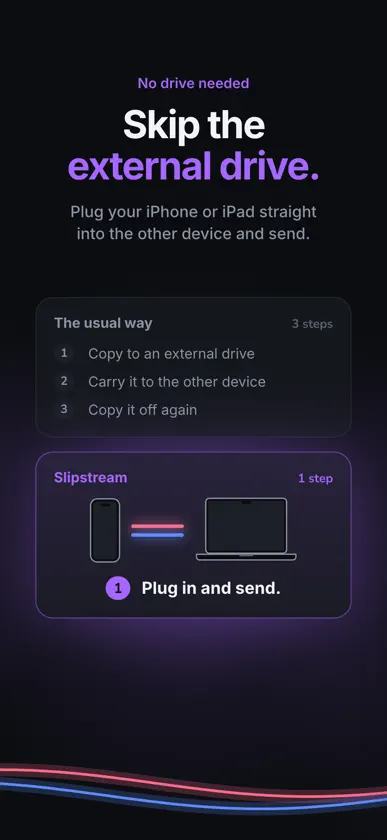
Slipstream is technically the fastest way to move big files between iPhone, iPad and Mac. Every other way uses one connection. Slipstream uses a cable and a direct wireless link at the same time, so the two speeds add up. WHY IT'S FAST • Two connections, one transfer. A USB cable and a direct wireless link carry the same file together. • In our tests, a 10 GB file went from iPhone to iPad in 1:23, at about 120 MB/s: 40 MB/s over the cable plus 80 MB/s over wireless. That's about 1.5× faster than wireless alone (AirDrop took 2:05) and about 3× faster than a USB cable alone (4:10). • These are our own measurements. Your speeds will vary with the device model, the condition of the devices, the cable and the wireless surroundings. • Unplug anytime. If one connection drops, the other one finishes the job. EASY TO USE • Open Slipstream on both devices. They find each other automatically. • Plug in a cable for extra speed, or send over wireless alone. • Tap the circle, pick your files and accept on the other side. On a Mac, just drag files onto the circle. • On iPhone and iPad, received files go to the Slipstream folder in the Files app. SAFE, START TO FINISH • Files go straight from one device to the other, never through a server or the cloud. • Every transfer is end-to-end encrypted with a fresh key. • No account, no sign-in, no tracking. Works between iPhone, iPad and Mac, in any direction.
What's new
Version 1.2 · Oct 19, 2026
• See at a glance whether your cable links at USB 2, USB 3 or Thunderbolt. • Plug in a cable and it shows up right away while Slipstream checks its type. • A new cable guide explains why cable speeds differ. • Faster wireless transfers, and fixes.
More from Seo Joon Jeon

You might also like
 Timezone: World Clock WidgetPixelated Development
 Ferret OSINTKonstantin Shvetsov
 Supercopy for SafariFinn Voorhees
 BLISS™ Automation 1.0 by ALTACustom Brands Group
 DroneScout proBlueMark Innovations BV
 Gambit - Gaming AccessJaehyung Lee
 Chameleon Ultra GUIAnton Savelev
 ePSX-enhanced gamepad connectTa Ngo
 Drone Scanner (gen.2)Dronetag
 DoDo Remote大钫 唐