
SoloPen Notes
Ahmed Omar
No ratings yetProductivityAges 4+
Screenshots
About this app
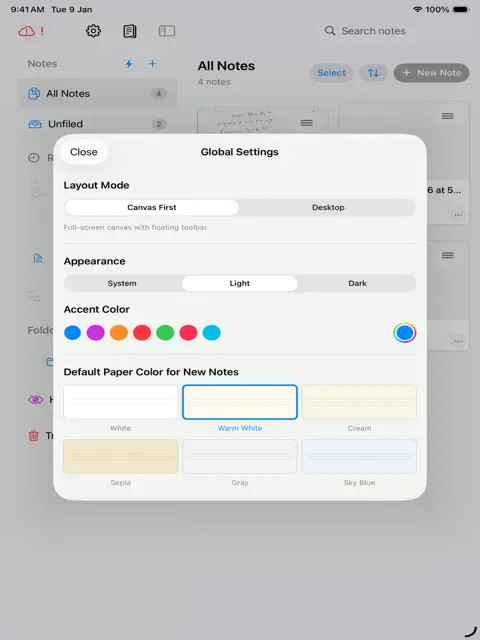
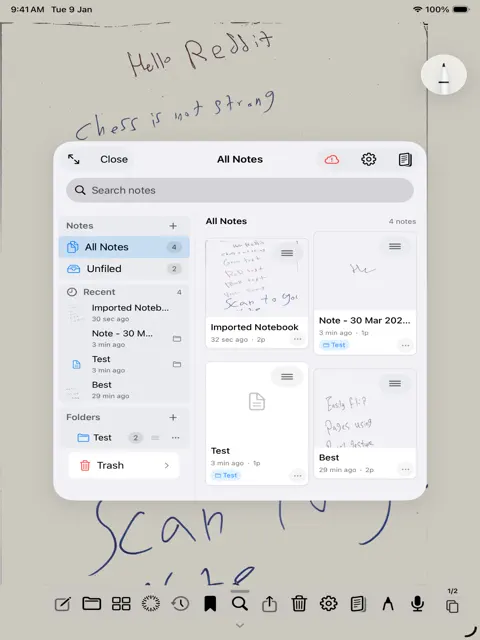
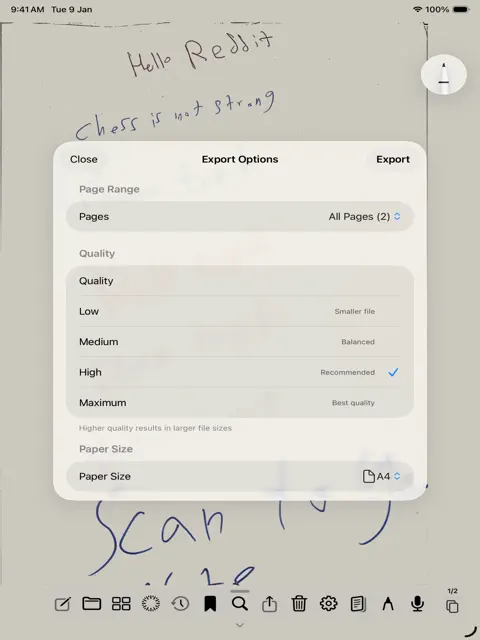
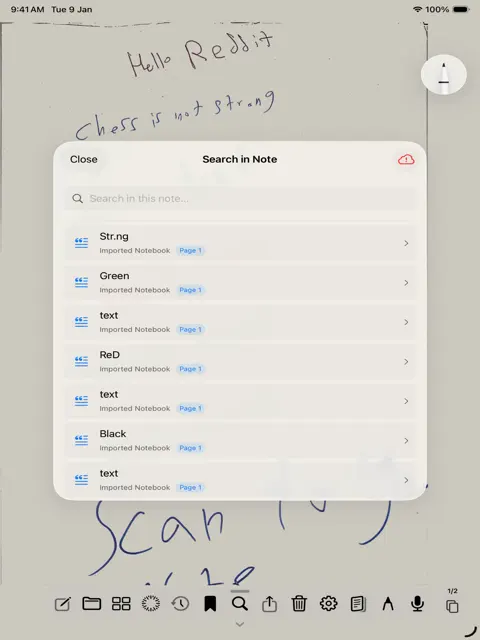
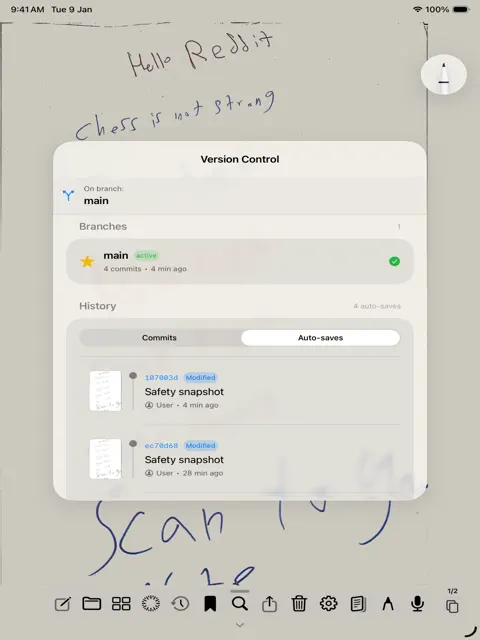
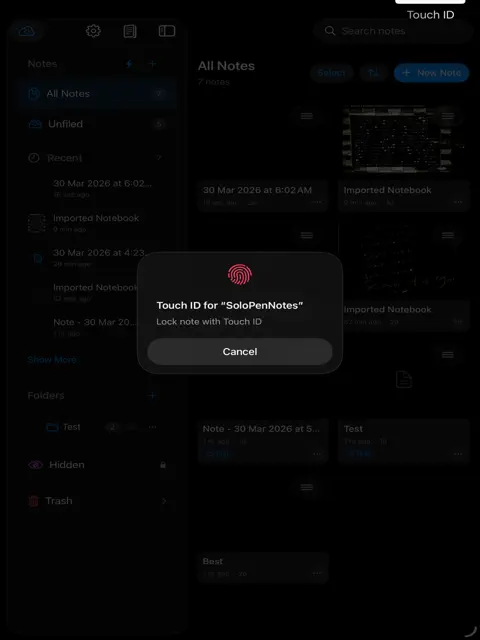
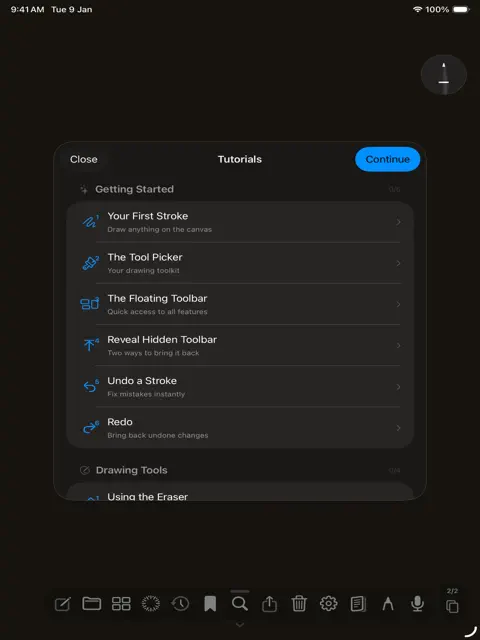
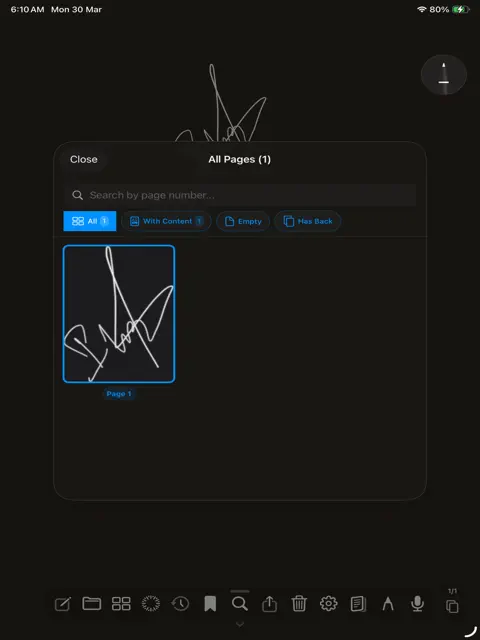
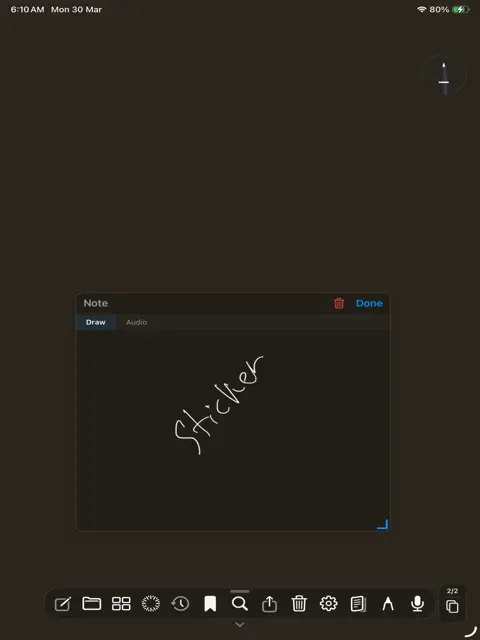
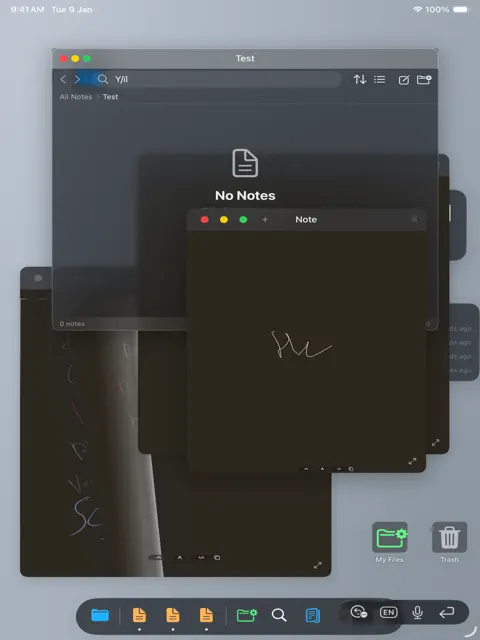
SoloPen Notes is a minimal handwriting app for iPad. No clutter. No distractions. Just you, your Apple Pencil, and endless pages. Wide range of features that will assist you, mainly: Core Writing & Canvas - Apple Pencil Writing : Full pressure-sensitive drawing with PencilKit - Page Flip with Pencil : Swipe to flip pages using pencil gestures - Two-Page Spread : Side-by-side pages in landscape mode like a real book - Tool Picker : iOS 26 native PencilKit tool picker for pens, pencils, markers, eraser Page Templates Mainly - Blank : Clean empty page - Lined : Horizontal lines for writing - Grid : Square grid pattern Paper Themes - White : Pure white background - Warm White : Slightly warm, easy on eyes - Cream : Cream colored paper - Sepia : Vintage sepia tone - Gray : Light gray background - Dark : Dark mode paper with white ink Stroke History & Recall - Stroke Journal : Records every stroke add, remove, transform, mask - Stroke Fingerprints : Unique identity for each stroke (path + ink hash) - Global Recall : Timeline scrubbing across all pages with ghost strokes - Ghost Strokes : Deleted strokes shown at low opacity during recall - Stroke Replay : Procreate-like time-lapse playback of drawing Bookmarks - Stroke Bookmarks : Bookmark selected strokes with tags - Bookmark Groups : Grouped by page - Lasso Selection : Two-finger gesture to select strokes for bookmarking Search & OCR - Handwriting Recognition : OCR via Vision framework - Full-Text Search : Search across all notes and pages - Search Highlighting : Matches highlighted on canvas with bounding boxes - Page-Grouped Results : Shows which pages contain matches PDF Features - PDF Import : Import PDFs as note pages with background images - PDF Annotation : Draw on top of imported PDFs - PDF Export : Export notes Organization - Folders : Hierarchical folder structure - Note Icons : Emoji and SF Symbol icons - Note Titles : Auto-recognized from first line or custom - Thumbnails : Visual grid of all pages - Restore from Trash : Recover deleted notes - Permanent Delete : Empty trash permanently Sync & Cloud - iCloud Sync : Automatic CloudKit sync across devices
What's new
Version 5.0.5 · Oct 5, 2026
enhancements, and local backup files added
More from Ahmed Omar


You might also like
 NoteSam: Handwritten NotesCryptosam LLC
 CompbookPorcellus, Inc.
 Cosy NotesWilliam Hawken
 JustNotes - Notetaking/MarkupNeel Roy
 PaperPad - Handwritten NotesAdam Malewski
 Serious NotebookBILGESU KADAN
 BindNotesEvgenii Eremeev
 ScribblePad: Notes & PDFSagar Seth
 Papyrus - notes, PDFwaraku kobayashi
 Perenne Note. Digital NotebookNicholas Compagnoni