
SSH Studio
reagan Koo
No ratings yetDeveloper ToolsAges 4+
Screenshots
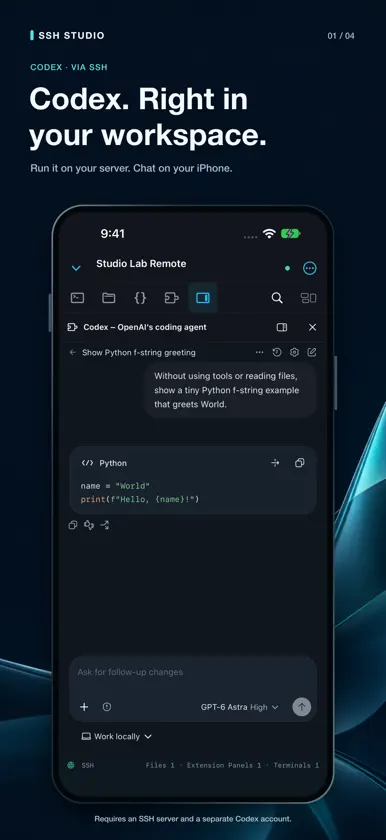
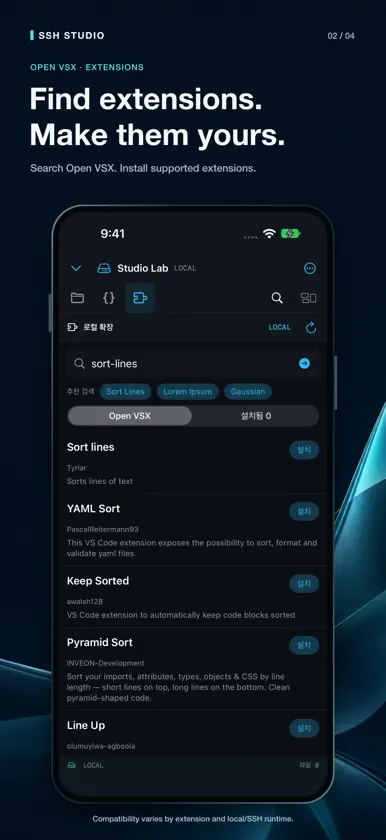
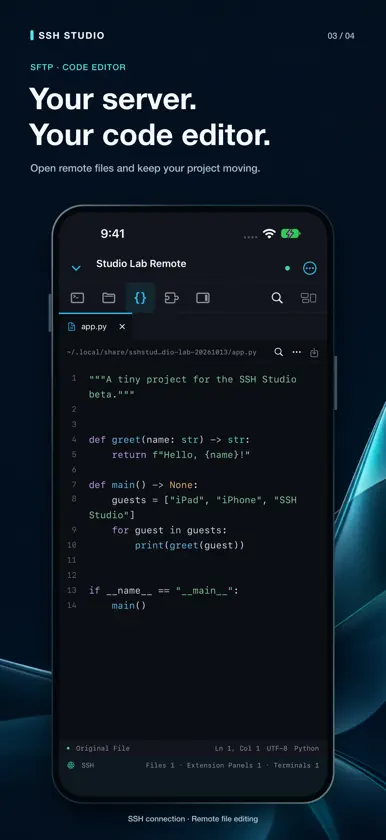

About this app
SSH Studio brings server files, code editing, terminals, and supported Open VSX extensions into one native workspace on iPhone and iPad. Connect over SSH, edit your code, and run it in the terminal without switching apps. A WORKSPACE FOR YOUR SCREEN On iPad, arrange the explorer, editor, and bottom terminal together, with extension views in an auxiliary pane. On iPhone, switch between files, code, terminals, and extension views in a portrait-friendly layout. OPEN VSX EXTENSIONS Find and install extensions, then open them after reviewing the trust prompt. SSH workspaces combine the server's execution environment with extension views on your device. Local workspaces can run supported commands and read-only viewers. Compatibility depends on each extension's APIs and execution requirements. SSH AND SFTP Organize server profiles and favorites. Use multiple terminals, browse folders, create and rename files, and transfer files without leaving the workspace. Verify host key fingerprints and keep login credentials in the device Keychain. KEYS AND REPEATED TASKS Use Ctrl, Alt, arrow keys, Home, End, Page Up, Page Down, and F1–F12 through the special keypad. Reuse snippets, opt into command history, and search or copy terminal output. INLINE FILE PREVIEWS View supported images, videos, audio, and PDFs in the editor tab area. Previews use a cache without modifying the original and include transfer progress, cancellation, and refresh. Available formats and codecs depend on the device. LOCAL PROJECTS Edit and save files in multiple code tabs without connecting to a server. Open a folder selected through Files in place, find files quickly, and use the command palette to reach common actions. Server features require a reachable SSH server. Corporate VPN access depends on your VPN app and organization policies. Remote extensions require a suitable server environment. Extensions using AI services may require an account and are subject to that service's terms. FREE TRIAL AND LIFETIME UNLOCK Download the app for free. Explicitly start a 14-day free trial, or buy Lifetime Unlock once (US $5.00 base price; local price is shown before purchase). The trial never auto-renews or charges you. After it expires, opening new SSH or local workspaces requires Lifetime Unlock; your files and settings are retained. No subscription. External server and AI service fees are separate.
What's new
Version 1.0.2 · Oct 29, 2026
Added Jupyter notebook support. Select Python on your SSH server, run code cells, view results and plots, and save your notebook in one workspace. Improved extension API compatibility and editor integration. Improved connection reliability when starting the larger extension host.
In-app purchases
The most popular purchases on the App Store.
- Lifetime UnlockConsumableUSD 6.00
- 14-day TrialConsumableFree


