Documenta – Word Processor
Emanuele Spagnoli
No ratings yetProductivityAges 12+
Screenshots



About this app
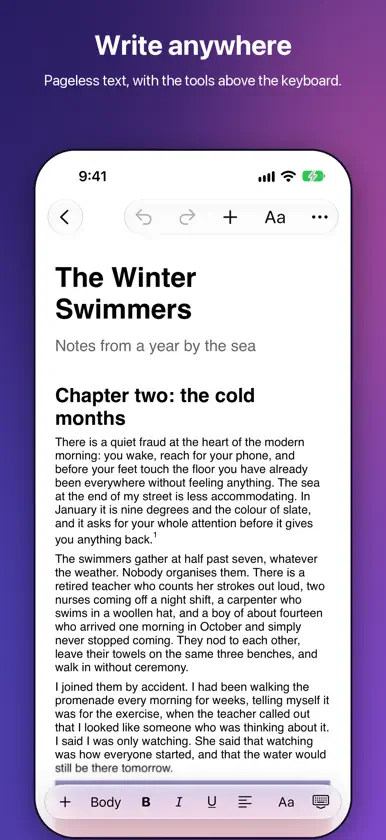
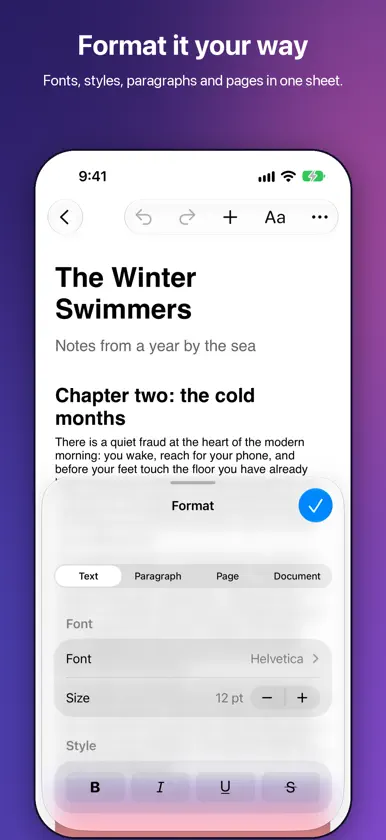
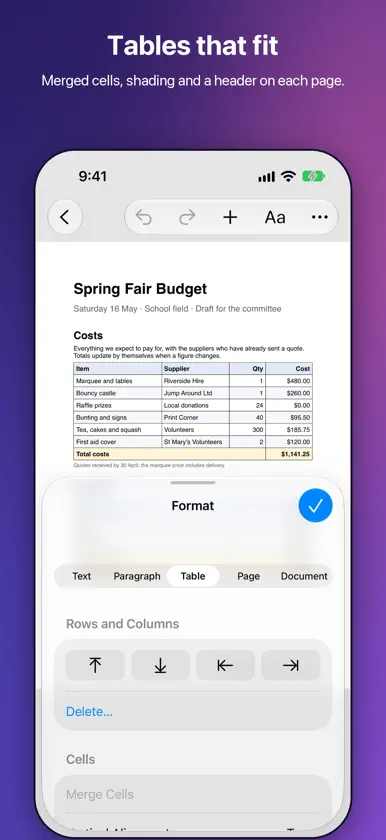
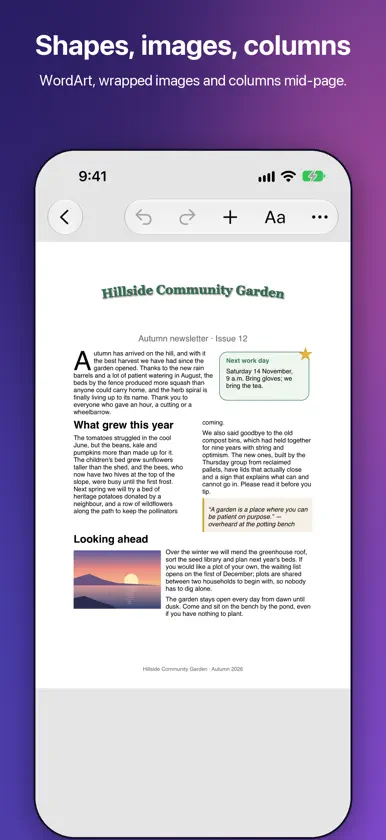
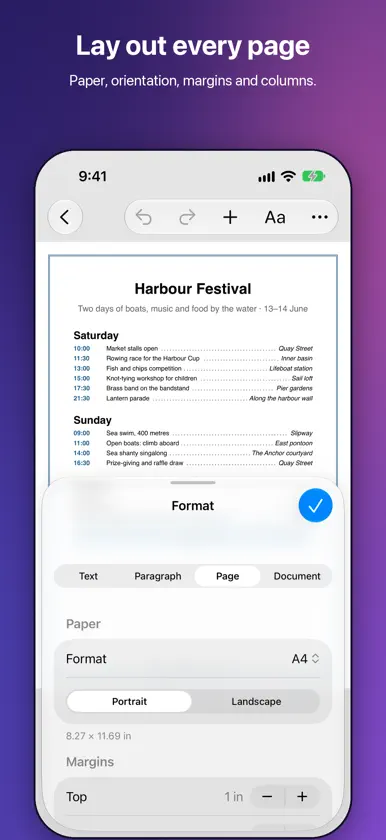
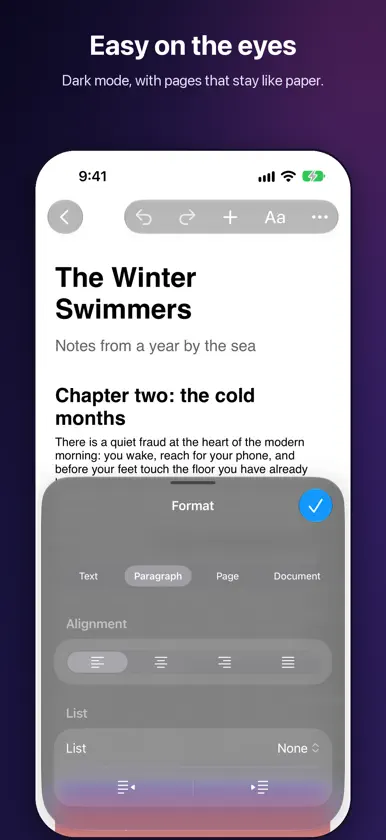
Documenta brings a real word processor to iPhone and iPad: open, edit and save the Word, OpenDocument and RTF documents you receive, on paginated pages that look like paper. YOUR FORMATS, NO CONVERSION • Word documents (.docx), OpenDocument (.odt), RTF and plain text; older .doc files open as a new Word document. • Styles, lists, tables, images, notes, headers, fields, comments and tracked changes all stay in place. • Export to PDF, Word, OpenDocument, RTF, EPUB, web page, Markdown and plain text; share with AirDrop, Mail or Files, and print with the system panel. GET STARTED RIGHT AWAY • Ten ready-made templates: letter, report, thesis, notes, minutes, manuscript, résumé, quote, self-declaration or a blank page. • New documents in the Documenta folder in iCloud Drive or on your device, as Word, OpenDocument or RTF, with the paper, margins and font you choose; open the rest from the Files app. PAGES OR FREE-FLOWING TEXT • Real pages with margins that you pinch to zoom, or pageless text as wide as the screen, handy on a phone. • A4, Letter and other paper sizes, orientation, margins and up to three columns. • Page and section breaks; your documents' headers, footers, notes and watermarks show on the page. • A light page, a dark page for the evening, or one that follows the system; measurements in inches, centimeters or points. ON IPAD, LIKE A COMPUTER • Heading outline on the left, pages in the middle, inspector on the right. • Menu bar and keyboard shortcuts with a keyboard. • Apple Pencil: handwrite into the text with Scribble and add pencil drawings. SCAN AND RECOGNIZE • Scan paper sheets with the camera: the text becomes editable text, or the pages go in as images. • Grab the text from a photo in your library. BUILT FOR LONG DOCUMENTS • Numbered headings, a table of contents and a table of figures. • Numbered captions, cross-references, footnotes and endnotes, bookmarks and links. • Comments with replies and track changes like in Word: record your edits, accept or reject everyone else's. TABLES AND OBJECTS • Tables with merged cells, borders and shading, ready-made styles, a header row repeated on every page and sortable rows. • Text boxes, shapes and images on the page with text wrapping around: move, rotate, group and align them. COMPLETE FORMATTING • A bar above the keyboard with style, bold, italic, underline, alignment and lists. • Paragraph and character styles, color and highlight, superscript and subscript, small caps. • Line spacing, paragraph spacing, indents, tab stops with dot leaders, paragraph borders and shading, drop caps. • Find and replace, by formatting too and with regular expressions. • Spell checking in the language of each part of the text, a personal dictionary, text replacements and links as you type, and read aloud in the voice you prefer. • Words, characters, reading time, a word goal and a readability score. WITH YOUR MAC, IN PRIVATE • With iCloud Drive and Handoff, pick up on your Mac the document you're writing, and back again. • No account and no data collected: your documents stay on your device or in your iCloud Drive. • VoiceOver, dark mode, and an interface in English and Italian.


