
Big Text Note
ZEC Inc.
No ratings yetProductivityAges 4+
Screenshots




About this app
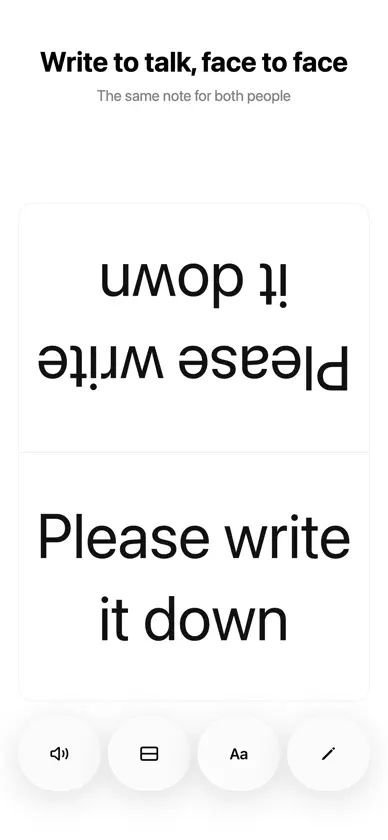
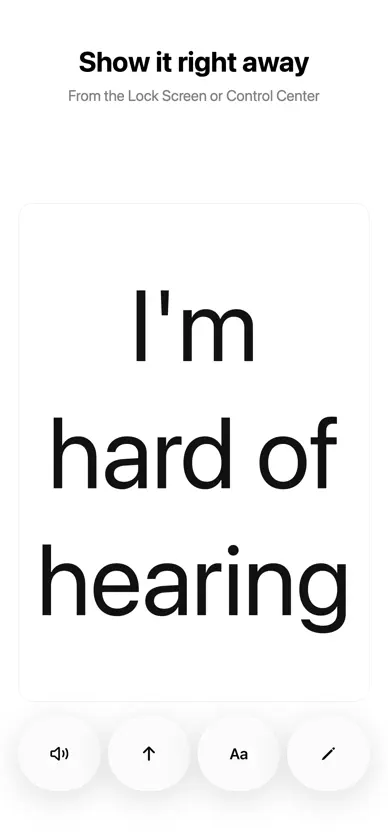
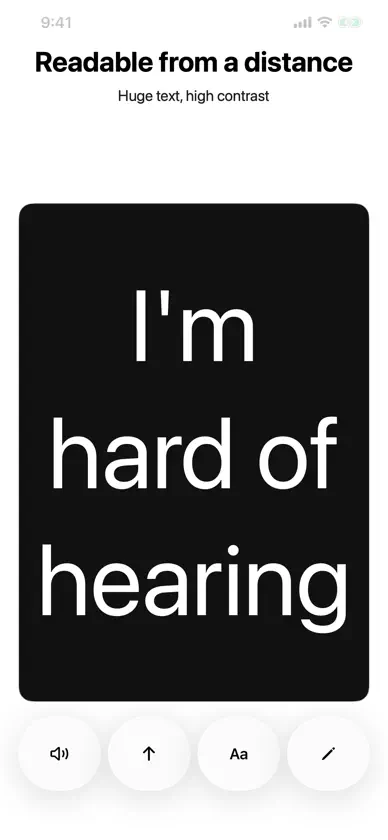
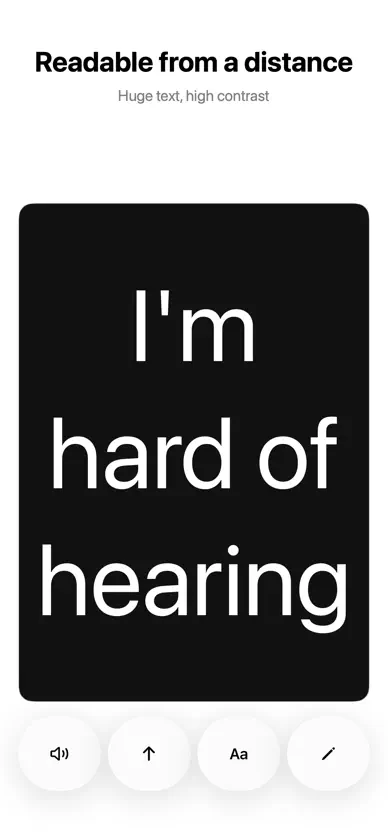
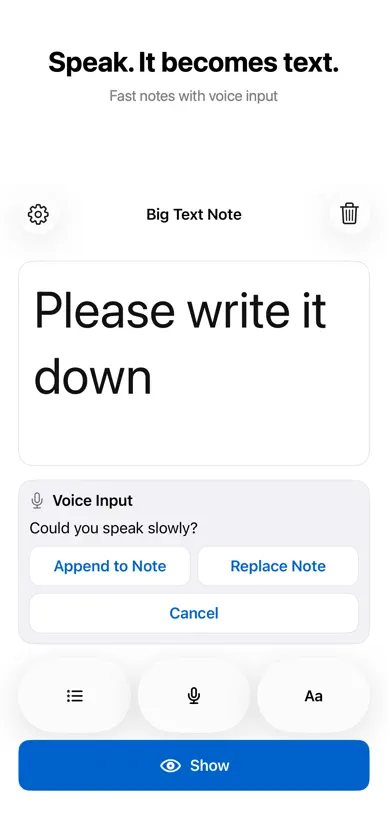
No ads, no account and no internet connection. Big Text Note shows one note in large, easy-to-read text so you can hold it up to the person in front of you. It works as a simple communication board: for talking with someone who is deaf or hard of hearing, for the days when your own voice is not available, for noisy places like stations and event halls, or for a quick word at a counter or reception desk. Type it, show it, and if needed, let the device say it. Read Aloud speaks the note with the voices built into your iPhone or iPad. The language is detected from the text, and nothing is sent to a server. Voice input turns what the other person says into text on the device and writes it straight onto the board in big letters. Tap the mic to start and the red stop button to finish. Audio is never saved; only the text on the board is stored. Show mode turns the note into a clear message board. Pick Normal, Large or Huge, fine-tune the size, and choose text and background colours, including high-contrast pairs. Flip the note upside down for the person across the table, or turn your iPhone sideways for one long line. The screen stays on while Show mode is open. Quick Phrases keeps four ready-made lines and up to 20 of your own, one tap away. Reorder your phrases whenever you like. Add the Home Screen widget to keep the current note in view. No account, no adverts, no tracking, and no server sync. The note stays on your device. Open your note from the Lock Screen or Control Centre and use the face-to-face display. On iPhone Duo’s larger display, write on the left and show an automatically enlarged message on the right.
What's new
Version 1.10.0 · Nov 11, 2026
Tap the mic and speak — your words appear on the board in big letters right away. Tap the red stop button when you’re done. The trash button now clears in one tap. Your own phrases come first, and recommended phrases you don’t need can be deleted (bring them back anytime with “Restore Recommended Phrases” in Settings). Face to face is simpler, too.
More from ZEC Inc.


You might also like
 でか文字メモ 大きい文字のメモ帳Kenichi Kato
 Senior Note: Big Fonts, LargeFoodmenu.world Inc.
 SandyNoteContinuum Advisory LLC
 Queue: Copy & Pastemasanao matsui
 Simple Memo – ChecklistSota Yamamoto
 Decoy: Hidden Lock Screen NoteMari Suzuki
 Rocket MemoYoshinori Kasaya
 JotStayJiri Syrovy
 Just Note: fast mind organiserMarcin Jasinski
 LockBoard - Lock Screen NotesTatsuya Hirano