
Clawsy
武汉小强科技有限责任公司
No ratings yetProductivityAges 4+
Screenshots



About this app
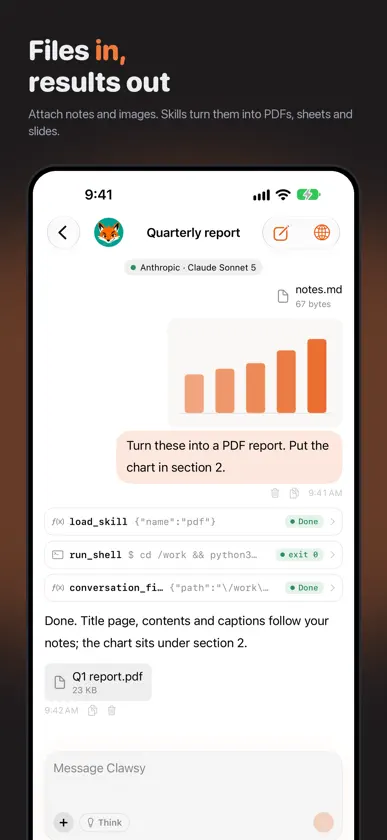
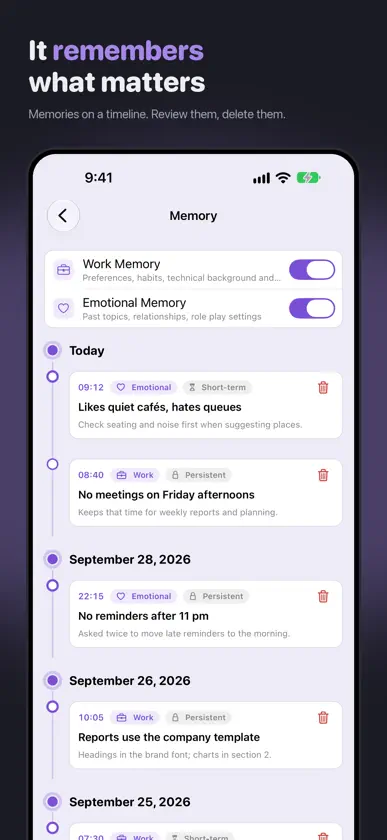
Clawsy pairs AI chat with a local Linux environment running on your device. Let your assistant execute commands, process files, and use practical tools from the conversation. LINUX RUNNING ON YOUR DEVICE Enable Shell for a persona to give its assistant access to a built-in Alpine Linux environment. Run shell commands and scripts, install command-line packages with apk, and process data locally. Install Python when needed for calculations and file processing. Installed packages and files saved in the Linux home directory remain available across conversations and app launches. WORK WITH FILES AND SKILLS Attach images and files to a conversation. Supported vision models can work with images; enabling Shell lets the assistant process attached files and run commands in a built-in Linux environment. Built-in skills provide guidance for documents, spreadsheets, presentations, images, and data. Import your own skill instructions and choose which skills are enabled. File processing depends on the tools and dependencies available. CHOOSE YOUR MODELS Connect your own provider account with an API key. Configure providers, choose models, and set a different model for each persona. Custom endpoints let you use a compatible gateway. MAKE EACH ASSISTANT YOUR OWN Give each persona its own instructions, conversation history, tools, and memory settings. Enable memory to retain useful context, then review or delete saved memories when you choose. BRING TOOLS INTO THE CONVERSATION Enable tools for each persona to search the web, read webpages, work with calendars and reminders, or look up places and weather. Features that access personal data require the relevant permissions. Web search requires a separate search-service API key. TYPE OR SPEAK Use voice input to turn speech into a message. Review past conversations and keep useful context close at hand. Your model-provider API key is required for AI chat. Provider access, model capabilities, and usage charges depend on your selected service. Relevant conversation content is sent to the provider you configure; AI processing is not entirely on device.


