
CommandDeck: Remote for Mac
Rassul Kainazarov
No ratings yetUtilitiesAges 4+
Screenshots



About this app
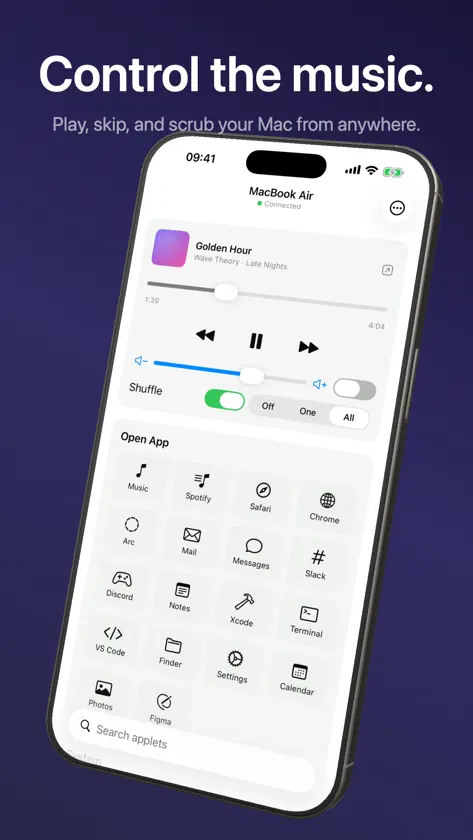
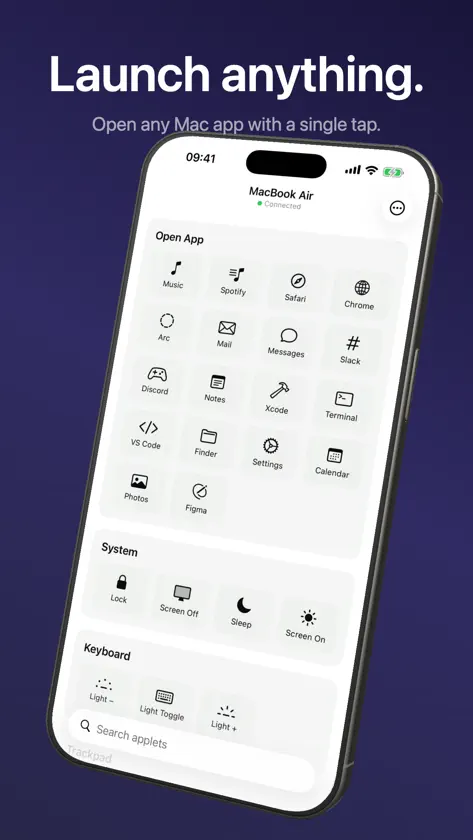
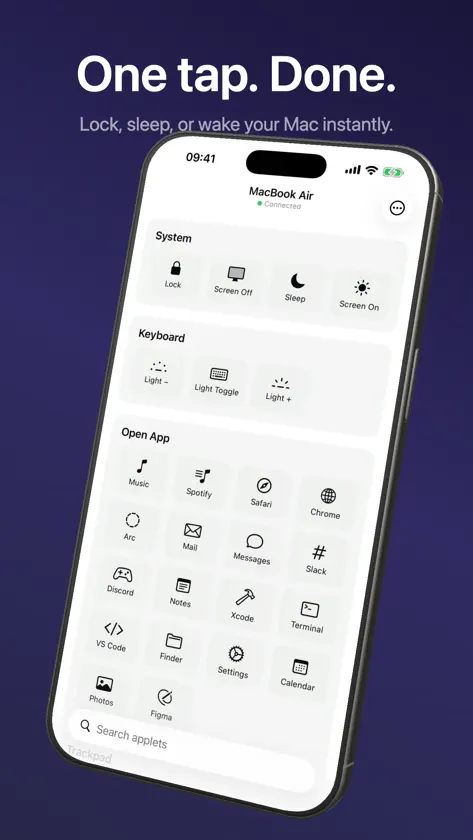
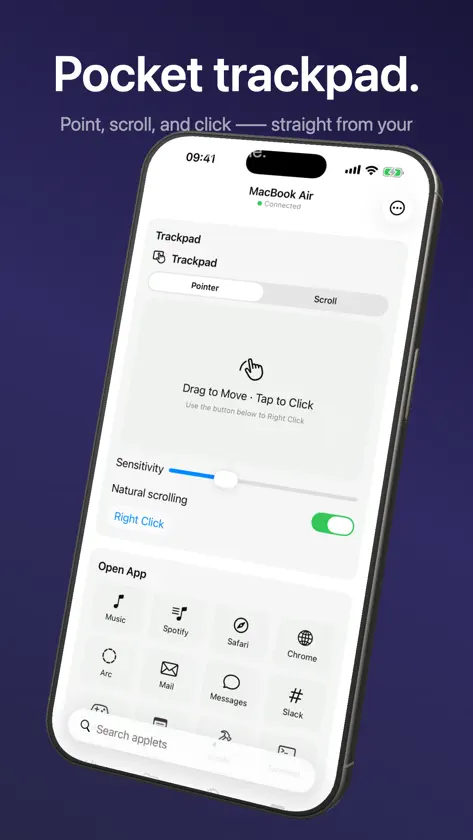
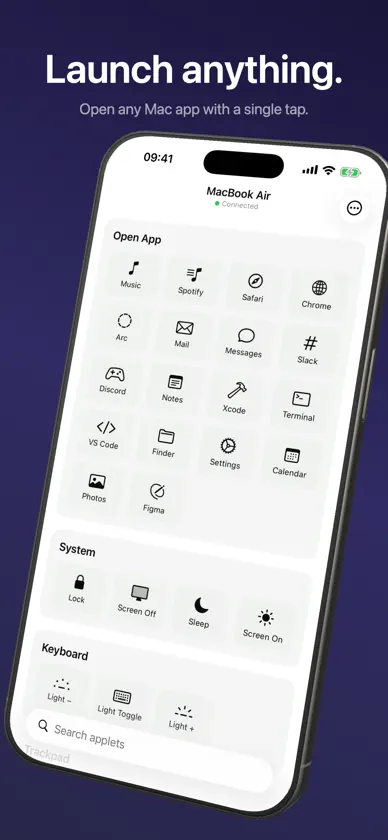
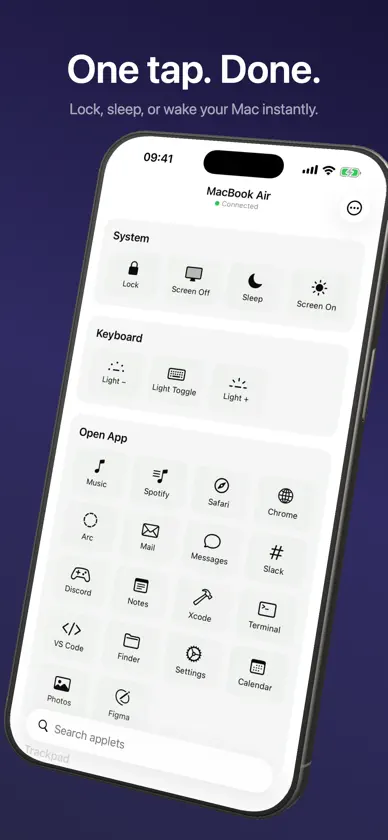
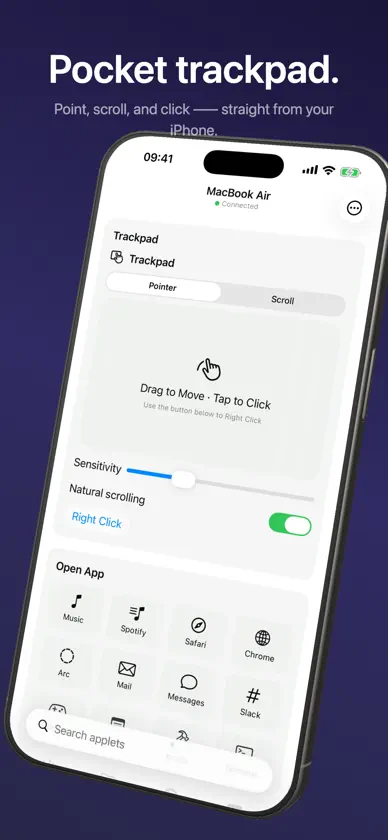
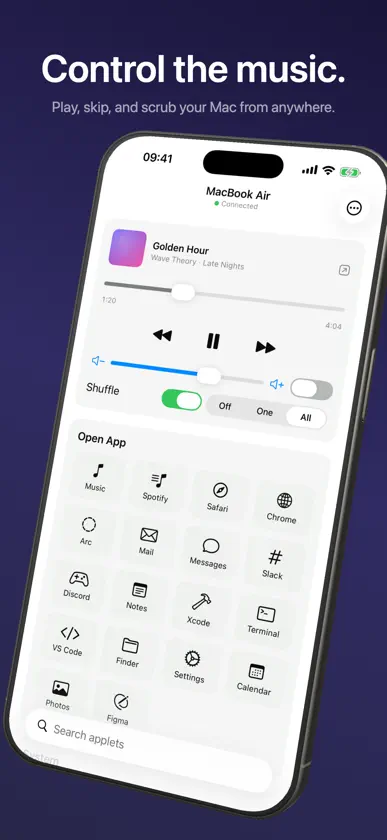
CommandDeck turns your iPhone into a remote control for your Mac. Adjust the volume, play or pause media, skip tracks, launch apps, and keep your Mac awake — straight from your phone, over your own local network. Your iPhone and Mac talk to each other directly on your Wi-Fi. Commands do not travel through our servers. Pairing is a one-time 6-digit PIN shown on your Mac. WHAT YOU CAN DO FOR FREE • Pair your iPhone with your Mac • Try basic volume and media controls • Confirm that CommandDeck works on your own network before upgrading COMMANDDECK PRO Pro unlocks the full Mac remote: • Volume — set or mute your Mac's output from your phone • Media — play, pause, skip, seek, shuffle, and repeat in the apps you already use • Apps — launch your Mac apps with a tap • Keep awake — stop your Mac from sleeping while it works • Lock screen, display sleep/wake, Shortcuts, and more system controls • Widgets and extras — run Mac actions from your iPhone faster • More controls — add new ones anytime with community packages COMMUNITY PACKAGES Controls are modular. Beyond the built-ins, you can install community packages to add new buttons, toggles, and sliders — no app update required. Browse and add them right from the app. PRICING Start with basic controls for free. CommandDeck Pro includes a 7-day free trial, then $29.99/year or $2.99/month. A one-time $79.99 lifetime unlock is also available. No ads, no account sign-up. PRIVATE BY DESIGN Everything runs on your local network. Your Mac and iPhone connect directly; control commands stay on your Wi-Fi and are not routed through us. No account required, nothing to sign up for. REQUIREMENTS • An iPhone and a Mac on the same local network • The free CommandDeck Mac app (menu-bar app — a quick free download) • That's the entire install — every control, including lock screen, sleep, media keys, Shortcuts, and scripts, works right away, no separate helper app needed CommandDeck has no ads and no AI — it just controls your Mac. Download CommandDeck for Mac: https://commanddeck.meoa.space/download Terms of Use: https://commanddeck.meoa.space/terms
What's new
Version 1.0.4 · Jul 18, 2026
Fixed widget actions that could fail to run after tapping. Widget action selection and Mac connection reliability have also been improved.
In-app purchases
The most popular purchases on the App Store.
- CommandDeck Pro LifetimeConsumable₱ 4,990.00
- CommandMac Pro AnnualSubscription · 7 days free trial₱ 1,990.00 / year
- CommandMac Pro MonthlySubscription · 7 days free trial₱ 199.00 / month
More from Rassul Kainazarov

You might also like
 Pulse for MacInGyu Rho
 TouchLink: Trackpad & KeyboardFRE:X DESIGN INC.
 Remotype: Remote for Mac & PCShreejan Sharma
 TelinkGoogleOTATelink Micro LLC
 Mak Commander-Input ControllerMohammed Kazim
 Pelekis GSM ConfiguratorLoukas-Pavlos Basios
 NFC CellMonitorMTools Tec Co., Ltd
 Remote Mac Desktop ControlAmon Chowdhury
 Argly Remote DesktopTimmy Nguyen
 Rimote: Mac Remote ControlFarhaj Shahid