
Console Controller - Customize
Nashwa Mostafa Ibrahim Mostafa
No ratings yetUtilitiesAges 4+
Screenshots
About this app
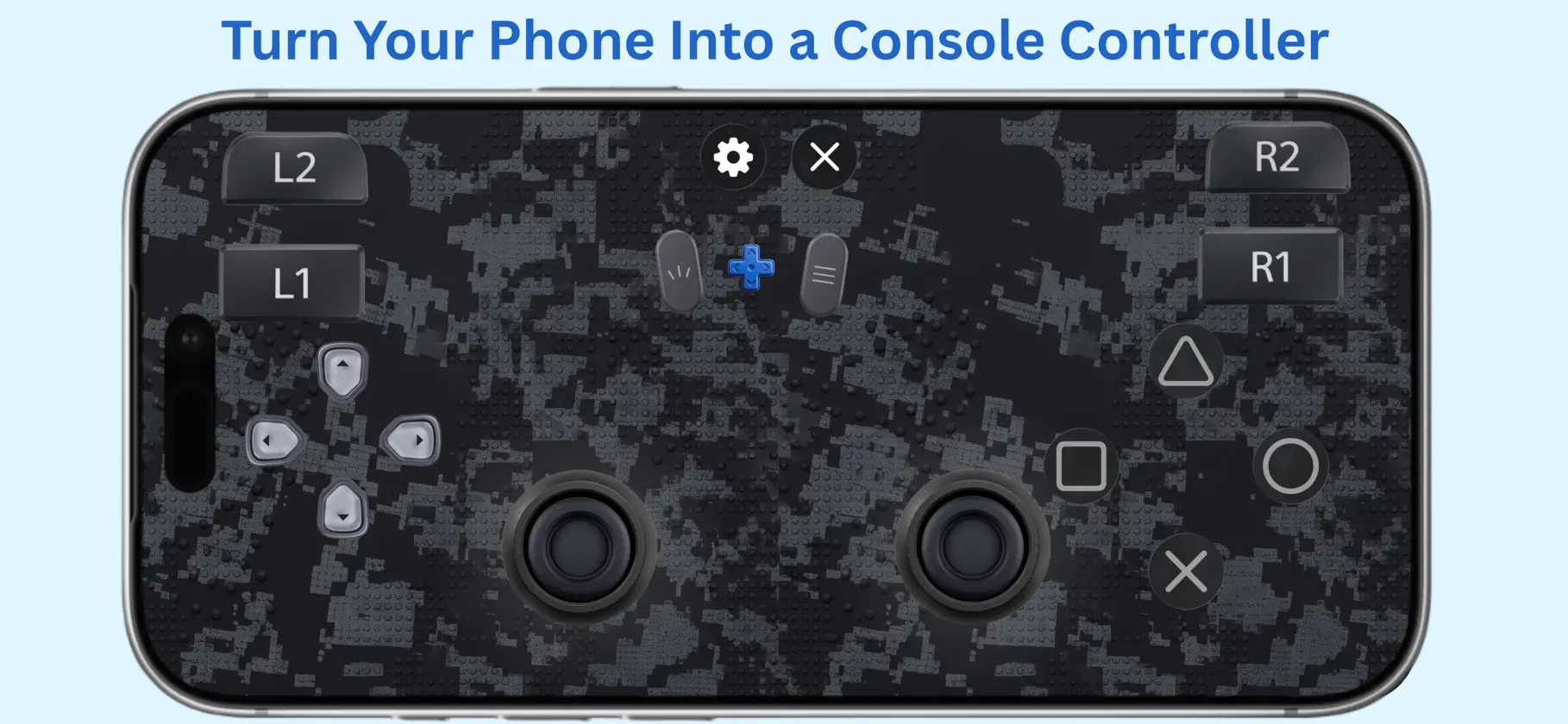
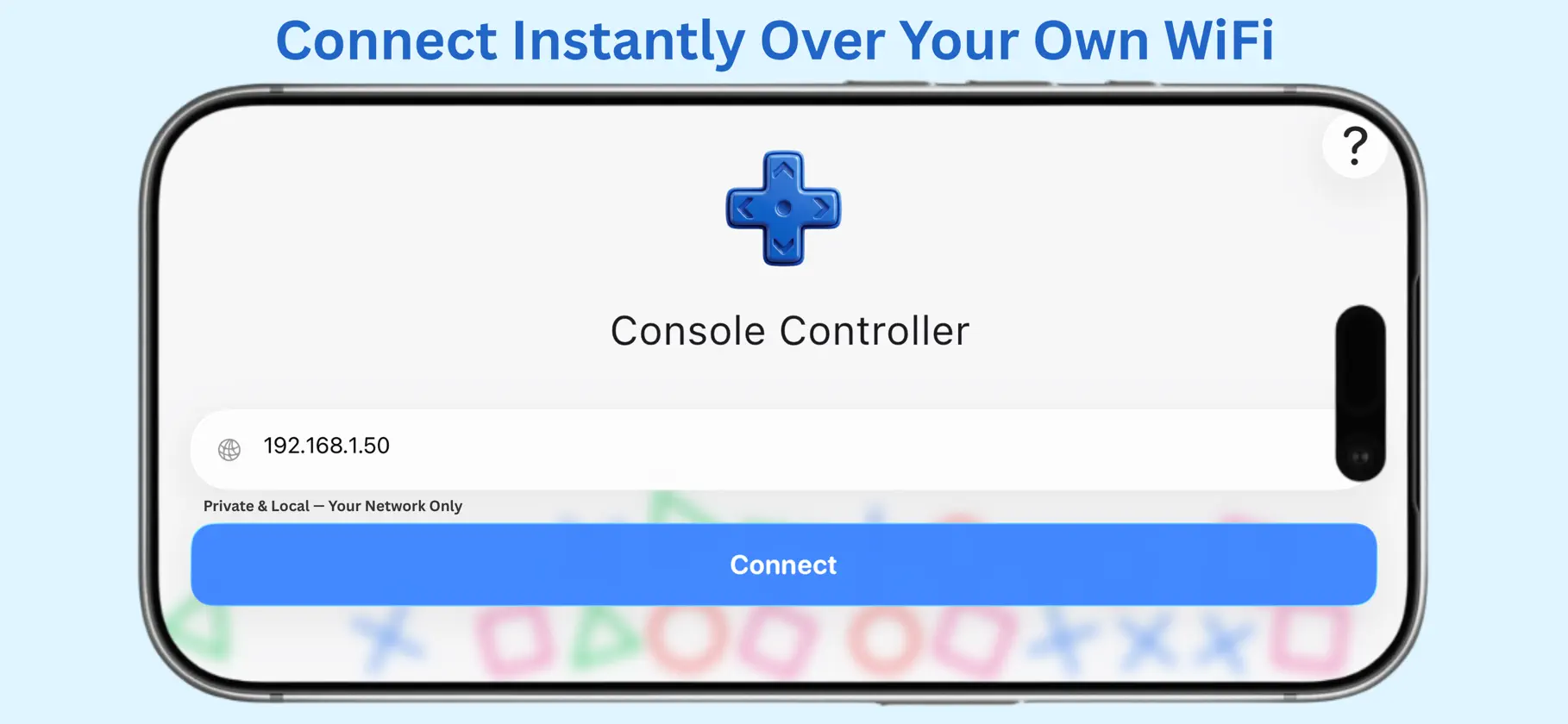
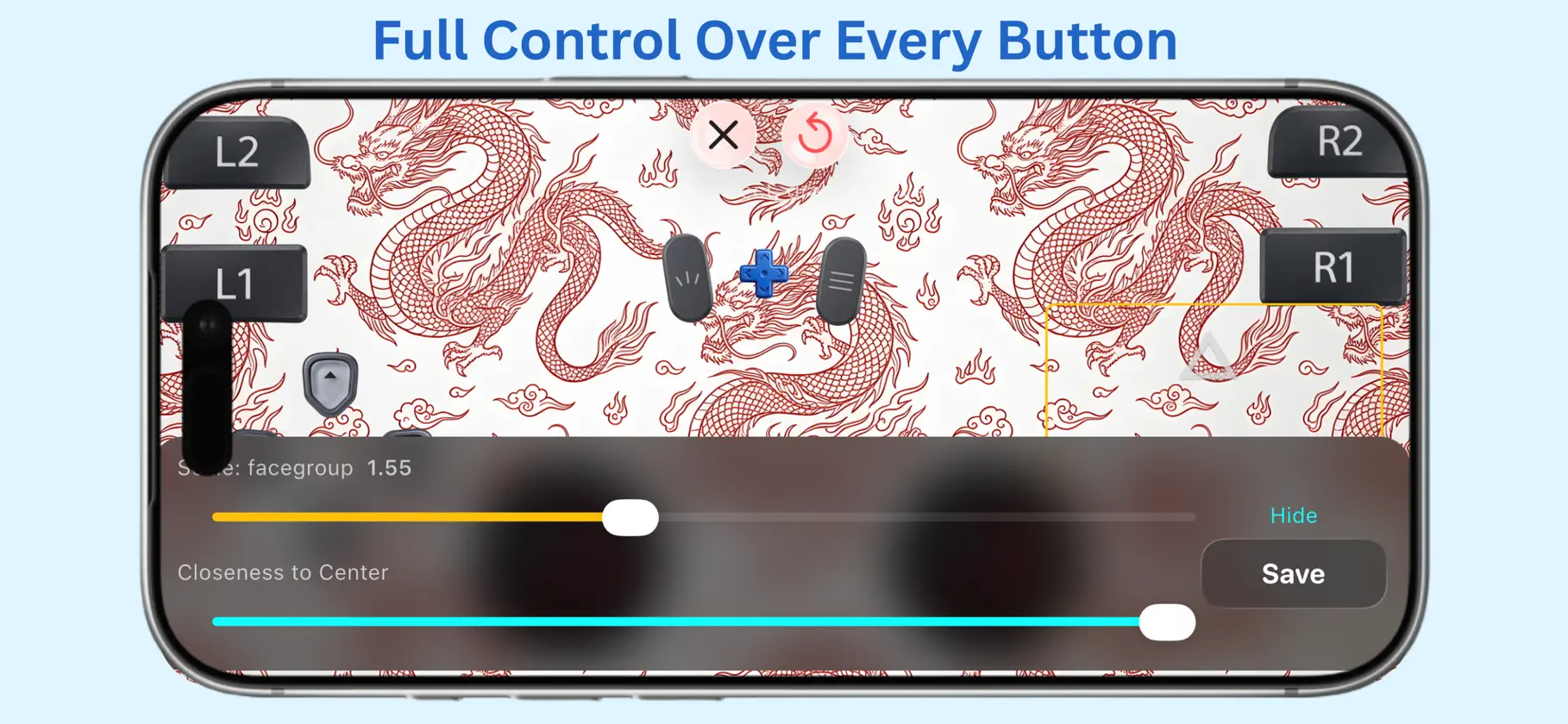
Transform your iPhone into a fully-featured wireless controller — instantly, using your own Wi-Fi. No additional hardware required. No pairing faff. Simply open the app, connect to your PC over your local network, and start playing with a complete, responsive controller layout right on your phone. Terms of Use (EULA): https://www.apple.com/legal/internet-services/itunes/dev/stdeula/ Key Features: Complete controller layout — dual analogue sticks, D-pad, face buttons, triggers, and shoulder buttons Fully customisable — resize, reposition, and rearrange every single button exactly how you like Multiple themes — switch between clean default and premium Dragon design Fast, private connection — works entirely over your own local Wi-Fi network, nothing leaves your network Smooth haptic feedback that responds naturally as you play How It Works: Enter your device's local IP address, tap Connect, and you're ready to go. No accounts, no cloud servers — just a direct, private connection between your phone and your device. Whether you're gaming on PC or simply want a spare controller to hand, this app gives you a reliable, customisable control scheme whenever you need it.
In-app purchases
The most popular purchases on the App Store.
- Premium YearlySubscription₱ 799.00 / year
- Premium MonthlySubscription₱ 129.00 / month
You might also like
 MuxPodFurukawa Masaki
 Lose Control: PC ControllerJOSE KELVIN NICOLAS PEREZ MONTEZA
 Phone ControllerJake Jin
 PadLink RemoteSocheat Rath
 RAR 7Z ZIP Opener & ExtractorMustafa Yasin Senturk
 ScreenshotAI-ChatAIFuture Share LLC
 DaVinci Connect: BLE BrowserOrganicix LLC
 Import Contact File csv, vCardKELVIN SENANU WALLACE
 Dog Whistle & Clicker TrainingMuhammad Asad
 SKIBIDI-FPVShenzhen Huizhidi Technology co.,ltd.