
Disk Usage - Widgets
Guang Hui YANG
No ratings yetUtilitiesAges 4+
Screenshots


About this app
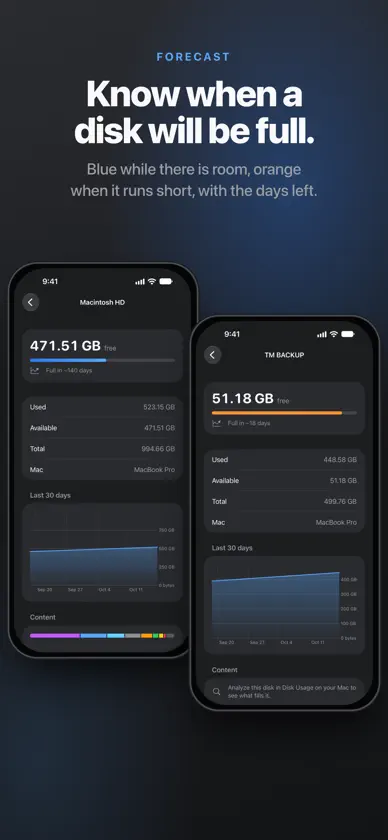
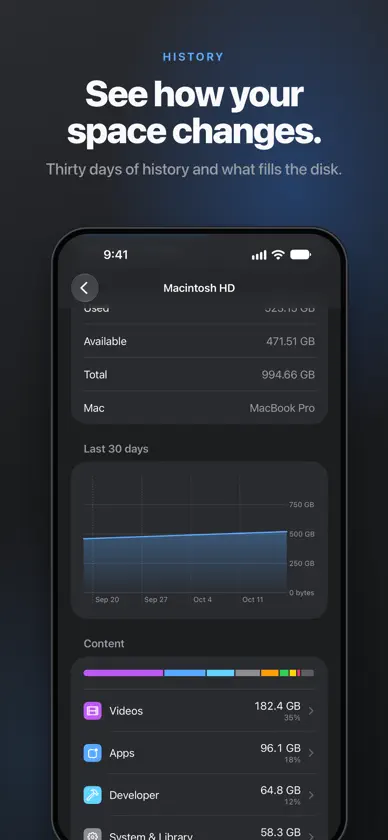
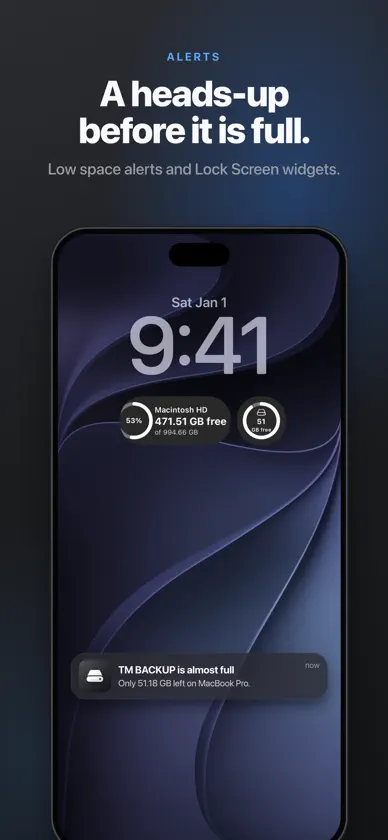
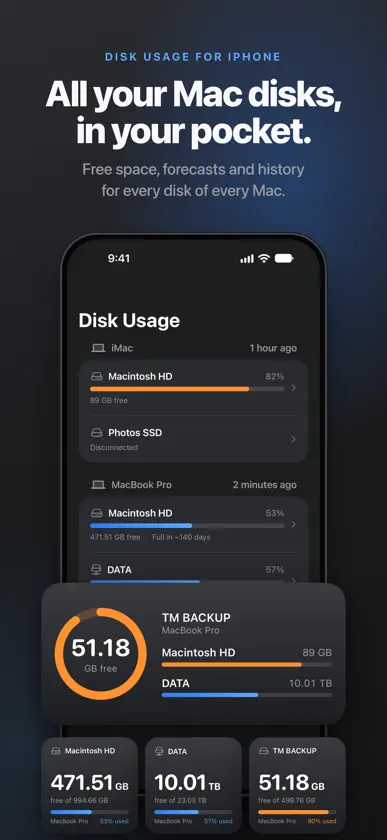
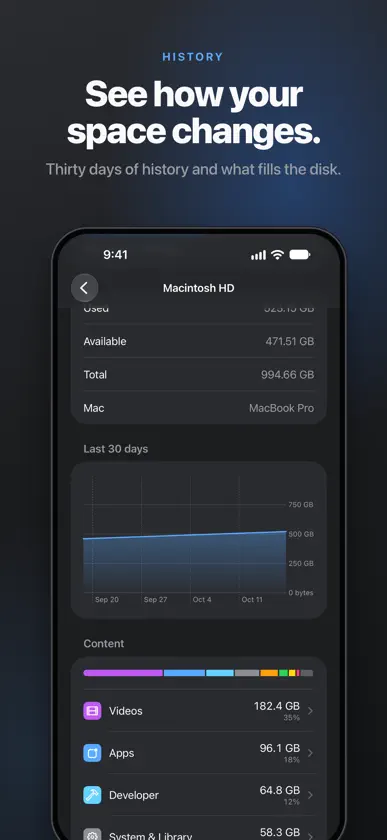
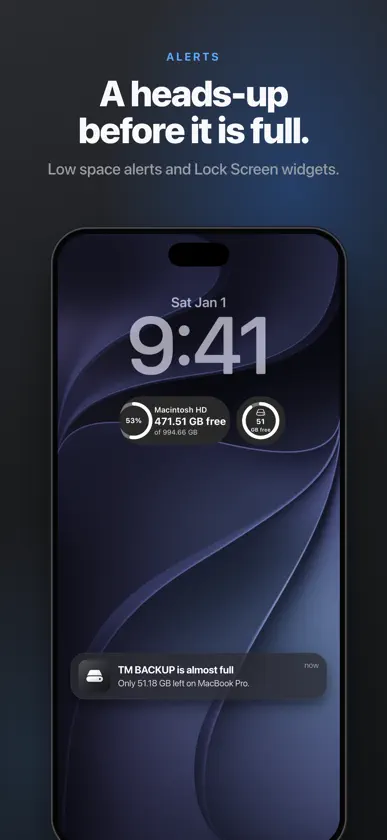
The iPhone companion of Disk Usage for Mac: check every disk of every Mac from your pocket. It needs the Mac app, included in your purchase. Disk Usage - Widgets runs on iPhone and Mac. One purchase covers both. The iPhone app shows the disks of your Macs, not the iPhone's own storage. YOUR DISKS AT A GLANCE • Every Mac and every disk: startup disk, external drives, network volumes • Free space, used space and capacity • Forecast: see when a disk will be full at its current pace • 30-day chart of how each disk fills up • Disconnected disks stay listed with their last known state WHAT FILLS YOUR DISK After you analyze a disk on your Mac, your iPhone shows the result: space by category (videos, apps, photos, developer files and more) and the largest files in each one. WIDGETS • Home Screen: small, medium and large • Lock Screen: circular, rectangular and inline • Pick the disk to show, or let the widget follow the fullest one LOW SPACE ALERTS When a disk on your Mac drops below your alert threshold, your iPhone gets a notification too. PRIVATE BY DESIGN Your data goes from your Mac to your own private iCloud database and to nothing else. No account to create, no tracking, no ads. The developer cannot see your data. The Mac app can send anonymous usage counts (which features are used, never file or disk names); turn them off in Settings > Privacy. HOW TO SET UP 1. Install Disk Usage on your Mac (included in this purchase). 2. Sign in to the same Apple Account with iCloud on both devices. 3. On the Mac, keep "Show on iPhone" turned on in Settings. Your disks appear on the iPhone within a few minutes.
What's new
Version 1.18 · Nov 3, 2026
- New Settings screen: Language, Appearance (System, Light or Dark), notification history, share, rate and support - Notification history: every low space alert and weekly summary, newest first, kept on your iPhone - The large widget now shows the last 30 days; widgets follow light and dark - Also on your Mac: a card on the main screen tells you what the Mac app adds - Fixes and small improvements


