
Image Combiner+
Muhammed Efdal incesu
No ratings yetUtilitiesAges 4+
Screenshots


About this app
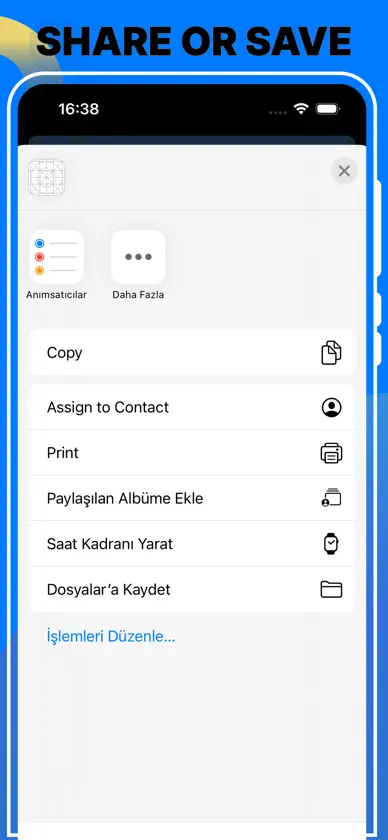
Effortlessly combine multiple images into a single file with our intuitive "Merge Image Files" app. Whether you want to create a collage, combine scanned documents, or merge photos for presentations, our app provides a seamless experience to merge images with just a few taps. Key Features: Batch Processing: Easily combine multiple images at once, perfect for large projects. User-Friendly Interface: Simple and intuitive design ensures you can merge images without any hassle. High-Quality Output: Preserve the original quality of your images while merging them. Customizable Layouts: Choose from various layout options to arrange your images exactly how you want. Support for Multiple Formats: Compatible with popular image formats like JPG, PNG, BMP, and more. Fast and Efficient: Quickly merge images without long waiting times. How to Use: Select Images: Choose the images you want to merge from your device. Customize Layout: Arrange the images in your preferred layout. Merge and Save: Click the merge button to combine the images and save the merged file to your desired location.
What's new
Version .1.3 · Nov 9, 2024
Screenshots Changed
In-app purchases
The most popular purchases on the App Store.
- Image Combiner WeeklySubscription · 3 days free trial₱ 199.00 / 7 days
- Image Combiner LifetimeConsumable₱ 999.00
More from Muhammed Efdal incesu
 Audio Merger: Music MixerMuhammed Efdal incesu
 pdf compressor+Muhammed Efdal incesu
 Sound Booster,Volume AmplifierMuhammed Efdal incesu
 EMF Detector+Muhammed Efdal incesu
 Compress AudioMuhammed Efdal incesu
 Metal Detector.Muhammed Efdal incesu
 Copy Text On Screen & Ocr ScanMuhammed Efdal incesu
 Audio TrimmerMuhammed Efdal incesu
You might also like
 Image Merge – Combine images云 赵
 Pic Merger - Video MergerSavita Yadav
 Image Merger & ConverterJEAN CHOE
 Screenshot Editor & StitcherSOFTIZO UNIVERSE
 Screenshot Stitching -Long Pic娴 李
 Photo to PDF Merge & SplitMuhammad Mohsin
 PDF Editor - Merge & SplitMoon Technolabs Pvt Ltd
 Torii Image TranslatorAntony Kaloferov
 OnePDF: Create Merge & CombineMichael Boehm
 Video Size Reducerzzari