
Quick Widget Memo
Yutaka Kato
No ratings yetProductivityAges 4+
Screenshots



About this app
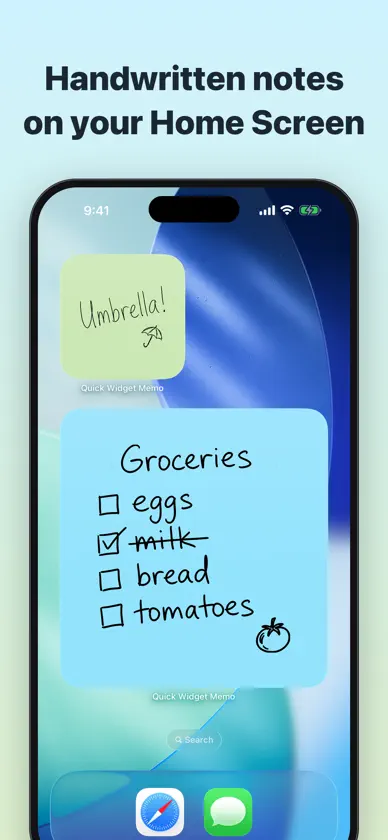
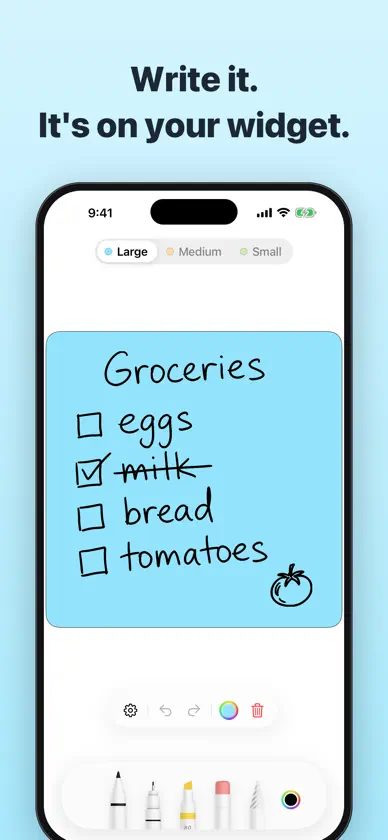
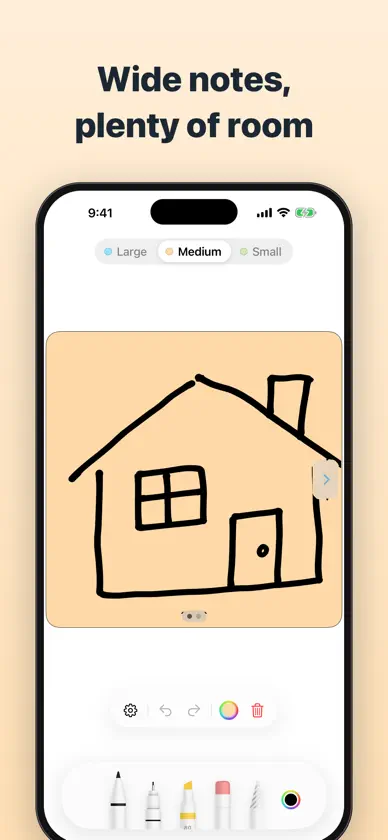
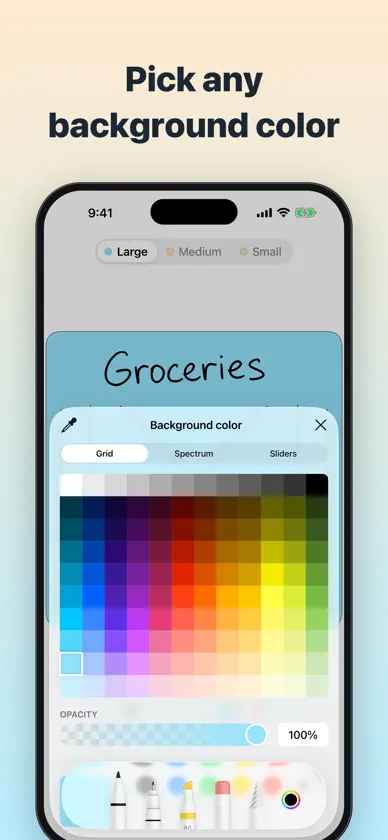
Capture your ideas on the go with ease! With our iOS app, you can add a widget to your home screen for quick note-taking without even having to open the app. Simply tap the widget and start jotting down your thoughts right away! Never miss a brilliant idea again. This app allows you to quickly capture your ideas and plans, making it easy to remember them even when you're busy. By tapping the widget on your Home screen, you can easily start writing your notes. Here's how to create your own notes: 1. Long-press on your Home screen 2. Tap the "+" button and search for the "Quick Widget Memo" widget 3. Add the widget of your choice (large, medium, or small) 4. Tap the added widget 5. The "Quick Widget Memo" app will launch 6. Save your note and it will be reflected on the widget Here are some of the features and benefits of the app: * You can create only three types of notes (large, medium, and small), making it easy to manage them without any hassle * You can use an Apple Pencil to choose the pen type and color * You can easily modify your handwritten notes using the eraser, undo, and redo features * You can personalize your handwritten notes by changing the background color or using the Dark Mode feature Best of all, "Quick Widget Memo" is completely free with no hidden fees or in-app purchases. Whether you're a busy person or simply enjoy handwritten notes, give "Quick Widget Memo" a try today! Terms: https://mozkzki.github.io/apps/tegakimemo/terms_and_conditions/english Privacy Policy: https://mozkzki.github.io/apps/tegakimemo/privacy_policy/english
What's new
Version 1.3.0 · Nov 11, 2026
* In Dark Mode, you can now show black ink as white (for dark backgrounds; turn it on in Settings)
More from Yutaka Kato


You might also like
 Notepad Widget, Sticky NotesFugaPiyo Inc.
 Handwritten noteKiyoshi Koike
 Handwriting MemorandumYuichi HARA
 Task List Widget, Sticky NotesFugaPiyo Inc.
 Stickit: Sticky Notes WidgetKitae Kim
 Widget Memo - Simple Note -Ryosuke Tamura
 SlideMemo Quick Swipe NotebookYUUSUI KASHIWAGI
 Sticky Note Widget Memo Padkazuhiro aonuma
 FirstSeed Calendar for iPadFirstSeed Inc
 Smart Notepad - Notepad widgetKomorebi Inc.