
Screenshots


About this app
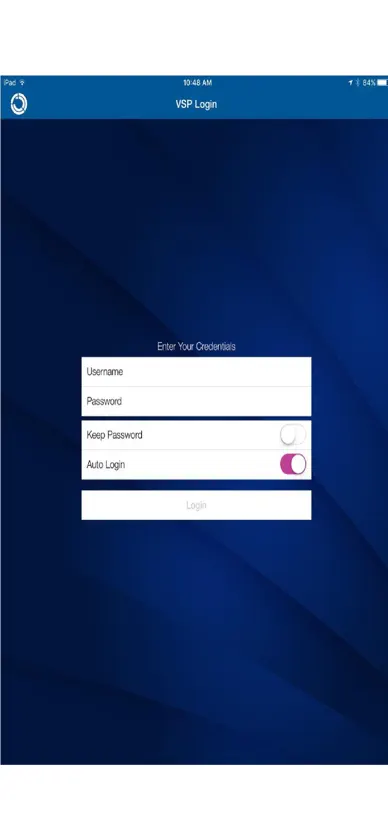
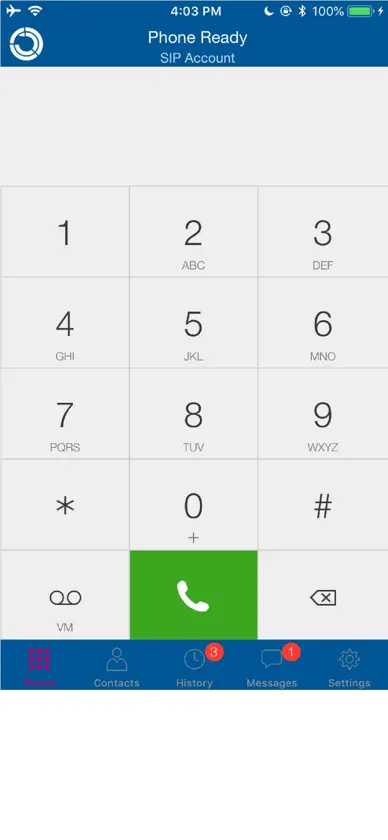
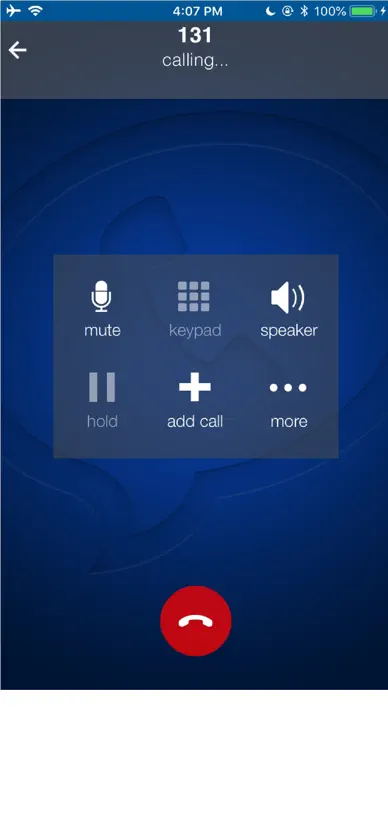
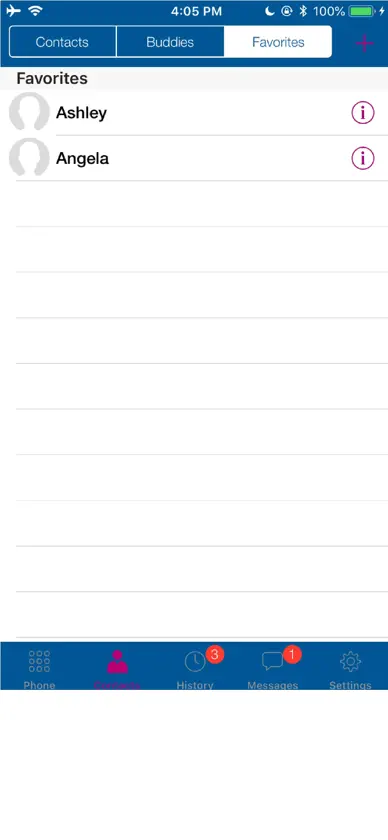
VSP for iOS is a VoIP softphone explicitly tied to the VSP Platform and requires an administrator generated to account for login. If you do not have an account given to you by your company, operator, or VSP, you will not be able to use the softphone client. The VSP Platform’s Provisioning Module is a powerful way for enterprises and operators to distribute, configure, and manage VSP softphones and enables users to store their softphone related settings a single, convenient location. With the Provisioning Module, customers can fully provision their VSP softphones for use with their enterprise, SMB, ITSP, or operator VoIP solution. IMPORTANT NOTE: This version of VSP is tied to VSP hosted Provisioning Module and requires an account set up by your operator or enterprise. Without an account, the client will not work. Emergency Calls VSP mobile products provide handling designed to redirect emergency calls to the Native Cellular dialer when possible on a best reasonable commercial effort basis, however, this functionality is also dependent on the operating system of the mobile phone which is outside of our control and subject to change at any time. As a result, the official position of VSP is that the VSP product is not intended, designed, or fit for placing, carrying, or supporting Emergency Calls. VSP will not be liable for any costs or damages arising either directly or indirectly from the use of the software for Emergency Calls. Using VSP as a default dialer may interfere with dialing emergency services. To all of our client. As per directive by Apple's policy. We are informing you that our APP does not collect any classified information in your app or device and we respect each individual data privacy.
What's new
Version 6.23.5001 · Oct 16, 2026
This version contains improvements to the overall stability and performance of Bria and miscellaneous bug fixes. - Includes fixes related to answering a call, such as the call keeps ringing after answering, and no audio after answering. - Includes various third-party library updates. Incoming Call Audio with Bluetooth - iPhone only When Settings > Preferences > Native Integration is enabled and the iPhone is connected to a Bluetooth device, the audio output varies depending on how you answer the call. If you use the Bluetooth device to answer the call, the audio is sent to the Bluetooth device. If you use the iPhone to answer the call, the audio is sent to the iPhone.
You might also like
 SecureVOIPRay Jackson
 Subnet Plus: Subnet CalculatorTed Trentler
 Car Key & Remote: Key ConnectYeahApps LLC
 TVFB Santa TrackerPhilip Taylor
 Digital Scale for Grams: TreoBraindump
 Spread Test CalculatorBrian Dockerty
 RokuMate - Remote for RokuTVBTB Tech, Inc
 Battery Life Lab AIPlaysquare
 MonitoringNew Zealand Computing Solutions
 Barcode Reader-scanAishvarya Sadasivam