
AnkiMobile Flashcards
Anki Software, LLC
4.6(13)EducationAges 4+
Screenshots





About this app
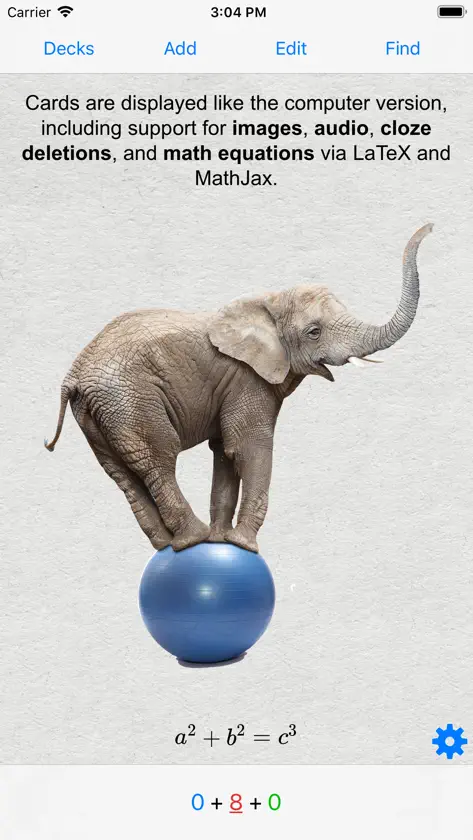
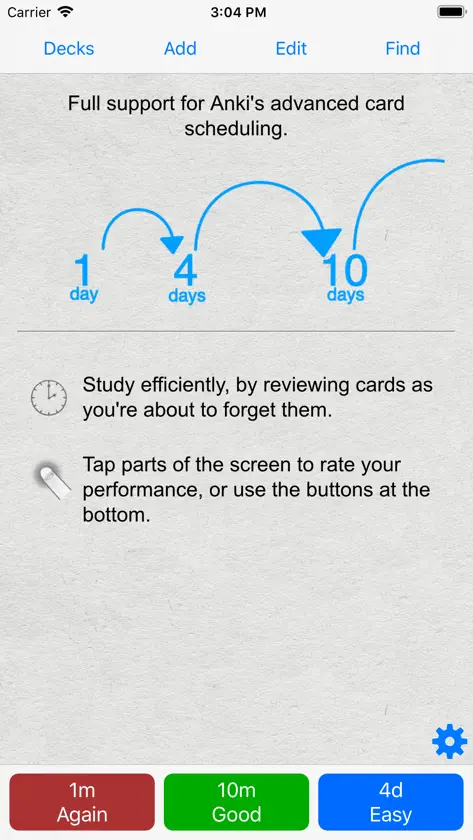
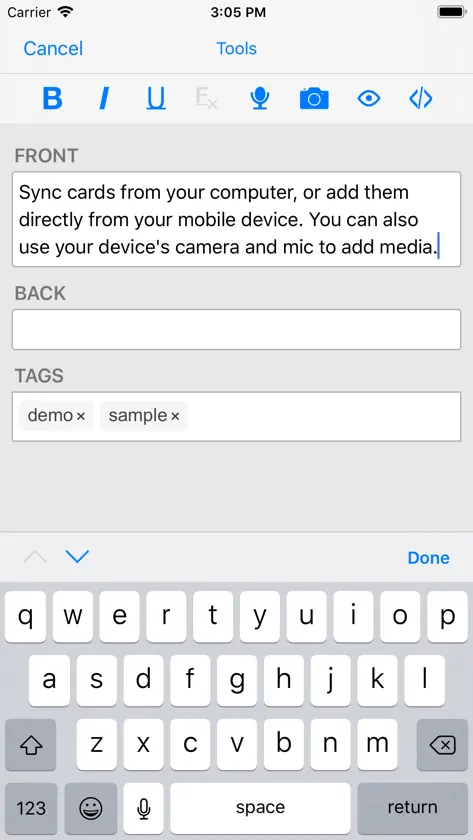
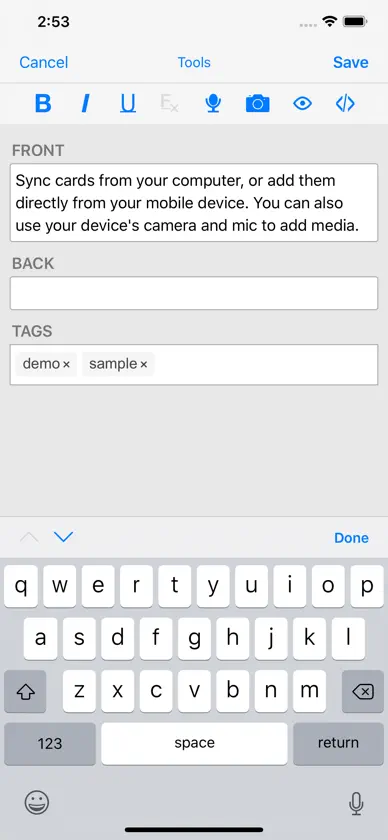
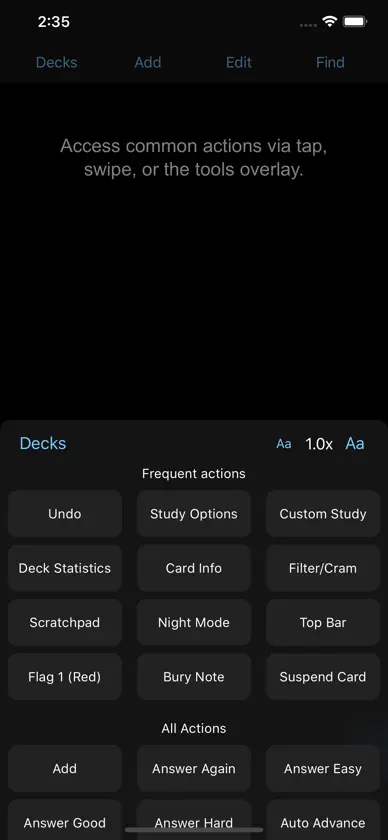
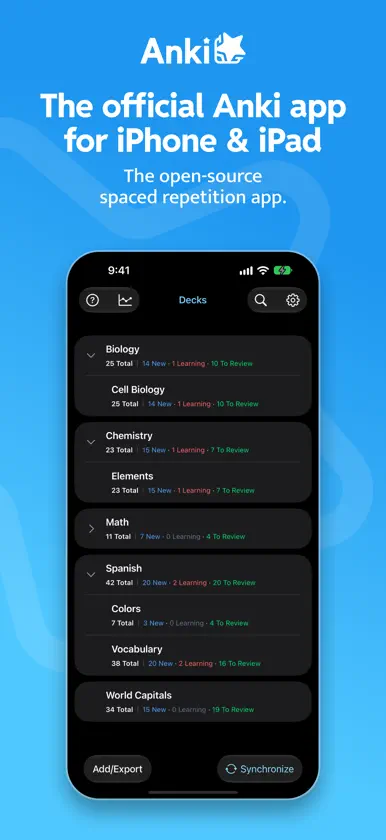
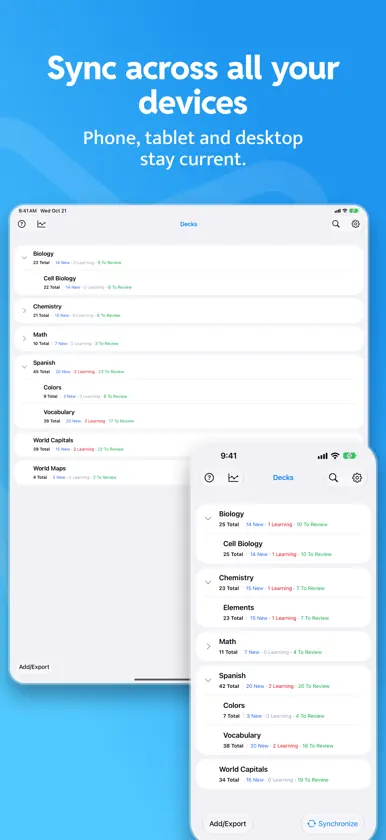
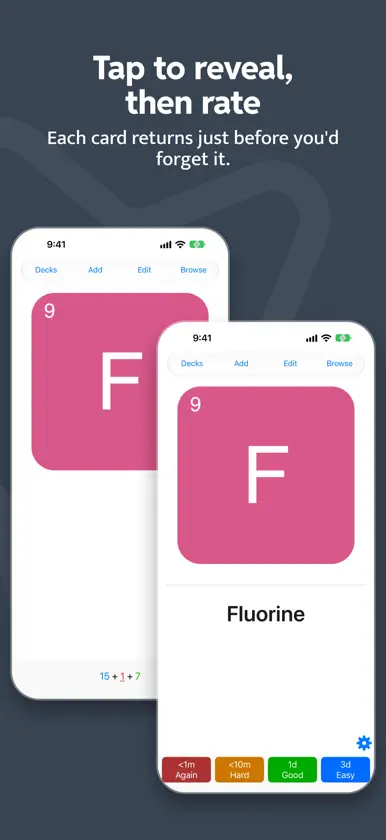
Your decks, wherever you go! AnkiMobile is the official Anki app for iPhone and iPad, the flashcard app that more than 15 million learners worldwide have loved and trusted for over 20 years, made by the team behind Anki and AnkiWeb. Your purchase directly supports the open-source project that keeps Anki desktop free for everyone. Sync is included at no extra cost: no subscription, no sync fees. What you get: - Free sync with AnkiWeb. Keep your decks and study progress in sync across iPhone, iPad, Mac, Windows, Linux, and the web. Add cards on your computer, study them on your phone. - The same SM-2 and FSRS scheduling as desktop Anki, so you review material right as you're about to forget it. - A flexible interface designed for smooth and efficient study. - Detailed graphs and statistics about your progress. - Support for large collections, including 100,000+ cards. - Offline study. Media (images and audio) is stored on your device. - Powerful search for building filtered decks, e.g. "tagged high priority, answered in the last ten days, and not containing these words". - MathJax equations and LaTeX rendering. - Apple Pencil support for adding hand-drawn images to cards. Good to know: AnkiMobile works alongside the desktop version of Anki. Some tasks might require the desktop version, and add-ons are not supported on mobile yet. Sync is optional. You can also import and export data over USB or AirDrop. Buy once and use AnkiMobile on all your devices with the same Apple ID. Family Sharing is also supported. Educational institutions can find bulk discounts information through Apple's Volume Purchase Program. Need help? The manual and support resources are at https://docs.ankiweb.net/ankimobile/support. If you have questions or want to report an issue, contact us through our support site.
What's new
Version 26.10 · Nov 3, 2026
Browse, redesigned - Faster, more precise search. Type queries directly in syntax mode, or build them visually with filter chips. Saved and recent searches get you back to previous results in one tap. - Rebuilt card rows. Flags and marks are clearer at a glance, and rows support customizable swipe and tap actions. Tapping a card now opens Preview by default (you can change this). - Sort and view. Sort by any field, and switch between Card and Note view with one tap. A live result count updates as you search. - Bulk actions. Select multiple cards for Suspend, Bury, Flag, Tag, Move and Delete, with Select All. Any action can be undone from a quick Undo pill. - Updated Browse options and consistent icons throughout. Deck list - See your workload at a glance. Each deck shows its New, Learning, Review and Total counts, as on desktop. Prefer a simpler view? Display options include a label-free Compact mode. - Clearer sync status. The sync icon now shows when a sync is pending or needs attention. - Refreshed icons, spacing and typography across Decks, Stats and Study Options. Also in this update - Notifications is now its own section in Preferences, with New, Learning and Review toggles for the app icon badge. - Fixed the editor toolbar clipping tools. It now scrolls, and long-pressing Cloze shows a labeled Next/Same menu. - Fixed Browse preview showing a blank screen after editing a card, and the flip control not returning to the question side. - Fixed several clipped labels and alerts. - The per-app language setting is now respected. - The sync conflict dialog matches desktop. - Improved VoiceOver support in Browse and on the Decks screen.


