
64Touch
Patrick Bridgeman
No ratings yetEntertainmentAges 4+
Screenshots


About this app
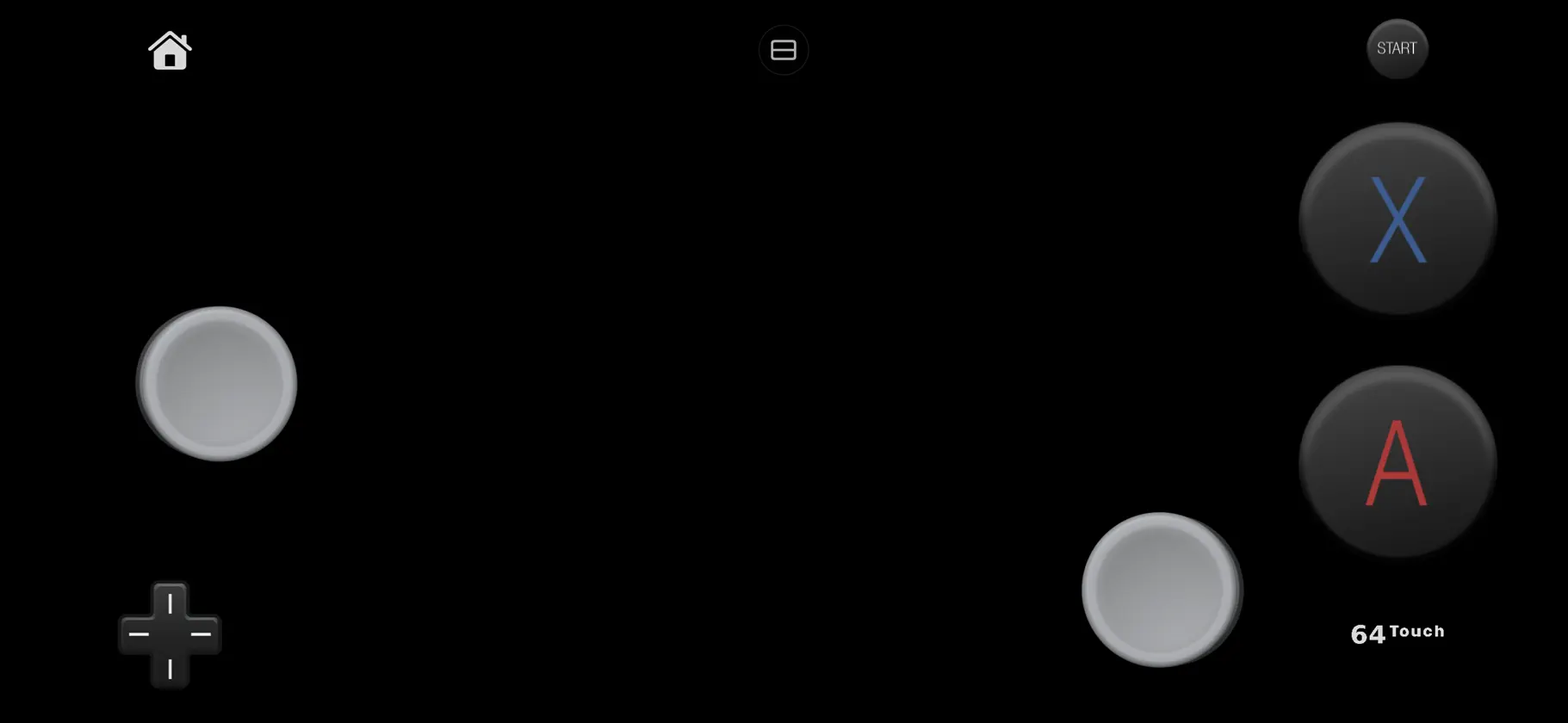
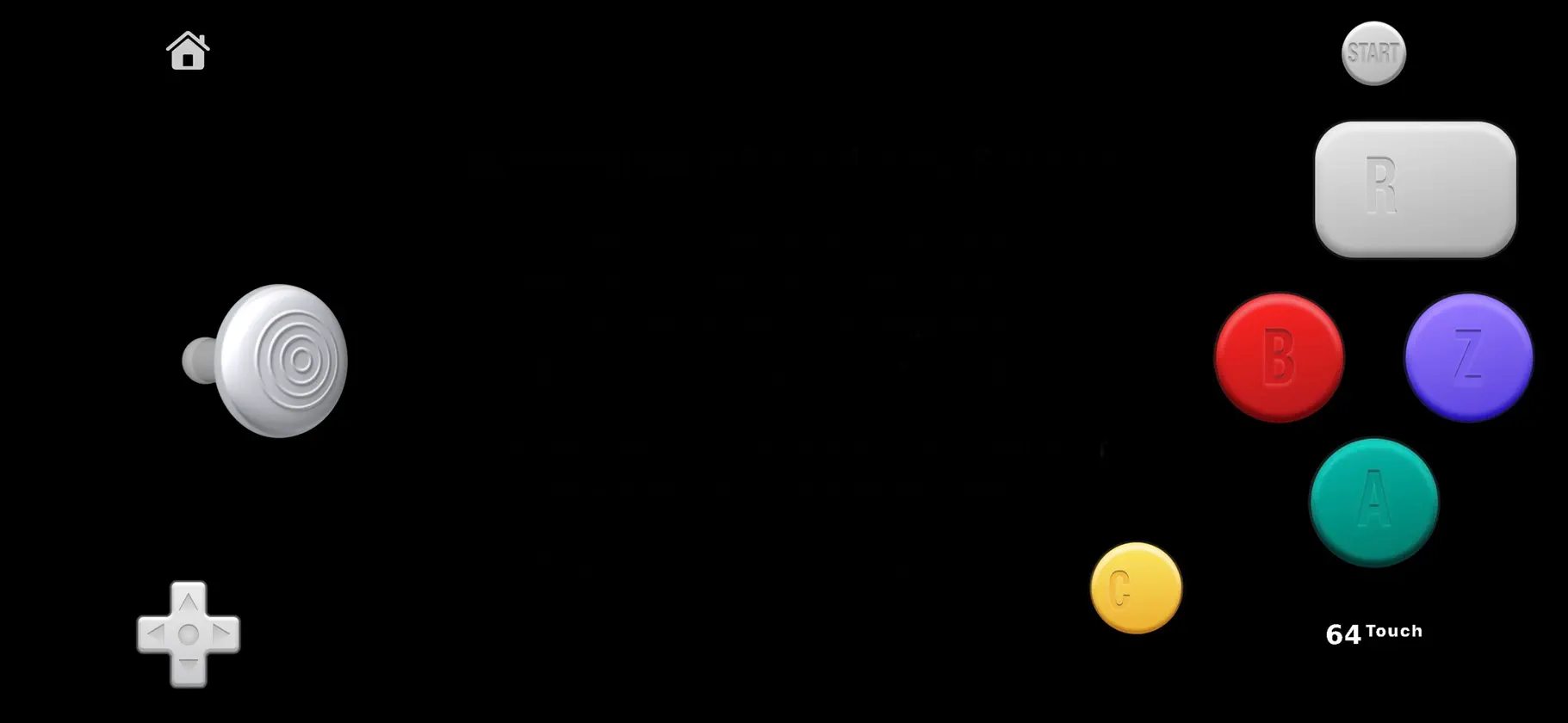
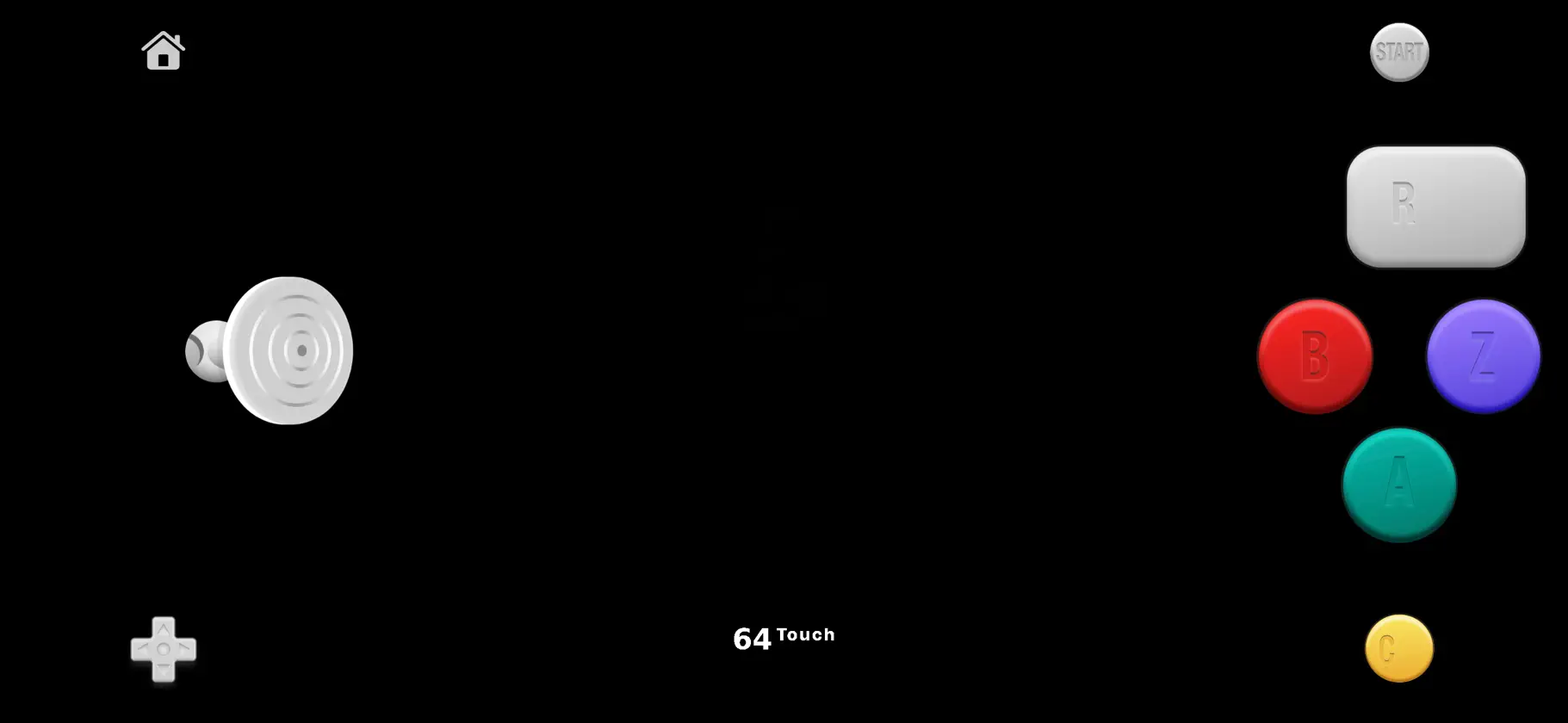
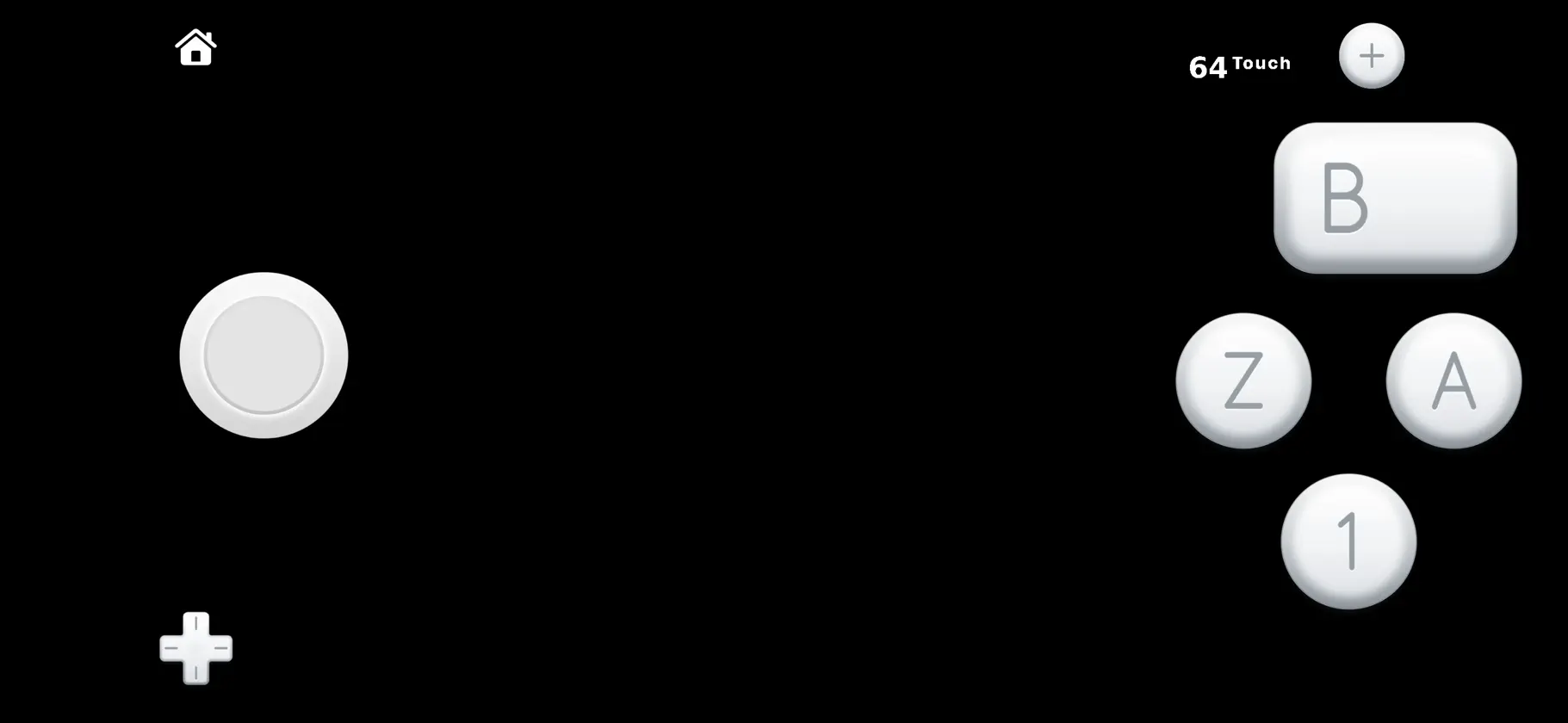
64Touch delivers an authentic console experience on your mobile device with two standout features: The Latch Controller: A revolutionary touch-screen control system built for competitive play. Buttons can be tapped, held, or “latched,” providing the precision needed to master your favorite classics - making mobile console gaming more than just a tech demo. This is the best touch screen controller ever created. Period. Wireless N64 Multiplayer: Share the nostalgia by connecting with friends. 64Touch's N64 multiplayer supports up to two devices. Enjoy split screen co-op anywhere you go.
What's new
Version 3.6.0 · Nov 14, 2026
All-New Engines * Every core has been rewritten from the ground up for Metal. * Each core is now licensed as proprietary under 64Touch. * On average, the new cores have better fidelity and performance, but lower compatibility. * Due to the nature of this change, save states are going to break on this upgrade. * Normal saves are going to be automatically converted over. * 64Touch is asking for forgiveness. * The Premium upgrade is going to be $0 for a short time. Bonus * A new bonus emulator has been added. Switch * Compatibility improvements. Wii U iPhone Duo vs iPhone * Wii U Dual Screens * The Wii U now shows both the Wii U GamePad and TV simultaneously. * The emulator will automatically sense when the second screen is different than the top screen. * When the second screen is ready, a small icon will appear at the top of the screen to hide or show the bottom screen. * iPhone Duo has a new custom layout for Dual Screen Mode. * iPhone has a new custom layout for Dual Screen Mode. * The performance of the Wii U emulator has increased, especially on older devices. * The touch screen is now always enabled. * Reflex layout is now a two-finger gesture. * Save states have been enabled for devices with 6 GB of RAM. 3DS * A new iPhone Duo layout has been added. * Regular iPhones also have a reinvented layout for dual screens. * The hide/show toggle for the bottom screen has been moved out of the 64Touch button. Wii * Common key section added to settings * 64Touch does not ship with any keys, firmware, or copyrighted material. N64 * Brand-New Custom Graphics Engine * Built from the ground up on Apple’s Metal framework. * Custom HD Upscaling * Bring classic N64 worlds into sharp high definition while strictly respecting the original art style. * Designed with a dedicated, custom upscaling engine that scales textures and models natively without pixel smearing or blur. * New Demo Game * You can now play music using the controller in the demo game. Controller * New Max controller layout added * The Max layout gives the user the most buttons on the screen at a time. * Each game is going to play best with a different layout. * The controller settings have been redesigned to make it easy to swap between layouts. * Quick Remapping * You can now quick-remap more buttons. * Long-press on the menu button and combo-press any of the face buttons to quick-remap. * Reflex layout is now Free and a two-finger gesture. * Simple layout is now Free. * New 3D joystick art has been added. * 3D joysticks can be turned on and off in the controller settings. General * A new screen glow effect has been added in the settings section. * Turn it on to simulate a light reflection effect from a real monitor or TV screen. * A new universal shader compile screen has been added when starting a game. * The paywall has been updated to more accurately showcase what's included in the Premium upgrade. Notes * 64Touch is willing to support Nintendo digital assets.
In-app purchases
The most popular purchases on the App Store.
- 64Touch Premium - 24 Hour PassConsumable4,99 zł
- PremiumConsumableFree
More from Patrick Bridgeman



You might also like
All apps like 64Touch → RetroPlay - Console EmulatorHamza El karmouni
 Fin - WiiU Wii GC 3DS TriForceDylan Mathurin
 LunaDS - 3DS and DS EmulatorGetzemani Cruz Garcia
 GameX Emulator - PS2Anupkumar Naginbhai Patel
 Game Emulator - PS1, GBA, DSAI Agent
 Retro Game Console EmulatorTVGSOFT LIMITED
 EmuBox: Emulator Game ConsoleHuong Hoang
 TOP Emulator - 3DS PSP GBA DS榕儀 梁
 TinyEmulator兴海 刘
 RTM-EMU : PS2 PS3 PS4 X360 PS1Ratthamontree Burimas