
Screenshots


About this app
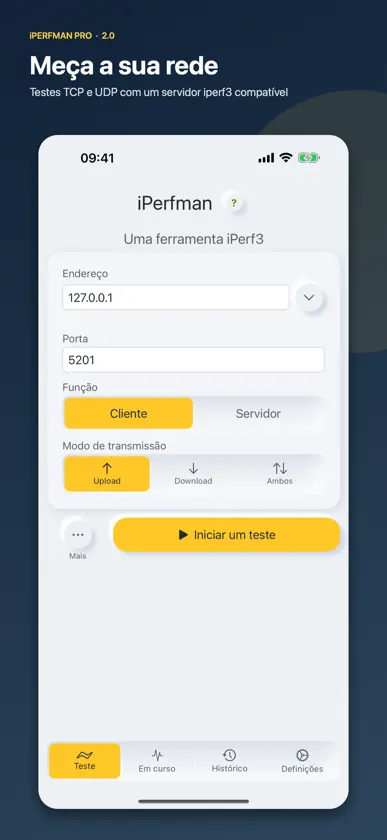
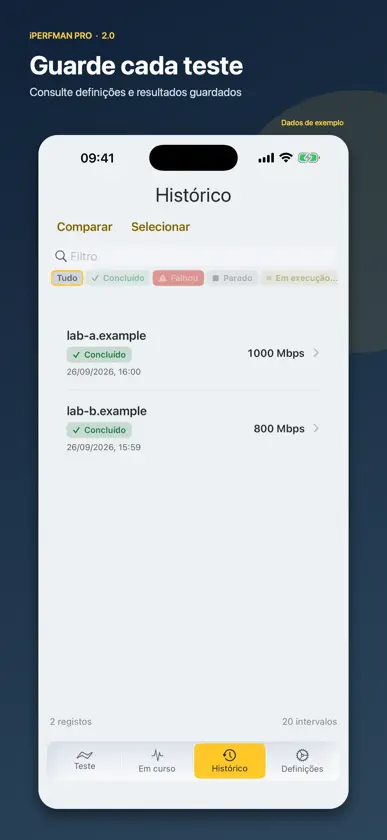
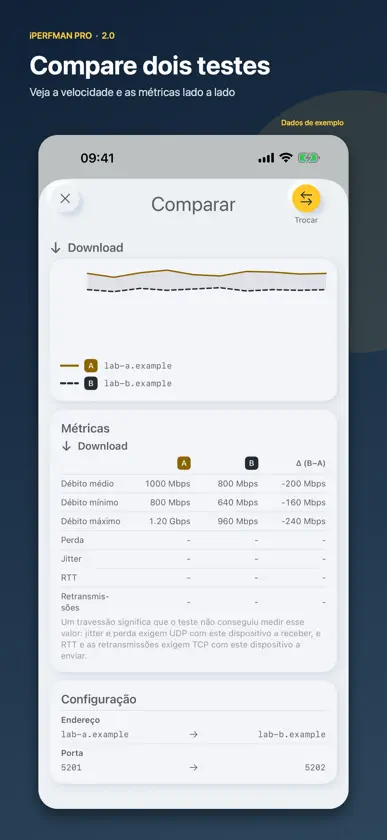
O iPerfman Pro mede o desempenho entre o seu dispositivo e um servidor compatível com iperf3 no iPhone, iPad e Mac. Teste TCP ou UDP no envio, na receção ou nos dois sentidos. É necessário um servidor ou outro dispositivo; não se trata de um teste da velocidade da Internet. Acompanhe o débito em direto e consulte jitter, perda de pacotes, retransmissões e tempo de ida e volta quando disponíveis. Guarde o histórico e os resultados por intervalo, repita um teste, compare duas execuções ou partilhe um relatório. Defina duração, fluxos paralelos, taxa de bits, DSCP/QoS e interface do servidor. Esta app paga não tem subscrição nem limite diário de testes.
What's new
Version 2.1 · Nov 3, 2026
iPerfman Pro 2.1 adds nine iperf3 connection options, a shareable speed receipt and a choice of speed units, along with many fixes. New - Connection options in Additional Parameters: address family (Automatic, IPv4 or IPv6), client port, block size, socket buffer, TCP MSS, TCP NoDelay, TOS byte, IPv4 Don’t Fragment and Get server output. They are saved with each record and carried into Retest, comparisons and reports. - Speed receipt: share a saved result as an image. The server address is hidden unless you choose to show it. Available on iOS and iPadOS 16 or later and macOS 13 or later. - Speed display unit: choose Auto, Mbps or Gbps. Auto now picks one unit from each test’s peak, so readings from a test that passes 1 Gbps no longer mix Mbps and Gbps. - Online help opens the user manual on iPerfman.com in the app’s language. The privacy policy and terms of use also follow the app’s language. Improvements and fixes - The test engine is now iperf3 3.22. Option limits and defaults are unchanged. - An invalid port now shows an error before the test starts, instead of connecting to port 5201. Durations must be whole seconds; a value such as 0.5 is now rejected before the test starts. - Live, history and comparison charts now use the same axis range for the same results. - IPv6 endpoints are shown as [address]:port. - History details keep their charts and summaries up to date, even in very large histories. - The log view previews the last 32 KiB of a long log; sharing or saving still gives you the complete file. - On iPhone and iPad, text scales up to the largest standard size (XXXL); larger accessibility sizes display at that size. Several screens that were cut off at large text sizes now fit. - Settings are grouped into Preferences, About and Legal. Switches have clearer edges in dark mode, and when the appearance follows the system, pages that are already open switch with it.
More from 伟 葛


You might also like
 iPerf - Speed Test ToolSurge Networks Inc.
 Network Speed Tester ServerLakehorn AG
 Airtool PiIntuitibits LLC
 iPerf3: Cliente e ServidorVladimir Chemeris
 Retro System Monitor TerminalTiago Mendes
 spatial fieldsContrast Media Labs, Inc.
 PingyDingyDoug Davis
 Gamepad TestNative IT
 mqttchNico Bousquet
 Transmission PocketVanmo IT AB