
Database Studio
Michael Elsner
No ratings yetEducationAges 4+
Screenshots


About this app
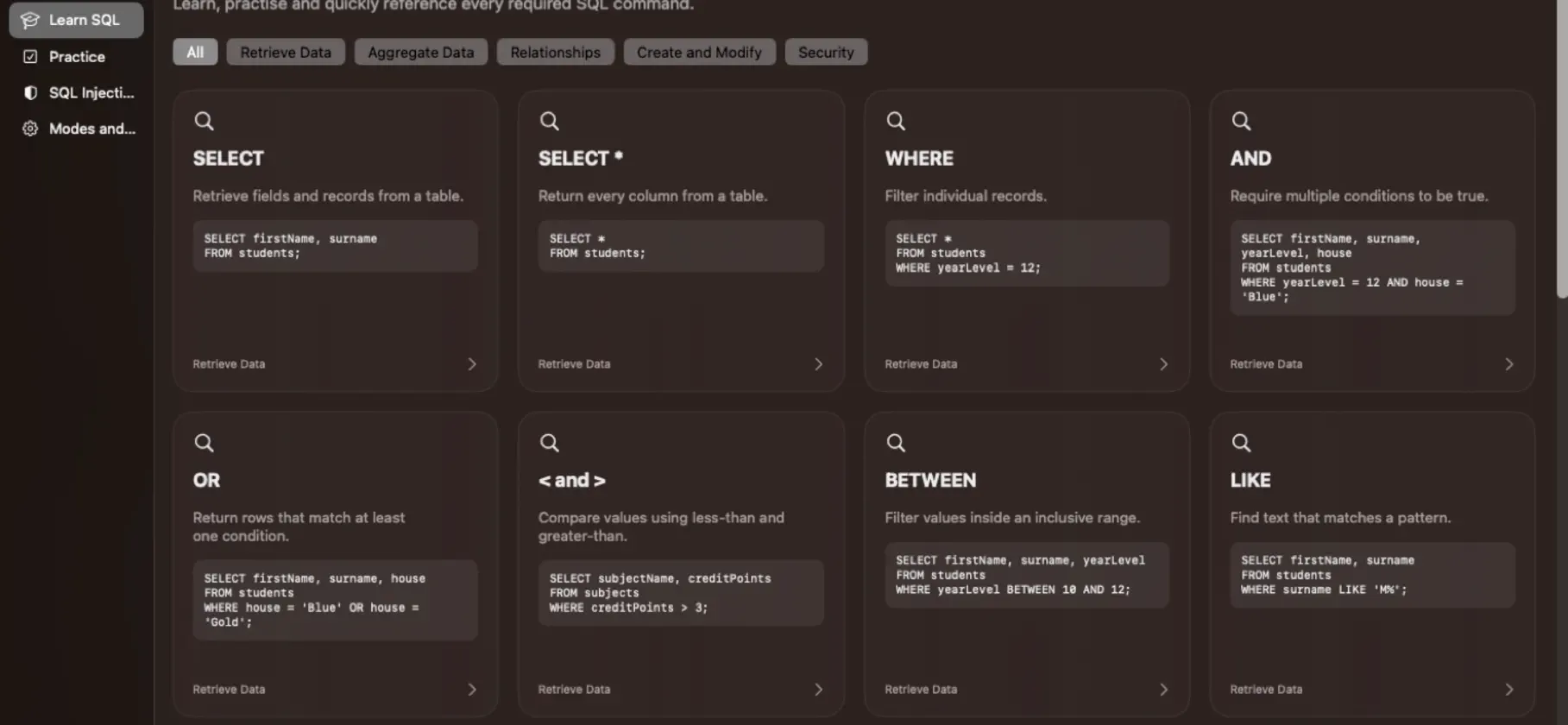
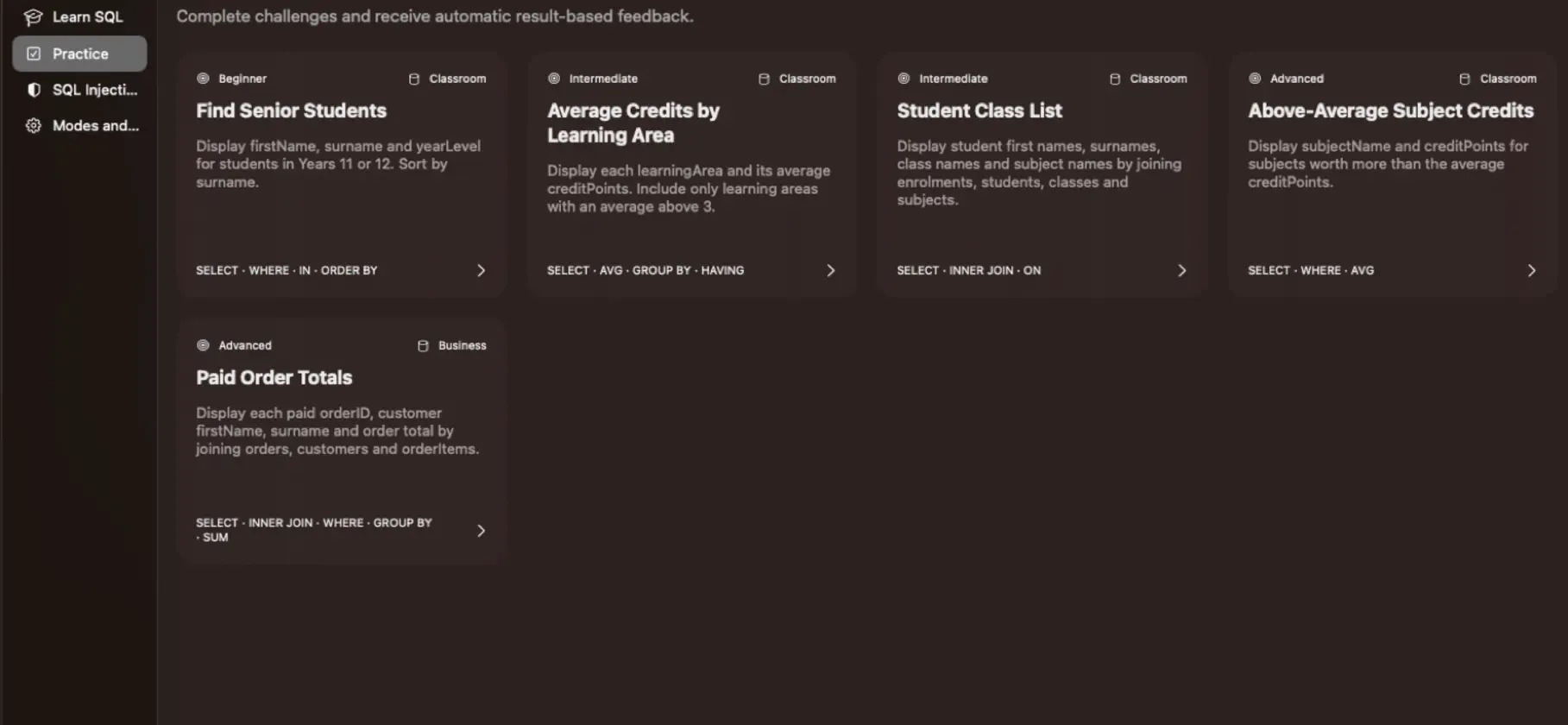
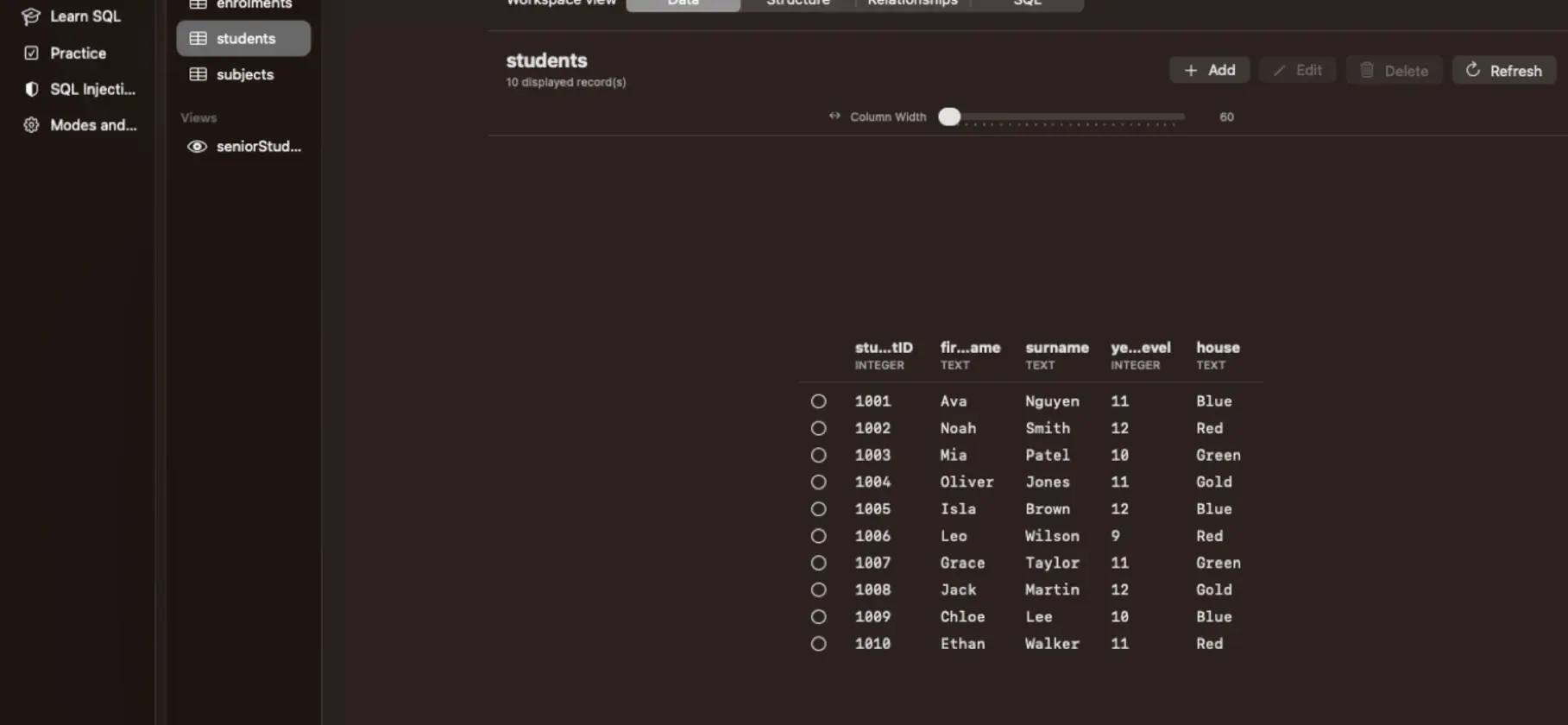
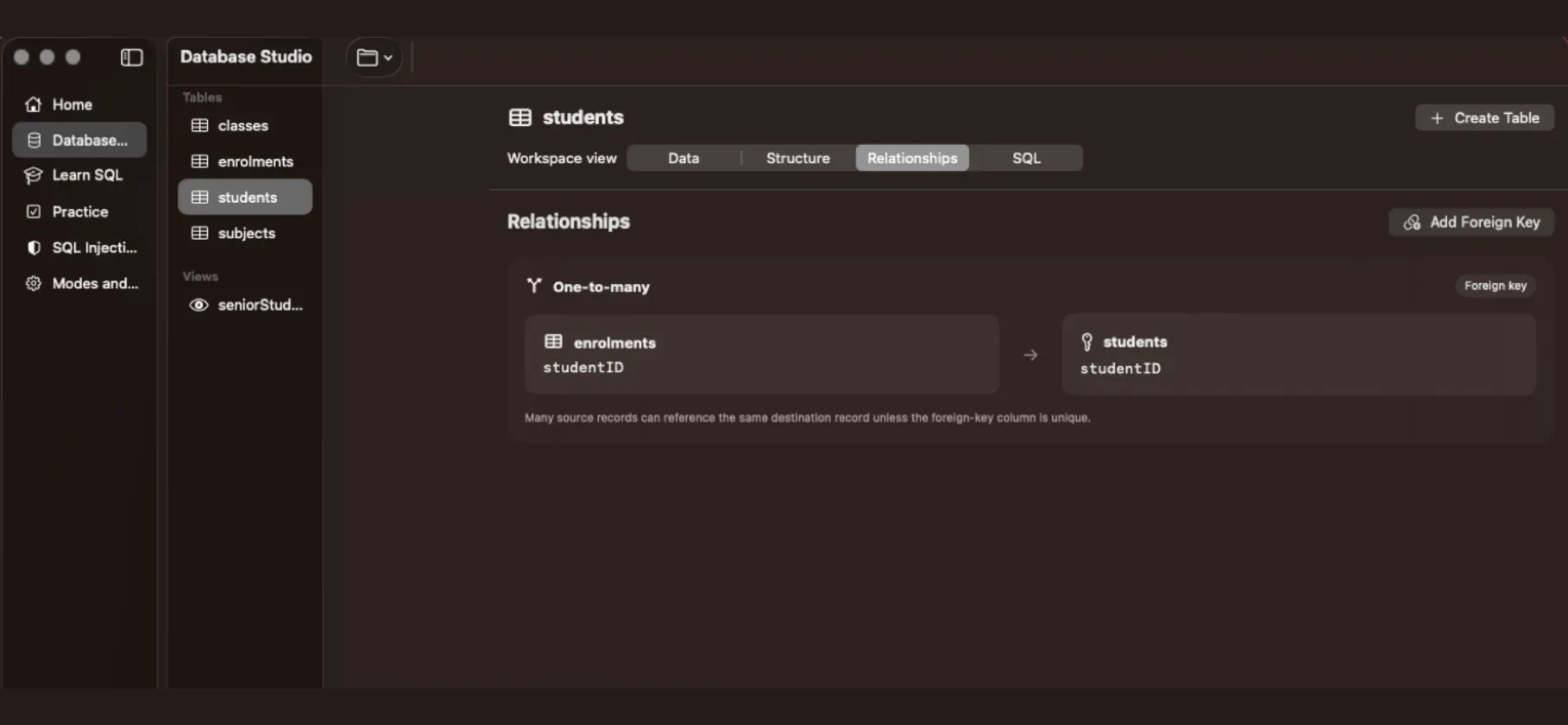
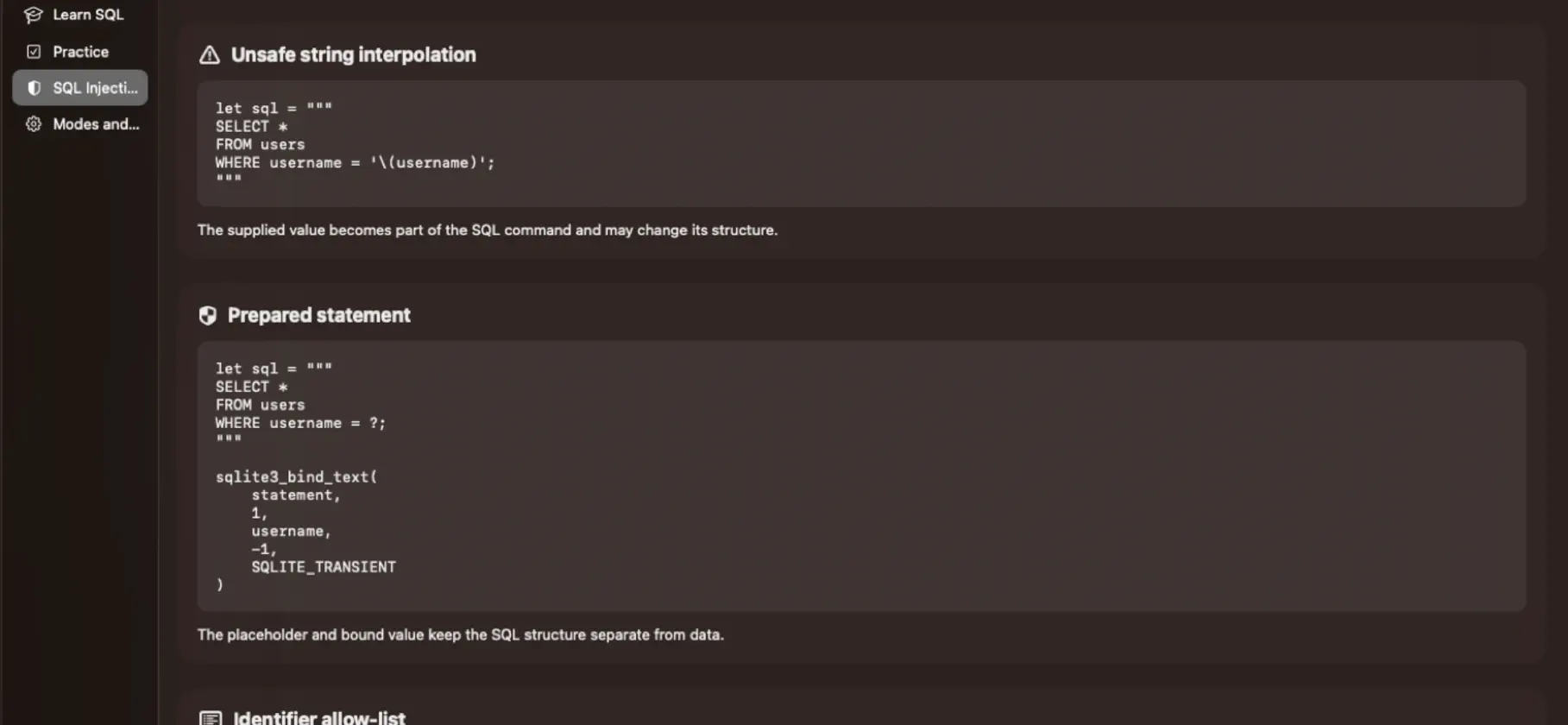
Database Studio is a SQLite learning and database workspace designed for students, teachers and anyone practising SQL. Open SQLite database files, browse tables, inspect fields and relationships, run SQL commands, and view results in a clear workspace. Use the built-in sample databases to learn common SQL commands, or upload your own .db, .sqlite or .sqlite3 files. Features include: • Interactive SQL editor with line numbers • Contextual SQL help for common commands • Table browsing with adjustable column widths • Add, edit and delete records • Create tables visually • Add primary keys and foreign keys • View table relationships • Run SELECT, WHERE, JOIN, GROUP BY, INSERT, UPDATE, DELETE and CREATE statements • Import CSV data • Export query results and tables as CSV • Export a database copy • Built-in SQL lessons and practice challenges • SQL injection learning lab • Student and teacher modes • Optional assessment mode for SQL-only classroom tasks Database Studio is built for practical learning: students can see real database structures, write real SQL, make mistakes safely, and understand how tables, keys and relationships work together.
What's new
Version 1.5 · Sep 14, 2026
• Improved Learn SQL lesson order for a clearer progression. • Added a new Linking Tables lesson covering primary keys, foreign keys, references, and referential integrity. • Updated SQL lesson wording for better clarity and grammar. • Moved advanced topics like CREATE VIEW and SQL Injection toward the end of the lesson sequence. • Refined SELECT lessons, including corrected explanation text for the FROM clause. • Verified lesson examples against the bundled practice databases.


