
iCameraPlus
Mustafa Pat
No ratings yetPhoto & VideoAges 4+
Screenshots





About this app
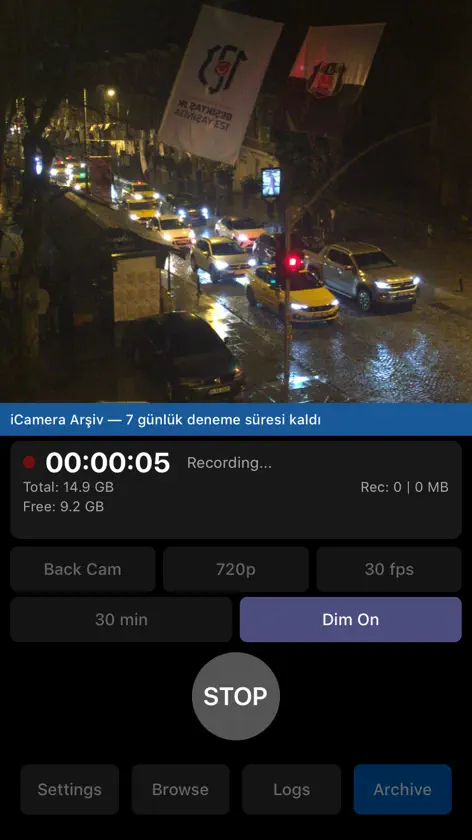
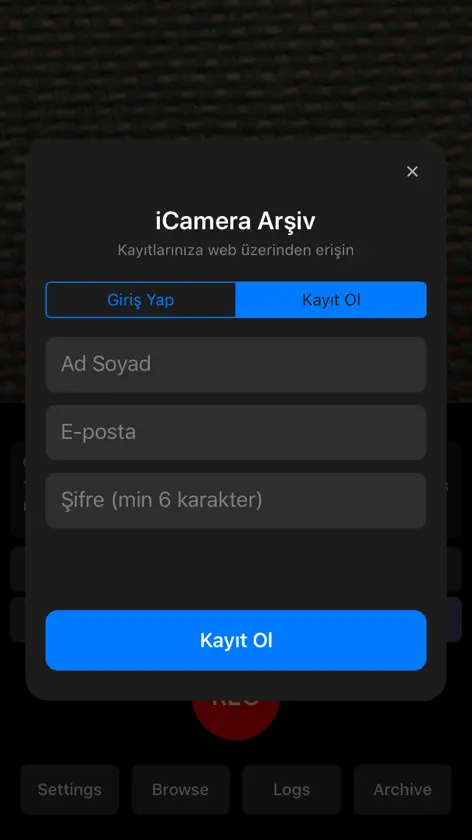
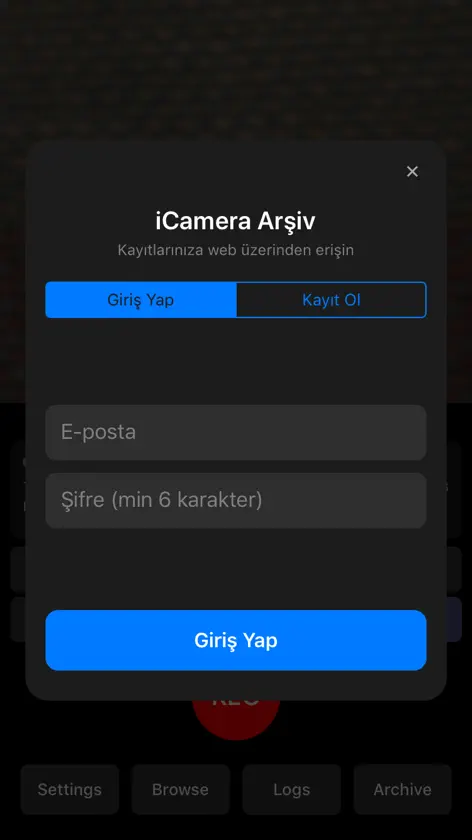
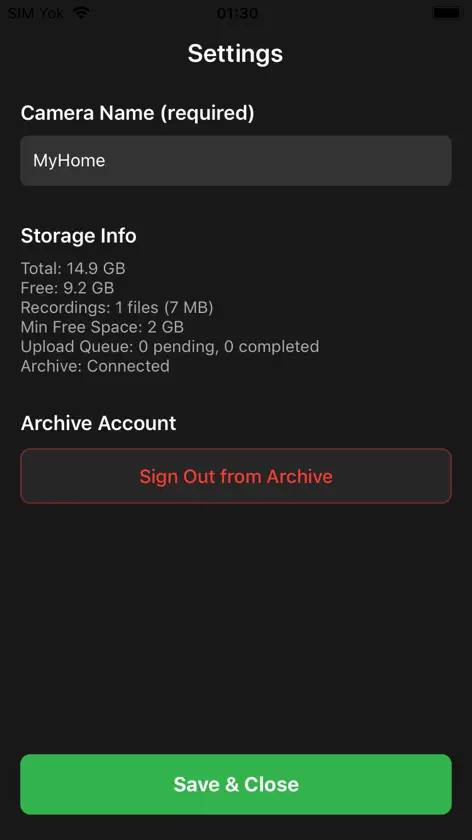
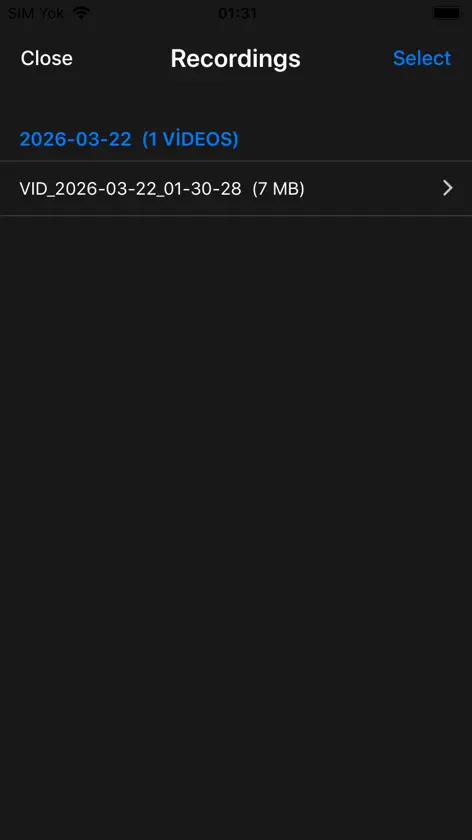
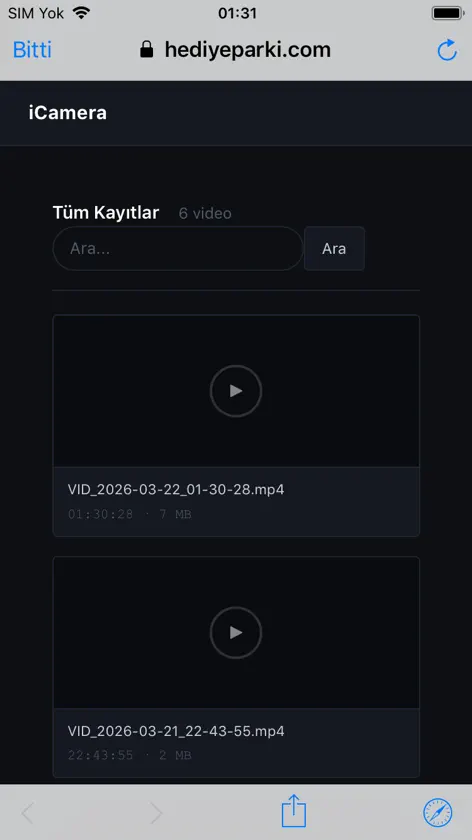
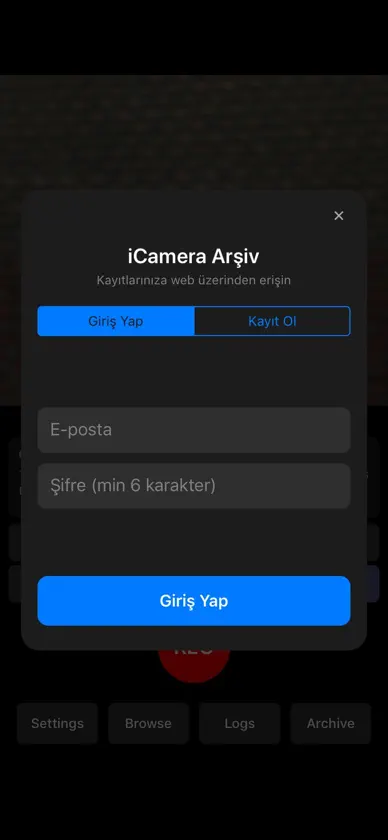
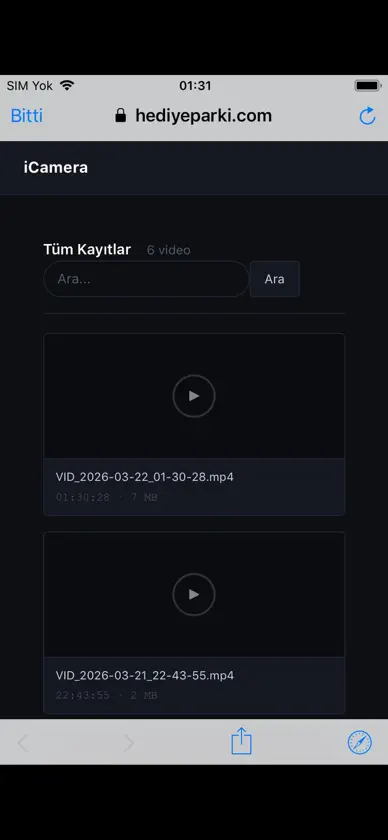
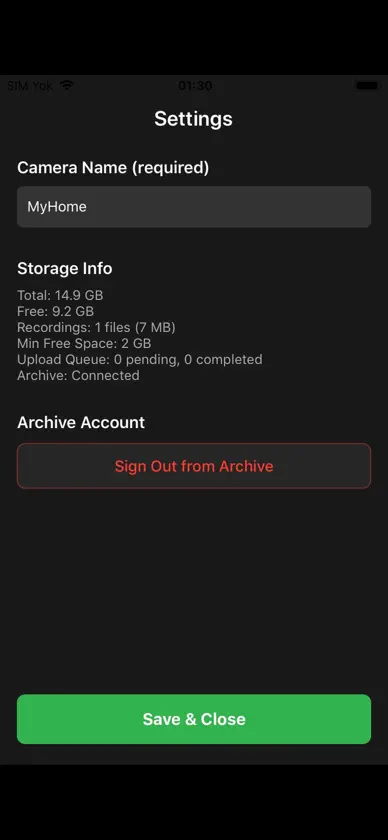
Turn the spare iPhone in your drawer into a 24/7 security camera — and watch it from your everyday iPhone. iCameraPlus records non-stop on a dedicated phone and uploads every clip to your private cloud archive, so your footage stays safe even if the camera phone is taken or damaged. Watch live, browse the archive and control your cameras with the iCameraPlus app in Viewer mode or from any web browser. HOW 24/7 WORKS ON IPHONE iOS does not let apps record video in the background, so the camera iPhone stays on its charger with iCameraPlus open on screen. Protected Mode — Apple's built-in Guided Access, set up in about a minute with our step-by-step guide — keeps the app on screen 24/7 and disables the side button. If recording stops (for example, the app was closed), iCameraPlus tells you and resumes recording when it is opened again. CAMERA MODE — the phone that records • Continuous loop recording in 480p, 720p or 1080p at 30 fps, with the camera name, date and time on every frame. • Automatic upload to your private cloud over HTTPS. Uploads resume after Wi-Fi drops, and recording continues without internet — clips upload when the connection returns. • Smart recording adjusts quality and clip length when uploads slow down, the phone gets hot or storage runs low. • Sound is off by default; turn it on only where recording audio is legal. • Guided setup: account, permissions, camera name, a 24/7 checklist and a test recording. VIEWER MODE (NEW) — your everyday iPhone • All your cameras with status, battery, connection and alerts. • Watch live with one tap. • Start or stop recording and change camera, quality, clip length, brightness, rotation, touch lock, sound and upload network remotely. • Open the recordings archive: timeline, previews, playback and download. A viewer phone never records and never asks for camera or microphone access. WEB PANEL Everything above from any browser at icameraplus.com, plus device details and charts. PLANS • 7-day free trial with your account — no card needed, and it never turns into a paid plan by itself. • Yearly plans for 2, 4, 6 or 8 cameras: 99.99 / 175.99 / 244.99 / 319.99 USD per year (prices vary by country; the app shows your local price before you buy). • Each camera keeps its last 10 days of recordings. Days are pooled across your plan: with fewer active cameras, each keeps more (an 8-camera plan with one camera keeps 80 days). Payment is charged to your Apple ID at confirmation of purchase. The subscription renews automatically unless it is cancelled at least 24 hours before the end of the current period; renewal is charged within 24 hours before the period ends. Manage or cancel anytime in Settings > your name > Subscriptions. PRIVACY Your recordings are stored in your own private account and are visible only to you. iCameraPlus is meant for monitoring your own property: respect other people's privacy and local laws, and never record in private areas such as bathrooms or bedrooms. Privacy Policy: https://icameraplus.com/privacy Terms of Use (EULA): https://icameraplus.com/terms Support: icamatrixsys@gmail.com
What's new
Version 4.4 · Nov 7, 2026
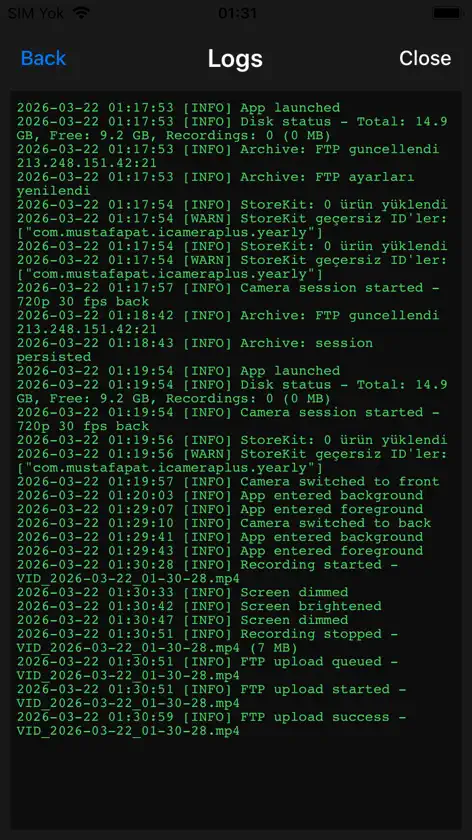
• NEW Viewer mode: install iCameraPlus on your everyday iPhone, choose "Viewer" and sign in with the same e-mail. See all your cameras with their status and alerts, watch live, start or stop recording, change camera settings and open your recordings archive. A viewer phone never records. • Live view with sound and under one second of delay (WebRTC). If the network blocks it, the app switches to the standard stream by itself. • Hold to talk: press the microphone button on a camera card and speak; the camera phone plays your announcement (camera phone must support playback). • Setup / maintenance mode: while you set up or move a camera phone, "Moving the phone" mutes fault and offline alerts for 30 minutes — recording is not affected. Also available from the web panel. • Smarter auto-resume: when the phone restarts the app by itself (or you tap the "recording stopped" notification) recording resumes at once; when you open the app yourself, a 10-second countdown lets you defer and change settings first. • A strip tells you when a newer app version is available, with a step-by-step update guide. • Step-by-step setup for new cameras, Help & FAQ inside the app, one-tap support e-mail and "Send logs". • HD 720p is the recommended quality; 1080p stays available with a note that it uses more storage. • The microphone is requested only if you turn on sound recording, or on a viewer phone for announcements and live sound. Tip: on the camera iPhone, turn on Protected Mode (Guided Access) so the app stays on screen 24/7.
In-app purchases
The most popular purchases on the App Store.
- 8 Cameras · 10-Day ArchiveSubscription · 7 days free trialUSD 319.99 / year
- 6 Cameras · 10-Day ArchiveSubscription · 7 days free trialUSD 244.99 / year
- 4 Cameras · 10-Day ArchiveSubscription · 7 days free trialUSD 175.99 / year
- 2 Cameras · 10-Day ArchiveSubscription · 7 days free trialUSD 99.99 / year
You might also like
 EdgeWatchVadym Vasylaki
 Vigil: Secure CameraKarthik Mahadevan B.V.
 Pocket Film: Cámara VintageByung Kwon Jeon
 Kairos CamDimitri Schonmeier
 Videk CameraAndrei Nevar
 TetherCamBernhard Goetzendorfer
 Editor Foto VigilanciaRyouhei Azuma
 Retrocam - Cámara de Cineemirhan cifci
 LoopCamcorder欣宇 张
 JourniCam - Dual Camera RecordNewRuixi Tech